
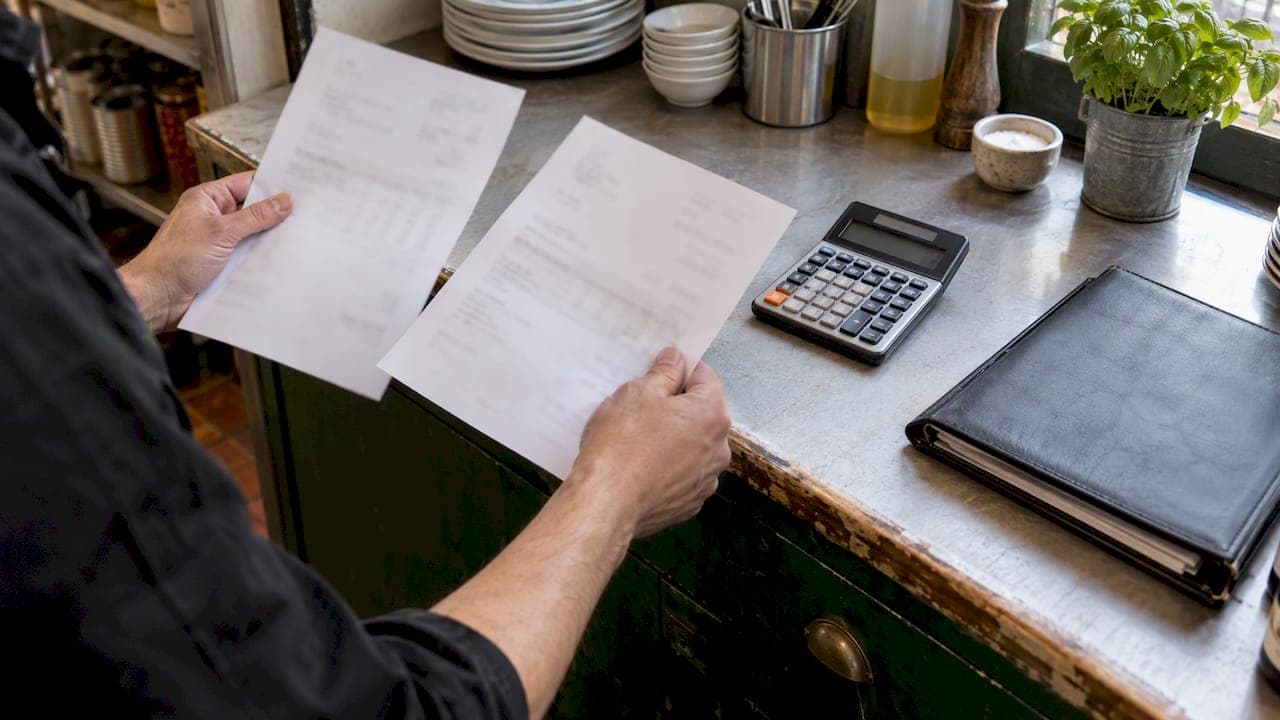
A price change alert tells you the moment a supplier's cost for an ingredient moves, so you can fix your menu, your order or your supplier deal before the margin is gone. For a hospitality venue, that means three things: a current price list for every item you buy, a rule for what counts as a meaningful change, and a person who acts on it the same week.
Most search results for this topic are about shoppers hunting for a sale. This guide is for the other side of the counter: owners, chefs and managers who buy hundreds of lines a week and get hit when a price creeps up unnoticed.
TL;DR
- Supplier prices change quietly, often on the invoice, and the gap only shows up weeks later in your food cost percentage.
- A price alert is only useful if it sits on top of a clean price book: one agreed unit, pack size and price per item.
- Set thresholds by item type. Volatile lines (produce, seafood, dairy, oils) need tighter triggers than dry goods.
- Every alert needs an owner and a next step: re-cost the dish, change the order, ask for a quote elsewhere, or adjust the menu.
- Software beats spreadsheets once you have more than a few dozen lines or more than one site. Start a free trial to see how it works in your kitchen.
Table of Contents
- Why price changes hurt hospitality more than retail
- What a price change alert actually is in a kitchen
- Start with the price book
- Set thresholds that fit each category
- What to do when an alert fires
- Weekly cost tracking beats the monthly P&L
- Why spreadsheets stop working
- Our perspective: price alerts are a habit, not a feature
- How PantryHub fits in
- What to look for in a tool
- A simple four-week rollout
- A worked example
- FAQ
- Sources
Why price changes hurt hospitality more than retail
When a shopper misses a price drop, they miss a saving. When a venue misses a price rise, it pays for it on every plate sold until someone notices.
The pressure is real. The Australian Bureau of Statistics reports that in the 12 months to May 2026, food and non-alcoholic beverages rose 3.3%, and alcohol and tobacco rose 4.7%. Those are averages across a basket. Your own basket (barramundi, butter, cooking oil, coffee, chips) can move a lot faster or slower, and you will not see it in a national figure.
Here is how a small increase becomes a big problem:
- Your supplier lifts the price of a 20 L drum of oil. The invoice is paid by the bookkeeper without comment.
- The menu price for fish and chips, calzone or fried chicken stays the same.
- Your gross margin on that line drops a little on every sale, all week, all month.
- You spot it at the end-of-month P&L, if you spot it at all.
That is the silent eat into margins that owners tell us about. An alert shortens step four from a month to a day.
What a price change alert actually is in a kitchen
In a venue, a price change alert is a flag raised when the price you are being charged for an item differs from the price you have on file. It can come from three places:
- A supplier price list update, when a new catalogue or price file replaces the old one.
- An invoice or delivery, where the price charged does not match the agreed price.
- An order, where the price at the time of ordering differs from last time.
The alert should say which item, which supplier, the old price, the new price, the percentage change and what it does to the cost of the dishes that use it. If it only says "price changed", you still have to do the detective work.
This is the same idea investors use. Australian share traders, for example, can set alerts on a stock for price thresholds, volumes and announcements and get a push notification or email when a trigger is hit. Kitchens need the same discipline: define the trigger, then let the system watch so you do not have to.
Start with the price book
An alert is only as good as the list it compares against. Many venues find that their "price book" is a half-updated spreadsheet, a folder of invoices or the head chef's memory. Before you set any alerts, build one clean list.
What a good price book holds
For each item you buy, record:
- The item name, written one way only ("Tomato, Roma, 5 kg tray", not three versions)
- The supplier, and any alternative supplier you could switch to
- Pack size and the unit you count and use in recipes
- The price per pack and the price per recipe unit (per kg, per litre, per each)
- Whether the price is ex-GST or inc-GST. Pick one and stick to it.
- The date the price was last confirmed
The unit conversion is where most errors hide. If you buy cheese by the 2 kg block and your recipe uses grams, your cost per gram has to be calculated the same way every time. Once your costs are standardised, a change in the pack price flows straight through to every dish.
Keep it to the lines that matter
You do not need to alert on every item. Start with your top 30 to 50 lines by spend. In most kitchens a small group of items (proteins, dairy, produce, oil, coffee, bar spirits and kegs) accounts for the majority of purchasing. Add the rest later.
If you want to see where your biggest leaks usually are, our guide on what inventory control saves Australian hospitality businesses is a good companion read.
Set thresholds that fit each category
One blanket rule, such as "alert me on any change", produces noise, and noise gets ignored. Use tiers instead.
| Category | Typical behaviour | Suggested alert trigger |
|---|---|---|
| Fresh produce | Moves weekly with season and weather | Change of 10% or more against your last confirmed price |
| Seafood and fresh meat | Volatile, often quoted daily | 5% to 10%, or any change on contracted lines |
| Dairy, eggs, oils | Steadier, but step changes are large | Any increase above 3% to 5% |
| Dry goods and packaging | Stable, with periodic list changes | Any change at all, since they are rare |
| Bar: spirits, kegs, wine | Tied to price lists and excise cycles | Any change, checked at each list update |
Treat these numbers as starting points, not rules. Your own history is the better guide. If your fish supplier changes price twice a week, a 5% trigger will fire constantly. Widen it, or negotiate a fixed price for a set period.
A simple way to find your numbers: pull the last three months of invoices for your top 20 items, work out how much each one typically swings, and set the trigger just above normal movement.
What to do when an alert fires
An alert with no response is just another notification. Build a short routine so every alert ends in a decision.
The five-minute response
- Check it is real. Was it a typo, a different pack size or a one-off surcharge? Query the supplier if the change looks odd.
- See the dish impact. Which recipes use this item, and what is the new cost per serve and food cost percentage?
- Decide the lever. You have four: absorb it, swap the ingredient, change the portion, or change the menu price.
- Check the alternatives. Is another supplier cheaper for the same spec? Get a quote.
- Record the outcome. Update the price book so the new price becomes the baseline.
Using the data in supplier conversations
Price history is leverage. Industry commentary from the Australian POS provider Impos notes that even small venues can negotiate with suppliers, and that operators should review costs weekly rather than monthly because ingredient prices can change week to week. When you can show a supplier a chart of their last six price moves and a competing quote, the conversation changes from "can you do better?" to "here is what it will take to keep my order".
A quarterly price review with your top three suppliers is a sensible rhythm. Bring the data, ask for loyalty pricing or a fixed-price window on your biggest lines, and be willing to move a line if the numbers justify it.
Weekly cost tracking beats the monthly P&L
If your only view of food cost is the monthly P&L, you are reacting to events that happened four weeks ago. The same Impos guidance recommends reviewing food cost percentages weekly, tracking price movements by supplier and flagging sudden increases early.
A weekly rhythm can be simple:
- Monday: review last week's food cost percentage against target.
- Mid-week: check any price alerts raised since the last review and decide on actions.
- Before you place the big order: confirm prices on your top lines.
- Month end: compare actual to theoretical usage and look at waste.
The weekly check is much easier when stock counts, purchases and recipes live in one system. If you are still working out what that system should be, 7 signs your kitchen needs inventory software is a quick self-check.
Why spreadsheets stop working
A spreadsheet can track prices, and for a tiny café with 40 items it might be enough. It starts to fail when:
- Several people place orders and nobody owns the master list.
- Prices arrive by email, PDF, phone call and text.
- You buy from five or more suppliers.
- You run more than one venue and each has slightly different costs.
- Recipes are costed once and never updated.
The core problem is that a spreadsheet does not tell you when something changed. You have to go looking. Software flips that around: it watches, and tells you.
That is also the direction the wider industry is heading. An Australian IT consultancy's whitepaper describes how AI-driven systems can cross-reference POS sales, supplier costs and accounting data and proactively flag margin issues, moving managers from manual bookkeeping to decision-making. You do not need an enterprise rollout to benefit from that idea. The practical version for most venues is simpler: costs update automatically, and you get warned when something moves.
Our perspective: price alerts are a habit, not a feature
PantryHub was built by a chef, for chefs, and the lesson we keep coming back to is this: the venues that protect their margins are not the ones with the fanciest tools. They are the ones with a clean list, a weekly routine and one person who owns it.
We see the same pattern across cafés, pubs, clubs, fish and chip shops and restaurant groups. Prices are rarely wrong because someone is careless. They drift because the information lives in too many places: the invoice pile, the chef's notebook, the supplier rep's text message. Nobody is looking at it together.
So our advice has three parts.
- Fix the data first. Standardise your items, units and recipes. If the foundation is messy, every alert becomes an argument about what the number means.
- Alert on money, not on everything. Watch your biggest lines tightly and the long tail loosely. Alert fatigue is the fastest way to kill a good system.
- Close the loop. An alert should end in a decision that is recorded: a new menu price, a new supplier, a smaller portion, or a deliberate choice to absorb the cost.
We built PantryHub as a mobile-first platform with AUD pricing, GST-ready reporting and local support because Australian operators told us they wanted to run stock, ordering and costs from the pass or the back office, without wrestling with software designed for another market.
— Admin
How PantryHub fits in
PantryHub is an inventory and ordering platform for restaurants, cafés, bars and commercial kitchens. It brings together real-time stock tracking, supplier ordering, recipe and pricing standardisation, waste and cost reporting, and team access controls, for one venue or many.
- 📦 Real-time stock control so you know what you hold and what it is worth
- 🔔 AI-powered low-stock alerts so you reorder before you run out
- 🛒 Supplier ordering with integration to Australian suppliers
- 📊 Food cost and waste reporting so margin problems show up weekly, not at month end
- 👥 Team access controls so the right people can order and edit
Plans start at $39 per month (AUD) for Starter, $69 per month for Regular and $99 per month for Pro, and you can see what each includes on the pricing page. Not sure yet? Start your free trial and load in your top lines first. Prefer to talk it through? Book a demo and we will walk you through it.
If you are weighing up your options, our overview of the best inventory software for restaurants in Australia sets out what to look for. Venue owners in specific cities can also see local pages for Melbourne, Sydney, Perth and Adelaide.
What to look for in a tool
Whichever way you go, judge any system against practical questions, not a long feature list.
- Does it hold a single price book? One record per item, with pack size and recipe unit conversions.
- Does it link prices to recipes? If a price change does not update dish costs, you still have manual work.
- Can it work with your suppliers? Check for Australian supplier integration and whether orders can be placed from the app.
- Is it GST-aware? Reports should match how you actually bookkeep.
- Does it work on a phone? Your best counting and ordering happens in the storeroom and the cool room, not at a desk.
- Can it scale? If you might add a second site, multi-location reporting should not mean starting over.
- Is support local? Time zones and public holidays matter when a delivery goes wrong on a Friday.
We go deeper on these points in ingredient-level stock tracking for restaurants and our hospitality inventory software overview.
A simple four-week rollout
You do not need a big-bang project. Here is a realistic plan for a single venue.

Week 1: Build the list
Export or type up your top 30 to 50 items by spend. Standardise names, pack sizes and units. Confirm current prices with each supplier.
Week 2: Link recipes
Cost your top-selling dishes using the price book. Note which ingredients make up most of each dish's cost. Those are the lines to watch most closely.
Week 3: Set triggers and owners
Decide your alert thresholds by category. Name who receives alerts (usually the head chef or kitchen manager) and who approves menu or supplier changes (usually the owner or general manager).
Week 4: Review and tune
Look at which alerts fired. Were any noise? Did anything slip through? Adjust thresholds and add more lines. Then book a quarterly supplier review in the calendar.
Avoid the traps that catch many venues, such as stale recipes and inconsistent units. Our list of common inventory mistakes restaurants make covers them.
A worked example
Take a fish and chip shop that sells a battered fish and chips combo at $16.00.

Suppose the cost of the plate is $5.60, a food cost of 35%. The cooking oil supplier raises the price on a drum, and the fish supplier lifts the fillet price. Together they add $0.40 to the plate cost, taking it to $6.00, or 37.5% of the menu price.
That looks small. But at 200 combos a week, it is $80 a week, or roughly $4,160 over a year, from one dish. With an alert, you see the change the day the new price lands, check the impact on the combo, and choose: raise the price by a dollar, shave the portion, or ask a second supplier to quote. Without one, the same shift can run for weeks before the P&L shows it.
The figures here are illustrative, not PantryHub customer data. Use your own numbers to see what each percentage point of food cost is worth in your venue.
FAQ
What is a price change alert in a restaurant?
It is a notification that a supplier's price for an item has moved away from the price in your records. Good alerts show the old and new price, the percentage change and which dishes are affected. They let you act within days instead of discovering the change at month end.
How often should I review supplier prices?
Review food cost percentages weekly, and run a deeper supplier price review each quarter. Volatile items such as produce and seafood deserve a check before each large order. Weekly tracking is the approach recommended in Australian industry guidance on rising food costs.
What is a price book, and do small cafés need one?
A price book is your master list of every item you buy, with supplier, pack size, unit and current price. Yes, small cafés need one too. It is what makes alerts and recipe costing accurate, and it can start with just your top 30 lines.
Can I just use a spreadsheet?
For a very small menu and one supplier, a spreadsheet can work. It will not warn you when a price moves, and it gets harder to maintain as items, suppliers and staff grow. Software that links stock, orders and recipes removes much of that manual checking.
What does PantryHub cost?
PantryHub plans are $39 per month (AUD) for Starter, $69 per month for Regular and $99 per month for Pro. There is also a free trial. Details are on our pricing page.
Sources
- Consumer Price Index, Australia, May 2026 | Australian Bureau of Statistics
- CommSec: Unlimited free alerts
- How Restaurants Can Manage Rising Food Costs in 2026 | Impos
- Agentic AI for Hospitality | All IT Services