
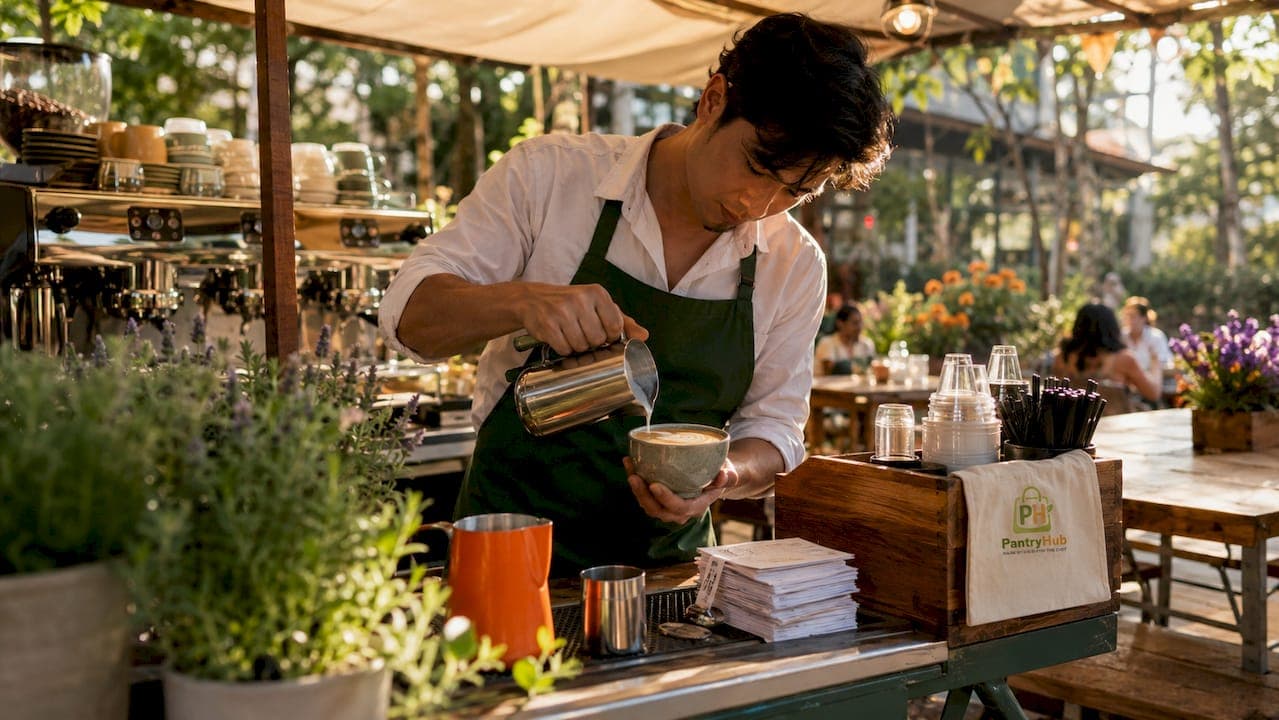
Cafe ordering workflow best practices define the systems, timing standards, and supplier protocols that separate a profitable café from a chaotic one. The industry benchmark for a single barista is a completed drink within 60–90 seconds, achieved through parallel task management, documented standard operating procedures (SOPs), and integrated technology. Cafés that treat ordering workflows as a living system, rather than a fixed routine, consistently outperform those that rely on habit and tribal knowledge. This guide covers the specific practices that drive speed, accuracy, and consistency across every service format.
1. How to apply cafe ordering workflow best practices to barista speed
The foundation of efficient coffee shop order management is parallel task execution. A barista should never stand idle while the espresso machine runs. The correct sequence: start the shot, steam milk simultaneously, and have the cup staged before the shot finishes. That overlap is what makes the 60–90 second target achievable on a busy Saturday morning.
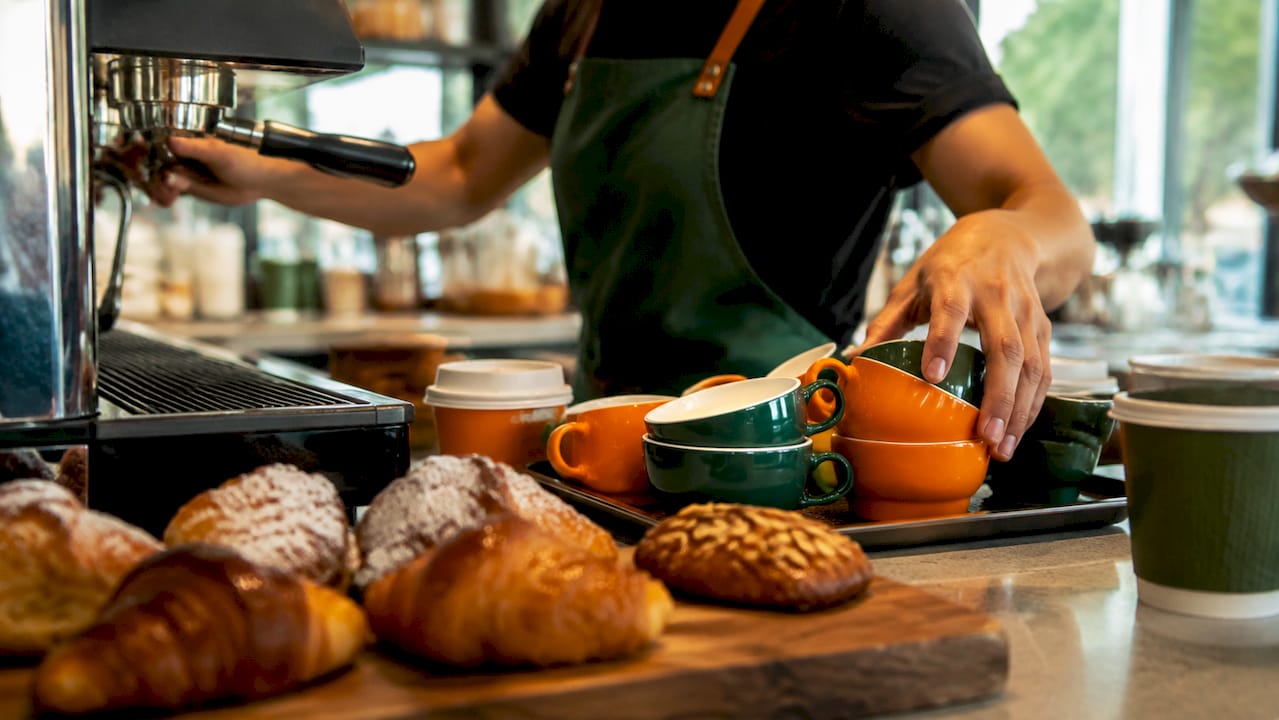
SOPs are the backbone of this consistency. A well-written SOP covers every step from grinder dose to cup placement, and it gets updated whenever the workflow changes. Treating SOPs as static documents is the fastest way to introduce quality drift after a staff change.
Daily dial-in is non-negotiable. The lead barista should pull and taste the first shot of every shift, adjust grind size based on extraction time, and log the result. This takes under three minutes and prevents the entire service period from running on yesterday's calibration.
- Pull and taste the first shot before opening
- Log grind setting, dose weight, and extraction time daily
- Update SOPs within 48 hours of any workflow change
- Hold weekly 30-minute calibration sessions covering technique and cupping
Pro Tip: Track waste as a percentage of total output each week. A waste target below 5% is the standard benchmark. If you exceed it consistently, the problem is usually in the dial-in process, not the staff.
2. Using kitchen display systems and unified POS to cut errors
Kitchen display systems (KDS) replace paper tickets with a centralized, real-time order queue that every station can see. Customizations appear on screen the moment an order is placed. That eliminates the most common source of errors: a barista misreading handwritten notes under pressure.
A unified POS platform takes this further. Consolidated order management pulls dine-in, takeaway, and third-party delivery orders onto a single screen. Staff stop toggling between multiple tablets, and missed orders drop significantly. The operational benefit is not just speed. It is reduced cognitive load during peak service.
Disconnected tools cause the biggest workflow inefficiencies in café operations. When the POS does not talk to the kitchen screen, orders get repeated verbally or written down manually. Both methods introduce delay and error. Integration removes that gap entirely.
| Feature | Paper tickets | KDS + unified POS |
|---|---|---|
| Order visibility | Single station only | All stations, real time |
| Customization accuracy | Handwritten, error-prone | Displayed automatically |
| Multi-channel orders | Requires separate tablets | Single consolidated screen |
| Staff stress during peak | High | Reduced |
Pro Tip: Build a manual crash kit before you need it. Stock paper order pads and write out clear staff procedures for system outages. Run a drill during a quiet period so staff can execute the backup process without freezing under pressure.
Staff training on digital tools matters as much as the tools themselves. A KDS only reduces errors if every team member understands how to read and respond to it. Schedule a dedicated onboarding session for any new system before it goes live on the floor.
3. Supplier and inventory management for uninterrupted ordering
Supplier management is a direct input to your ordering workflow. When a key ingredient runs out unexpectedly, every downstream process breaks. The fix is not more stock. It is better supplier protocols.
Categorize your suppliers into two groups: transactional and strategic. Transactional suppliers provide commodities where price and availability drive the relationship. Strategic suppliers provide specialty items, like single-origin beans or signature sauces, where consistency and quality are the priority. Each category needs a different management approach.
Require at least 30 days' written notice for any price increase. If landed costs shift by more than 3%, that triggers a recipe re-costing review. Catching this early prevents margin erosion that compounds quietly over months. You can learn more about managing these cost shifts through restaurant cost control strategies.
- Classify every supplier as transactional or strategic
- Require 30 days' written notice for price changes
- Re-cost recipes when landed costs move by more than 3%
- Test backup suppliers with small orders before you need them
- Schedule monthly reviews for strategic suppliers, quarterly for transactional
Supplier consolidation with tested backups for critical items gives you the efficiency of fewer relationships without the fragility of single-source dependency. Place a small order with your backup supplier every quarter. That keeps the relationship active and confirms they can deliver when your primary cannot.
Pro Tip: Link your inventory reorder points directly to POS sales data. When a product hits its minimum threshold, the reorder triggers automatically. This is the core function of automated stock ordering and it removes the human memory requirement from a process that should never depend on memory.
4. Training and continuous improvement for lasting efficiency
Tribal knowledge is the enemy of consistent café operations. When a skilled barista leaves and takes their technique with them, quality drops immediately. The only defense is documentation. Every workflow, recipe, and procedure needs to live in a written SOP that any trained staff member can follow.
Weekly 30-minute calibration sessions covering technique and cupping are the most effective way to maintain standards across a team. These sessions also give staff a forum to flag problems before they become patterns. A barista who notices the grinder drifting on Thursdays will mention it in a calibration meeting. They will not always mention it mid-service.
Daily quality control taste checks by the lead barista prevent the gradual drift that accumulates when no one is formally checking. This step gets skipped most often during busy periods, which is exactly when it matters most.
- Document every workflow in a written SOP
- Hold weekly calibration sessions covering technique and cupping
- Conduct daily taste checks before and during service
- Use order time and waste data to identify where the process breaks down
- Review and update SOPs at least once per quarter
Pro Tip: Use operational metrics, not impressions, to identify problems. Track average order time, waste percentage, and ticket error rate weekly. Numbers tell you where to focus training. Impressions tell you where you already noticed a problem.
5. Adapting workflows to café format and peak demand
A single-counter café with one barista needs a completely different workflow than a multi-station operation running three simultaneous service points. Applying the same process to both creates bottlenecks in one and idle time in the other.
Small cafés benefit from a linear workflow where one person handles the full order cycle. The priority is minimizing movement and keeping every tool within arm's reach. Mise en place, the practice of staging all ingredients and equipment before service, is the single most effective efficiency practice for a solo operator.
Multi-station operations require clear role specialization. One person takes orders, one pulls shots, one handles milk and assembly. Communication between stations needs a defined protocol, whether that is a KDS, a verbal call system, or both. Without a defined handoff, orders pile up at the bottleneck station while others wait.
- Single-counter cafés: prioritize mise en place and linear task flow
- Multi-station operations: assign clear roles and define handoff protocols
- Peak periods: pre-batch syrups, pre-portion milk, and stage cups in advance
- High-volume formats: use a KDS to manage queue visibility across stations
- Adjust staffing ratios before peak periods, not during them
Selecting the right kitchen ordering system for your format matters. An entry-level setup with a basic POS and paper tickets works for a low-volume café. A high-volume operation needs a fully integrated platform with real-time queue management and multi-channel order consolidation.
Key takeaways
Efficient café ordering workflows require parallel task execution, integrated digital tools, and documented supplier protocols working together as a single system.
| Point | Details |
|---|---|
| Barista speed target | Complete each drink within 60–90 seconds using parallel task management. |
| SOP discipline | Treat SOPs as living documents and update them within 48 hours of any workflow change. |
| Digital integration | Use a KDS and unified POS to consolidate orders and reduce errors across all channels. |
| Supplier protocols | Require 30 days' notice for price changes and test backup suppliers quarterly. |
| Continuous improvement | Hold weekly calibration sessions and track waste and order time as primary metrics. |
What I've learned from watching cafés get this wrong
The most common mistake I see is cafés investing in technology before fixing the underlying process. A KDS installed on top of a disorganized workflow just makes the disorganization faster. The sequence matters: document the process first, then automate it.
The second mistake is treating supplier management as a back-office function separate from daily operations. When your oat milk supplier changes their delivery schedule without notice and you find out at 7:00 AM, that is a workflow problem. The fix is a supplier protocol, not a bigger stockroom.
I have also watched cafés over-engineer their SOPs into documents nobody reads. A good SOP fits on one page per station. If it takes longer to read than to perform, it will not get used. Simplicity is not a compromise. It is the point.
The cafés that run well in 2026 are not the ones with the most sophisticated technology. They are the ones where every staff member knows exactly what to do, the tools support that clarity, and the manager reviews the numbers every week without fail. That combination is harder to build than any software purchase, and it is far more durable.
— Admin
How Pantryhub supports your café's ordering workflow
Running a tight ordering workflow means your inventory and supplier management need to keep pace with your service floor. Pantryhub is built specifically for hospitality operations like yours, connecting stock levels, supplier orders, and real-time reporting in one platform.

Pantryhub links directly with your POS data to trigger reorders when stock hits your set thresholds, so you never run out of a critical ingredient mid-service. Low-stock alerts, supplier integration, and multi-location visibility give you the control that manual tracking cannot. Whether you run one café or several, Pantryhub's hospitality inventory software gives your team the operational foundation to deliver consistent service every shift.
FAQ
What is the ideal drink completion time for a barista?
The industry benchmark is 60–90 seconds per drink, achieved through parallel task management such as steaming milk while pulling espresso. Consistently hitting this target requires daily dial-in and documented SOPs.
How does a kitchen display system improve café order accuracy?
A KDS centralizes the order queue and displays customizations in real time, replacing handwritten tickets that are prone to misreading. This reduces errors at the point of preparation and speeds up fulfillment across all stations.
How often should café SOPs be updated?
SOPs should be treated as living documents and updated within 48 hours of any workflow change. Weekly calibration sessions give staff a structured opportunity to flag issues that should trigger an SOP revision.
What is the minimum notice period for supplier price increases?
Cafés should require at least 30 days' written notice from suppliers before any price increase takes effect. If landed costs shift by more than 3%, that change should trigger a recipe re-costing review.
How should a café prepare for a POS or KDS system outage?
Every café needs a manual crash kit with paper order pads and written staff procedures for system failures. These backup methods should be tested during quiet periods so staff can execute them without disruption during a live service.