
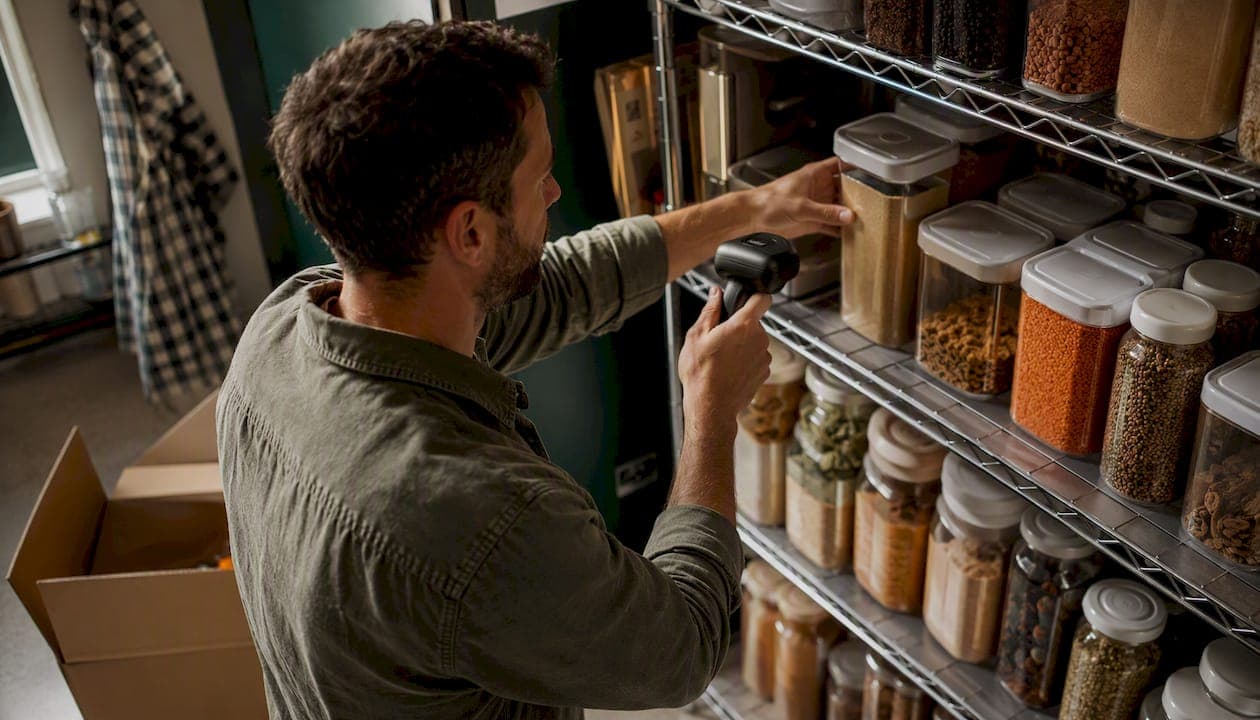
A venue management platform, in the hospitality context, is an inventory and supplier-ordering system that tracks stock levels, triggers low-stock alerts, generates purchase orders, supports recipe costing, and syncs inventory across one or multiple locations for restaurants, cafés, bars, and commercial kitchens. It is not an event-ticketing or arena-booking tool. The outcome for operators is straightforward: real-time visibility into what you have, fewer stockouts, and faster purchasing decisions without the spreadsheet chaos.
Forbes Advisor's review of restaurant inventory platforms links inventory software directly to waste reduction and profit gains. The industry term for this category is hospitality inventory management software, and the phrase "venue management platform" is increasingly used by operators to describe the same concept. Pantryhub is built specifically for this purpose.
Table of Contents
- What features does a hospitality venue management platform include?
- How a venue management platform cuts costs and saves time
- How Pantryhub addresses your venue management needs
- A quick example: what one cycle count can reveal
- Key Takeaways
- Why the "venue management" label matters less than what the platform actually does
- See Pantryhub in action with your own data
What features does a hospitality venue management platform include?
Inventory management platforms replace spreadsheets and clipboards with a single source of truth for stock. Here is what every credible system should deliver:
- 📦 Inventory tracking per location: Count and monitor stock at each site independently, with totals rolled up for group visibility to help manage multi-site operations.
- 🔄 FIFO support: The system flags oldest stock for use first, reducing spoilage on perishables like proteins and dairy.
- 🔔 Low-stock alerts: Automated notifications fire when an item drops below its par level, so your team orders before a stockout hits service.
- 🛒 Automated purchase orders: When stock hits a reorder point, the platform drafts a PO to the right supplier, ready for one-click approval.
- 🍽️ Recipe costing and portion control: Link ingredients to menu items so every price change or portion tweak recalculates your food cost in real time.
- 🗑️ Waste logging and reporting: Staff log spoilage and breakage at the point of disposal, giving you accurate waste data by category and shift.
- 🏢 Multi-location sync: Stock moves, transfers, and counts at one venue update the central dashboard immediately.
- 👥 Role-based access: Chefs see counts and recipes; managers see costs and orders; owners see the full financial picture.
Integrations are where platforms earn their keep. POS integration, par-level reorders, cycle counts, and supplier sync are the practices that make inventory data usable rather than decorative. Look for real-time POS sync, supplier catalog connections, and accounting exports to tools like Xero or QuickBooks.
Pro Tip: Ask any vendor whether their POS integration is real-time or a nightly file import. A 24-hour lag means your stock counts are always yesterday's news.
How a venue management platform cuts costs and saves time
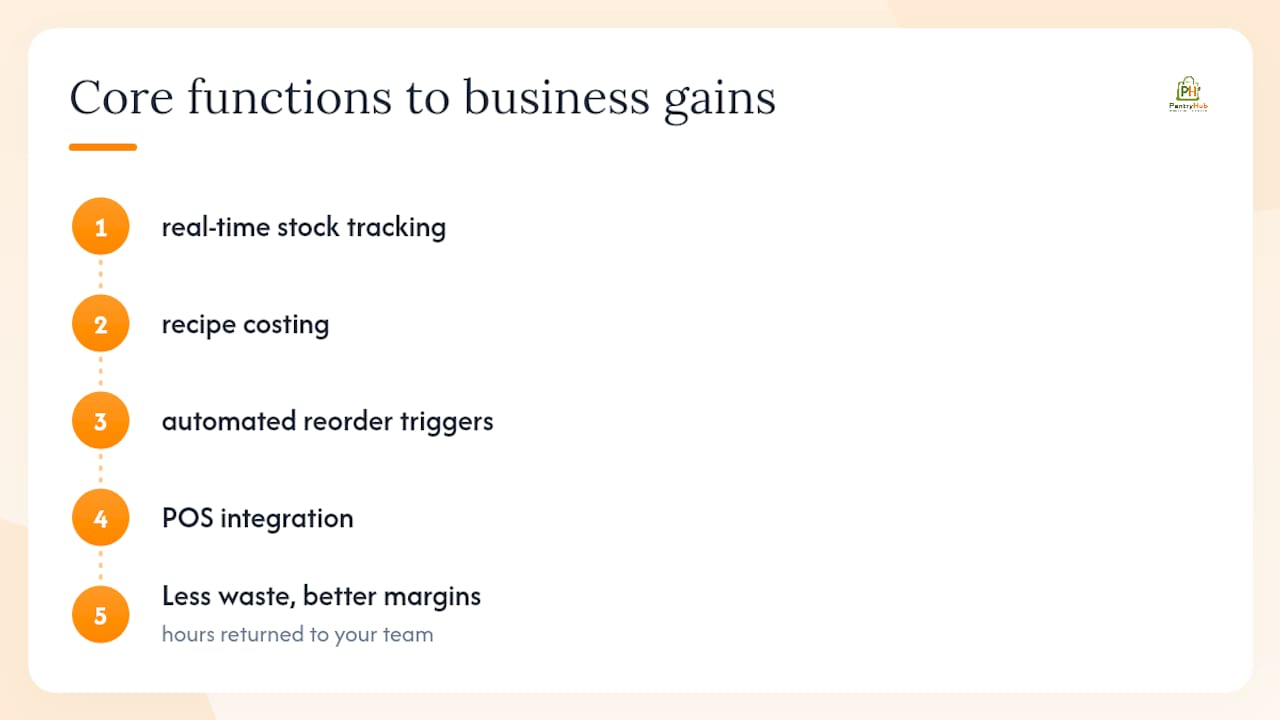
The business case for hospitality inventory software comes down to three levers: less waste, better margins, and hours returned to your team.
Four core functions define the category: real-time stock tracking, recipe costing, automated reorder triggers, and POS integration. When all four work together, gross margin improvement follows because over-ordering drops, portion drift gets caught early, and supplier invoices match what was actually received.
Non-financial gains matter too. Consistent FIFO compliance keeps food safety audits clean. Chefs spend less time counting and more time cooking. Front-of-house staff stop 86-ing menu items mid-service because the kitchen ran out of a key ingredient nobody noticed was low.
How Pantryhub addresses your venue management needs
Pantryhub is built specifically for hospitality operators, designed by chefs who understood the gap between what generic inventory tools offer and what a commercial kitchen actually needs.
- 📦 Smart inventory tracking with real-time stock visibility across every location
- 🔔 AI-powered low-stock alerts that fire before you run out, not after
- 🛒 Supplier ordering with catalog integration and one-click PO generation
- 🍽️ Recipe costing and pricing standardization tied directly to live ingredient costs
- 🏢 Multi-location control from a single dashboard, with role-based access for every team member
- 📊 Waste and cost reporting that shows where margin is leaking by category, shift, or venue
Pantryhub operates with an Australian market focus and supports single venues through to multi-site groups. For U.S. availability, contact the team directly to discuss rollout options.
Pro Tip: Before your demo, pull your last three supplier invoices and your top 20 SKUs by spend. Showing real data in a demo reveals integration gaps that a scripted walkthrough will never surface.
A quick example: what one cycle count can reveal
A café operator running a busy brunch service noticed her weekly food cost percentage was consistently two points above her target. She assumed it was portion drift on eggs and avocado. A focused cycle count on her top 20 SKUs told a different story: three cases of specialty coffee syrup, purchased six weeks earlier for a seasonal menu, were sitting unopened at the back of the dry store. The cost was absorbed, the product was aging, and nobody had flagged it because there was no system to flag it.
One count, one afternoon, recovered the cost of product that would otherwise have been binned. The platform then set par levels and maximum stock quantities to prevent similar over-ordering in the future.
The practical step you can copy right now:
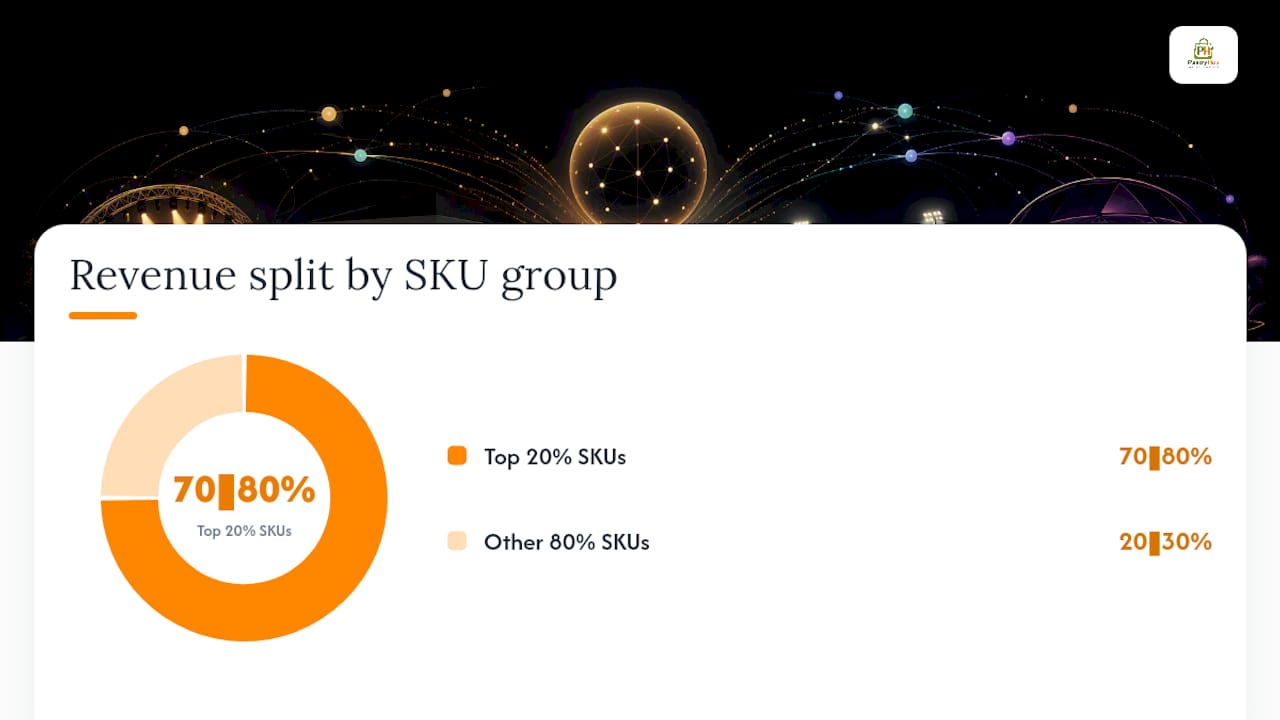
- Identify the 20% of your SKUs that drive 70–80% of your revenue and count those first.
- Log any stock that has not moved in 14 days and assign it to a current menu item or flag it for return.
- Set a maximum stock quantity alongside your par level so over-ordering triggers an alert, not just under-ordering.
Key Takeaways
A hospitality venue management platform pays for itself fastest when you connect it to your POS, set accurate par levels, and run cycle counts on your highest-value SKUs from week one.
| Point | Details |
|---|---|
| Clear definition | A venue management platform tracks stock, triggers alerts, and generates supplier POs for restaurants, cafés, and bars. |
| Three features to test in a demo | Real-time POS sync, automated PO generation, and recipe costing with yield percentages. |
| Fastest ROI action | Run a cycle count on your top 20 SKUs by spend before your first full platform count. |
| Implementation timeline | Expect 30 days to baseline, 90 days to see waste reduction, and 180 days to measure margin gains. |
| Pantryhub | Offers chef-built inventory tracking, AI-powered alerts, supplier ordering, and multi-location control for hospitality operators. |
Why the "venue management" label matters less than what the platform actually does
The phrase "venue management platform" gets used loosely across the industry, and most of what the open web returns for it covers event ticketing and arena booking — a completely different product for a completely different buyer. For restaurant and café operators, the label that matters is what the system does: tracks your stock, connects to your suppliers, costs your recipes, and tells you when to order before service suffers.
Operators who focus on the label often end up evaluating the wrong tools. The better question to ask is not "is this a venue management platform?" but "does this system connect to my POS, support my suppliers, and give me food cost data I can act on today?" That question cuts through the marketing noise fast.
Pantryhub was built to answer yes to all three. If you want to see it working on your actual data, request a demo or review the small venue implementation guide before your first call.
See Pantryhub in action with your own data
Fewer stockouts, less waste, and a food cost percentage you can actually defend — that is what operators report after moving off spreadsheets and onto a purpose-built platform.

Pantryhub gives you real-time stock control, AI-powered low-stock alerts, and direct supplier ordering from a single dashboard. Whether you run one venue or ten, the setup is straightforward and the support is real.
Before your demo, prepare:
- Your current POS system name and version
- A list of your top 20 SKUs by weekly spend
- Two or three supplier invoices from the past month
- Any recurring stockout items that have cost you a service
Ready to see it live? Book a demo or start a free trial on the Pantryhub platform page. For U.S. operators, reach out directly through the site to discuss availability and rollout timing.