
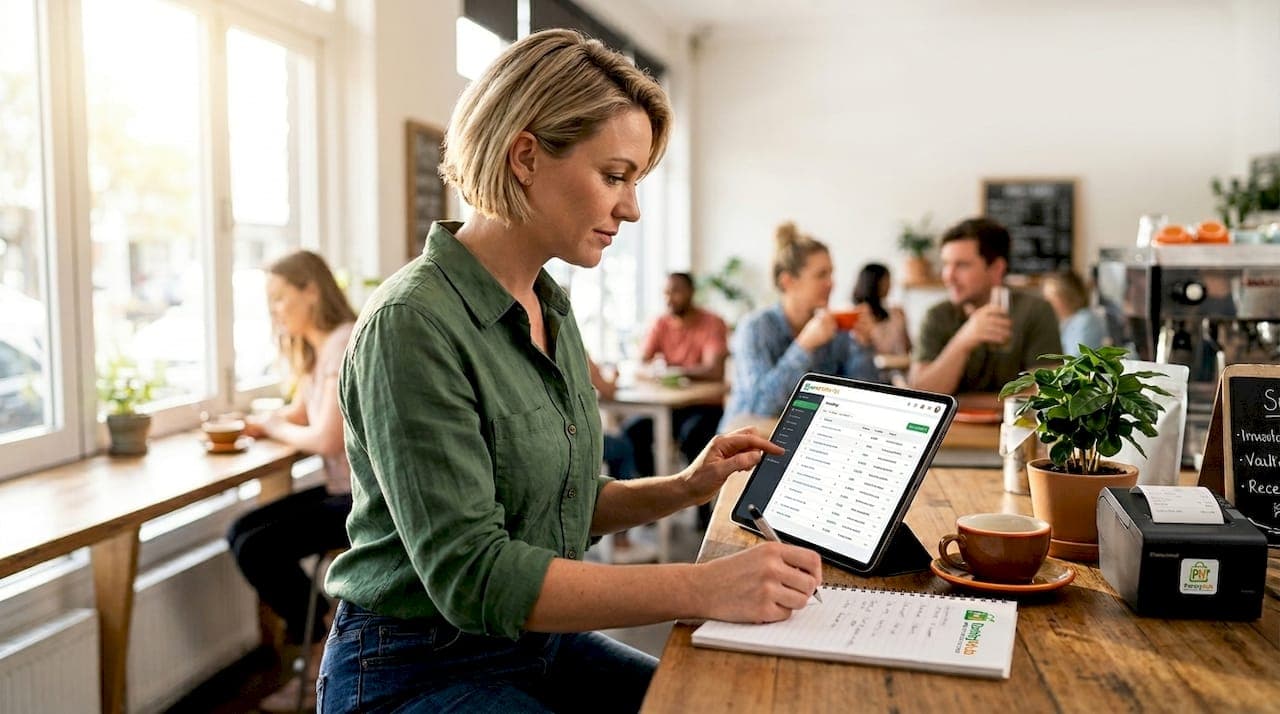
Inventory software for small Australian hospitality venues is defined as a digital system that connects point-of-sale sales directly to real-time stock updates, automatically decrementing ingredients based on recipe usage every time a menu item is sold. This is the core role of inventory software in a small Australian venue: replacing manual counting with automated, accurate tracking. Tools like Pantryhub and TapTouch POS have made this technology accessible to single-site cafés, bars, and restaurants that previously relied on spreadsheets and guesswork. The result is fewer stockouts, less waste, and purchasing decisions backed by actual data rather than memory.
What does inventory software do for a small Australian venue?
Inventory software automates the link between what you sell and what you have in stock. Every time a barista pulls an espresso or a chef fires a steak, the system decrements stock in real time based on the recipe mapped to that POS item. This means your stock count reflects actual consumption, not a weekly manual tally that is already outdated by Tuesday.
The industry term for this process is perpetual inventory management, and it is the standard that separates professional stock control from clipboard counting. Without it, variance reports cannot reliably explain discrepancies between what you ordered and what you sold. A small café running 200 covers a day accumulates meaningful stock errors within 48 hours if tracking is manual.
For small venue operators in Australia, the practical benefits are immediate. You spend less time counting and more time running service. Your purchasing decisions are based on real consumption data, not gut feel. And when a supplier calls to confirm an order, you already know exactly what you need.
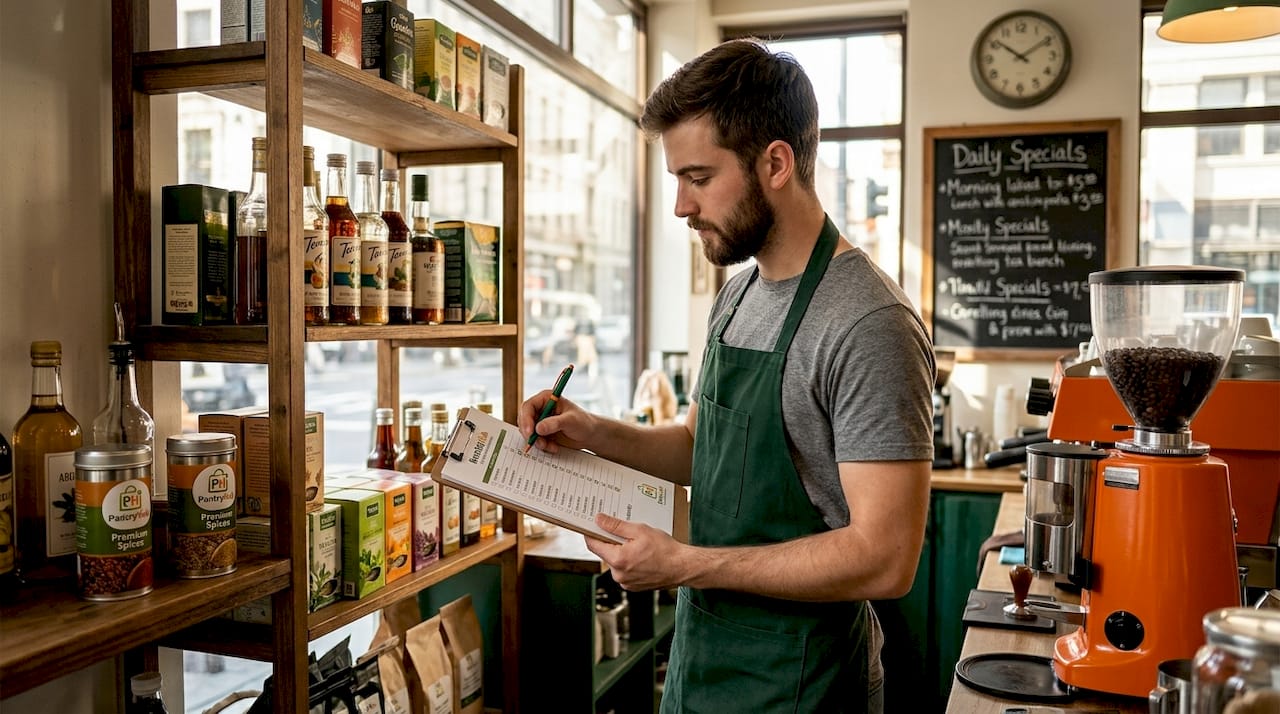
How inventory software automates stock control tasks
Modern hospitality inventory software handles the operational tasks that previously consumed hours of management time each week. The core workflow automation includes:
- Digital stocktakes via mobile device. Staff scan or count stock on a phone or tablet, with results uploaded directly to the system. Tools like Timly emphasize mobile stocktake capabilities that allow minimum stock monitoring and alerts across all venue areas.
- Low-stock alerts. The system flags items that fall below a set threshold before you run out. TapTouch POS delivers AI-powered stock alerts that trigger replenishment actions automatically, reducing the risk of running dry on a Friday night.
- Supplier management and auto-replenishment. When stock hits a reorder point, the system can generate a purchase order to your nominated supplier. This removes the manual step of checking stock, writing an order, and emailing it.
- Receiving and invoice matching. When a delivery arrives, staff confirm quantities against the purchase order in the system. Discrepancies are flagged immediately rather than discovered at the next stocktake.
Pro Tip: Set your low-stock alert thresholds at 1.5 times your average daily usage for high-turnover items. This gives you a buffer to reorder before you actually run out, even if a delivery is delayed.
The shift away from spreadsheets is not just about convenience. Spreadsheets break when two people edit them simultaneously, they do not alert you to problems, and they require someone to remember to update them. Inventory software removes that dependency entirely.
Consumable vs. event inventory: what's the difference?
Not all inventory in a hospitality venue works the same way, and this is where many small operators get caught off guard. The industry distinguishes between two fundamentally different tracking models.
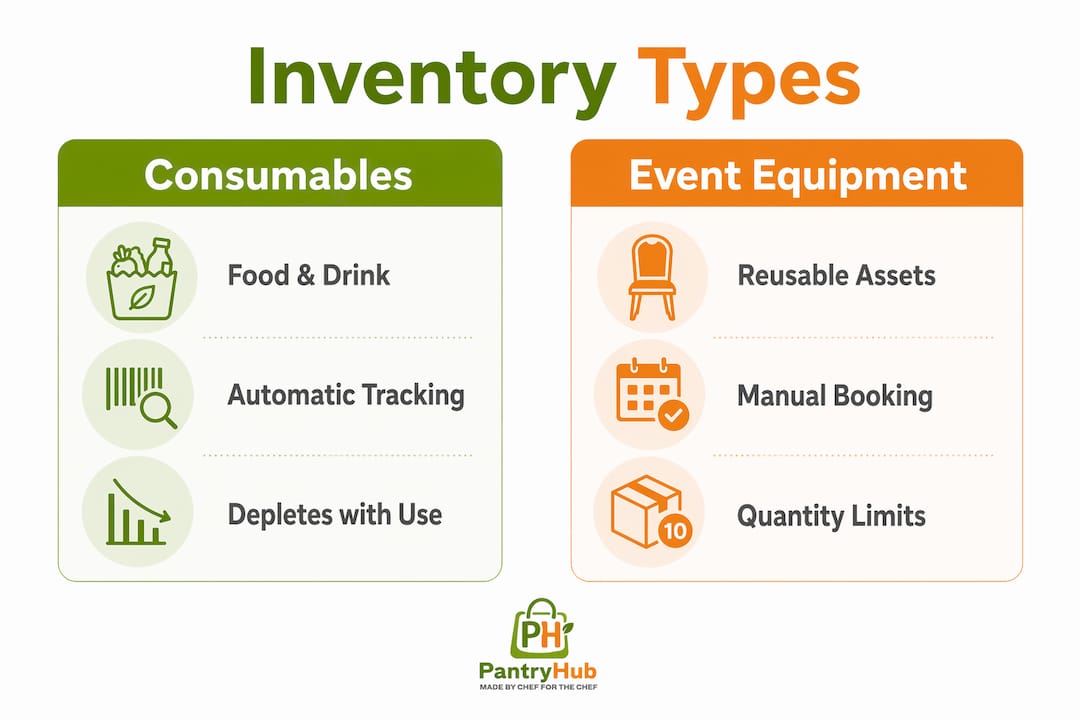
| Inventory type | How it's tracked | Key control needed |
|---|---|---|
| Food and beverage consumables | Decremented by recipe usage per sale | Recipe mapping to POS items |
| Event and equipment inventory | Tracked by quantity and availability dates | Booking controls to prevent double allocation |
Consumables like wine, flour, and coffee beans are consumed and gone. The system tracks them by linking each menu item to a bill of materials (the recipe), so every sale automatically reduces the relevant ingredient quantities. This is the model Pantryhub and most food-focused platforms use.
Equipment and event inventory works differently. A set of Tiffany chairs, a projector, or a portable bar unit is not consumed. It needs to be available on a specific date and unavailable on any conflicting booking. Oracle OPERA Cloud handles this with a Sell Control function that enforces availability rules and prevents double bookings across event inventories. For a small venue that hosts both dining and private events, running both models in parallel is the correct approach.
The operational implication is significant. If you track your event equipment the same way you track your gin bottles, you will either overbook or lose visibility on asset availability. Mixed inventory types require tailored tracking controls, not a one-size-fits-all setup.
Pro Tip: Create a separate inventory category in your system for reusable event assets. Assign quantity limits and booking date controls to each item so the system can flag conflicts before they reach your events coordinator.
Benefits of centralized visibility for multi-venue operators
Small operators running two or three venues face a specific problem: stock sits in different locations, purchasing happens independently at each site, and waste accumulates invisibly across the group. Centralized inventory software solves this by giving you a single view across all locations.
FrabPOS provides multi-location stock visibility with central reporting that allows operators to compare venue performance and identify where wastage is highest. This kind of data changes purchasing behavior fast. When you can see that your second venue is over-ordering chicken by 15% every week, you fix it. Without centralized data, that waste is invisible.
The table below shows what centralized inventory visibility delivers across a small multi-venue group.
| Capability | Operational benefit |
|---|---|
| Store-level stock movement tracking | Identify which venue is over-ordering or wasting most |
| Centralized purchase order management | Negotiate better supplier terms with consolidated volume |
| Cross-venue stock transfer | Move surplus stock from one site to another before it expires |
| Unified reporting dashboard | Compare food cost percentages across venues in one view |
Pantryhub supports multi-location inventory management with real-time visibility across sites, which is particularly relevant for Australian operators managing venues in different suburbs or cities. The ability to monitor stock from a phone while off-site is not a luxury for a small operator. It is the difference between catching a problem and discovering it after the damage is done.
Centralized systems also reduce duplicated admin work. Instead of each venue manager spending two hours on a Monday morning reconciling stock, one system does it automatically overnight. That time goes back into running the business.
How to implement inventory software in your venue
Getting inventory software working correctly requires more than signing up and logging in. The setup phase determines whether your data is reliable or misleading.
- Map every POS item to its recipe. This is the single most important step. Without menu-ingredient mapping, variance reports cannot explain stock discrepancies. Start with your top 20 selling items and build from there.
- Enter accurate opening stock counts. The system needs a baseline. Do a full physical stocktake before going live, and enter quantities by unit of measure (grams, liters, units) consistently.
- Set minimum stock levels for every item. Decide the lowest quantity you are comfortable holding before a reorder is needed. This activates your low-stock alerts and makes auto-replenishment meaningful.
- Connect your suppliers. Add supplier details, pricing, and lead times so the system can generate accurate purchase orders. This also enables invoice matching on delivery.
- Train your team on digital stocktake and receiving. Staff training on digital processes is non-negotiable. A system is only as accurate as the people entering data into it. Run a practice stocktake before going live.
- Review variance reports weekly. The first few weeks will surface mapping errors and counting inconsistencies. Treat these as calibration, not failure. Fix the root cause in the system rather than adjusting numbers manually.
Pro Tip: Assign one person per shift as the "receiving owner" who is responsible for confirming deliveries in the system. Shared responsibility means no one does it, and your stock counts drift within days.
A common pitfall is going live across all menu items simultaneously. Start with your highest-cost ingredients, get those tracking accurately, then expand. This staged approach lets you build confidence in the data before relying on it for purchasing decisions.
Key takeaways
Inventory software is the most direct tool a small Australian venue has for converting sales data into accurate stock control, and the setup quality determines whether the data is trustworthy.
| Point | Details |
|---|---|
| POS-to-recipe mapping is foundational | Every menu item must link to its ingredients before stock decrements accurately. |
| Consumable and event inventory need separate models | Food tracks by consumption; equipment tracks by availability and booking date. |
| Centralized visibility reduces multi-venue waste | Comparing stock movement across sites reveals over-ordering and waste patterns. |
| Low-stock alerts prevent service failures | Set thresholds at 1.5x daily usage to allow reorder time before stockouts occur. |
| Staff training determines data quality | Digital stocktake and receiving processes only work if the team uses them consistently. |
Why small venues underestimate inventory software
I have worked with enough small hospitality operators to know the pattern. The owner runs the numbers on a Sunday night, realizes food cost is 4% over target, and spends an hour trying to figure out why from a spreadsheet that was last updated on Thursday. The answer is almost always in the gap between what was sold and what was actually tracked.
The operators who get the most from inventory software are not the ones with the most complex setups. They are the ones who did the boring work upfront: mapping every recipe, setting every alert, training every staff member on receiving. The software does not fix a broken process. It amplifies whatever process you give it.
What surprises most small venue operators is how quickly the event inventory piece pays off. A venue that hosts three private functions a week and tracks its equipment manually is almost certainly double-allocating something at least once a month. That is a client complaint waiting to happen. Treating event assets with the same rigor as food inventory is an overlooked opportunity that costs nothing to fix once the system is in place.
My honest view: the ROI on inventory software for a small Australian venue is not about the software cost versus the time saved. It is about the purchasing decisions you stop making badly. One week of accurate data changes how you order. One month changes how you price.
— Admin
See how Pantryhub handles inventory for Australian venues
Small venue operators across Australia use Pantryhub to connect POS sales to real-time stock tracking, manage supplier orders, and monitor stock across one or multiple locations. Built specifically for restaurants, cafés, and bars, Pantryhub maps menu items to recipe ingredients automatically, triggers low-stock alerts, and gives you a live view of your pantry from any device.

If you are ready to move beyond spreadsheets and get accurate, real-time stock control in your venue, explore what Pantryhub's hospitality inventory platform delivers for small Australian operators. You can also see how the bar inventory features handle pour cost tracking and stocktake for bars and event-based venues.
FAQ
What is the role of inventory software in a small venue?
Inventory software automatically tracks stock levels by connecting POS sales to recipe-based ingredient consumption, replacing manual counting with real-time data. It also manages low-stock alerts, purchase orders, and supplier communications from a single platform.
How does inventory software connect to a POS system?
The software maps each POS menu item to a recipe, so every sale triggers an automatic stock decrement for the relevant ingredients. Without this POS-to-inventory link, stock counts drift from reality within days on a busy service.
Can small venues manage event equipment in inventory software?
Yes, but event equipment requires a different tracking model than consumables. Systems like Oracle OPERA Cloud use availability controls and quantity limits to prevent double bookings, while food inventory tracks by consumption per sale.
How long does it take to set up inventory software?
Most small venues can complete initial setup, including recipe mapping and opening stock counts, within one to two weeks. The first month is a calibration period where variance reports surface mapping errors that need correcting.
What is the biggest mistake venues make with inventory software?
Going live without completing recipe-to-POS mapping is the most common error. Without it, the system cannot generate meaningful variance reports, and stock discrepancies remain unexplained regardless of how carefully staff count.