
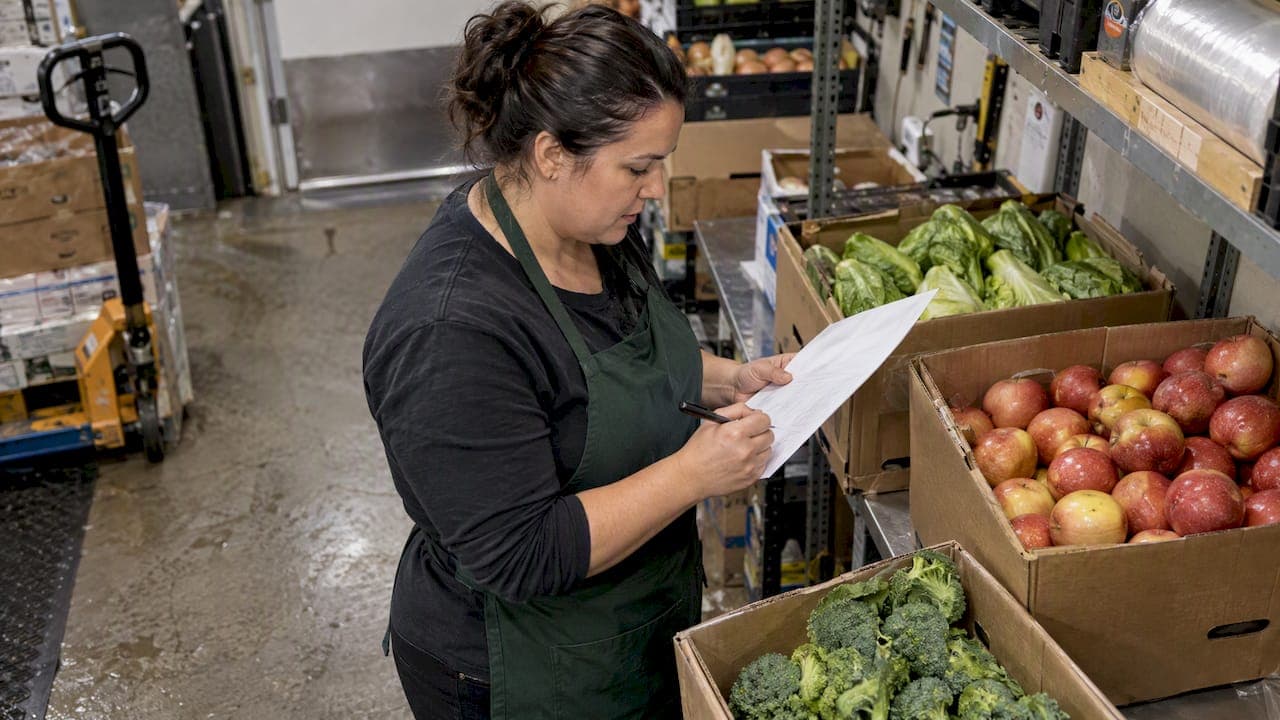
A supplier order guide is the structured set of SKU and ordering rules your supplier needs to fill a purchase order correctly. Start by standardizing every line to the supplier's pack unit and assigning a GTIN to each product. From there, GS1 identifiers and the PO, PO response, dispatch advice and invoice messages become your anchors. We built PantryHub to support hospitality inventory and ordering.
TL;DR:
- Require each purchase order line to include the GTIN, internal SKU, pack size, unit price, delivery GLN, and requested delivery date.
- Retailer EDI certification requires mapped standard messages and a successful test cycle; timelines vary, so confirm requirements in each retailer’s onboarding pack.
- Preserve original purchase order line numbers through responses and dispatch advice, then include PO and ASN references on invoices to support automatic matching.
- Some retailers require purchase order acknowledgements within tighter windows; Super Retail Group gives one business day as an example, so assign queue coverage.
- Pilot with the supplier most prone to errors, log exceptions, set pass criteria before launch, and date revisions so suppliers use current rules.
Table of Contents
- What must every supplier order guide include?
- How do you build an order guide step by step?
- What do EDI and GS1 readiness actually involve?
- What happens between receiving a PO and sending the invoice?
- How do you keep suppliers accountable once the guide is live?
- Which tools should you consider for order guides?
- What does a copy-ready order guide template look like?
- Where do teams go wrong, and what wins fastest?
- Start your pilot with PantryHub
- FAQ
- Sources
What must every supplier order guide include?
Use this list to audit an existing guide or to check a new one before it goes to a supplier:
- SKU and GTIN: every line carries your internal SKU and the product's GTIN, matched to the supplier's pack size.
- Ordering rules: pack size, minimum order quantity, case-pack increments and the unit the supplier actually picks in.
- Delivery details: the delivery GLN for each location, plus delivery windows and lead times.
- Response and paperwork: the PO response deadline, dispatch advice timing, and the invoice fields and PO references the supplier must return.
- Communication: one named channel for orders and a clear rule for who handles exceptions.
Pro Tip: If a line has no GTIN or no pack size, it is not ready to publish. Fix those gaps first, because every later step depends on them.
How do you build an order guide step by step?
Work in this order. Each step feeds the next, and skipping the audit is where most guides fall apart.
- Audit your SKUs. List every item you buy from the supplier, then assign or verify a GTIN for each. Split any aggregated totals into single PO lines, one product per line.
- Capture the supplier's rules. Record pack sizes, conversion factors and MOQ. If you want to go deeper on thresholds, our guide to evaluating minimum order quantities walks through it.
- Standardize ordering units. Order the way the supplier pulls stock. Practitioners describe this as ordering by structure rather than building a list: make every line self-contained so nobody at receiving has to guess.
- Define the PO line template. Fix the fields every order carries: GTIN, internal SKU, pack size, unit price, delivery GLN and requested delivery date. Add validation rules so a line missing a field cannot be sent. Our restaurant purchase order template is a solid starting format.
- Run a pilot. Use one buyer account or one supplier. Log every exception, tighten the rules, then roll out to the rest. A defined order approval workflow keeps the pilot disciplined.
- Version the guide. Date every revision, keep a change log, and send suppliers only the current version so they never work from stale rules.
Pro Tip: Pilot with your most error-prone supplier, not your easiest one. The exceptions you find there will harden the guide for everyone else.
What do EDI and GS1 readiness actually involve?
Electronic ordering only works when both sides use the same identifiers. Adopting GS1 keys such as GTIN, GLN and SSCC is a prerequisite for automated EDI, and it removes much of the re-keying that causes data-entry errors.
- GTIN: identifies each product.
- GLN: identifies companies and delivery locations.
- SSCC: identifies pallets and logistic units on dispatch advice.
Supermarket EDI runs on four core documents: the purchase order (ORDERS), the PO response (ORDRSP), the advance shipping notice (DESADV) and the invoice. Retailers commonly ask for GTINs and GLNs before they will certify a supplier.
Certification itself follows a pattern: map the mandatory messages to GS1 standards, run a test PO cycle, then get retailer sign-off. Retailer certification for Australian grocers depends on getting those mappings right and passing the retailer's testing. Timelines vary by retailer, so confirm yours in their onboarding pack.
Response windows matter. Super Retail Group's EDI framework expects trade partners to respond within defined windows, with its guidance giving one business day as an example. Some retailers set tighter PO acknowledgement deadlines. That is a staffing question as much as a technical one: someone has to be watching the queue.

What happens between receiving a PO and sending the invoice?
Treat the purchase order as the master contract. Suppliers who handle it as a living document with automated alerts for quantity or date changes make fewer fulfillment errors. Here is the lifecycle in practice:
- On receipt: validate every line and required field. Keep the original line position numbers through the PO response and dispatch advice, since the retailer's framework expects them to survive the whole message cycle.
- Before dispatch: send the ASN so the receiving site can check goods in against it. It should reflect what was actually packed, down to the SSCCs.
- At invoicing: reference both the PO and the ASN so the invoice can be matched automatically. Matching the PO, ASN and invoice cuts disputes.
- Throughout: scan barcodes and SSCCs, use consistent GLNs, and run automated validations before an invoice goes out.
How do you keep suppliers accountable once the guide is live?
A guide is only as good as the habits around it. Agree the rules in writing, then make them visible.
- Set SLAs for PO acknowledgement, ASN timing and dispute resolution.
- Use a shared workspace instead of email chains. A collaboration layer above the ERP centralizes confirmations and change logs so nothing gets lost in an inbox.
- Assign approval roles and document which changes need buyer sign-off and which the kitchen or store can flex.
- Track KPIs: PO response adherence, ASN accuracy and on-time delivery rate.
Pro Tip: Review the KPIs with each supplier monthly. A short, regular conversation catches drift long before it becomes a dispute.
Which tools should you consider for order guides?
You do not need every category on day one, but know what each does:
- EDI and VAN providers move the standard messages between trading partners.
- Order-capture AI reads incoming orders and turns them into structured lines.
- Inventory and ordering platforms tie stock levels to purchasing.
- ERP connectors and supplier portals link orders to accounting and give suppliers one place to confirm.
Whatever you evaluate, require GTIN, GLN and SSCC support, PO response countdowns, ASN generation from pick and pack, and invoice sync to your accounting system. Then ask how pricing works (per connection or subscription), how long onboarding takes and what support is included.
What does a copy-ready order guide template look like?
Paste these fields into your supplier pack or tooling for every order line:
- GTIN
- Internal SKU
- Supplier pack size and ordering unit
- MOQ and case-pack increment
- Unit price
- Delivery GLN and requested delivery date
Then work through this onboarding checklist before go-live:
- GS1 membership and GTINs checked
- GLNs mapped for every delivery location
- Test PO cycle completed
- ASN trial run and invoice mapping verified
Set pass or fail criteria before the pilot starts, for example, no lines rejected for missing fields during the pilot. Measure against that.
Where do teams go wrong, and what wins fastest?
Common problems include mixed ordering units, missing GTINs, and orders re-keyed by hand into internal systems. The fastest wins are also the simplest. Standardize pack units, require a PO acknowledgement on every order, and pilot with one supplier while you count the errors you remove. Then keep measuring, because a guide that never changes is already out of date.
— Admin
Start your pilot with PantryHub
Pick one supplier, load your standardized lines and run the pilot. We give you what the workflow needs:
- Inventory and ordering in one platform
- Supplier integration and ordering workflows
- Low-stock alerts to trigger orders
- Multi-location control
Start a free trial or check our pricing page to plan your pilot.

FAQ
What is a supplier order guide?
It is a structured set of product and ordering rules shared with a supplier: SKUs, pack sizes, units, delivery details and response expectations. It keeps every order line unambiguous so the supplier can fill it without follow-up questions.
Which identifiers do I need before starting EDI?
You need GTINs for products and GLNs for companies and delivery locations, with SSCCs for pallets on dispatch advice. GS1 identification keys are a prerequisite for automated EDI, and many retailers ask for them before certification.
Which EDI documents do grocery suppliers use?
Four core documents run supermarket EDI: the purchase order, the PO response, the advance shipping notice and the invoice. Open Pantry's explainer covers what each one carries.
How do I pilot a new order guide?
Choose one supplier or one buyer account, run real orders through the template and log every exception. Fix the rules, then roll the guide out to other suppliers.
Sources
- Independent Grocers of Australia (IGA) EDI Integration & Vendor
- EDI for Food Suppliers: Supermarket Orders Explained | Open Pantry
- EDI Trade Partner V05 - Updated Rules
- Freightwaves