
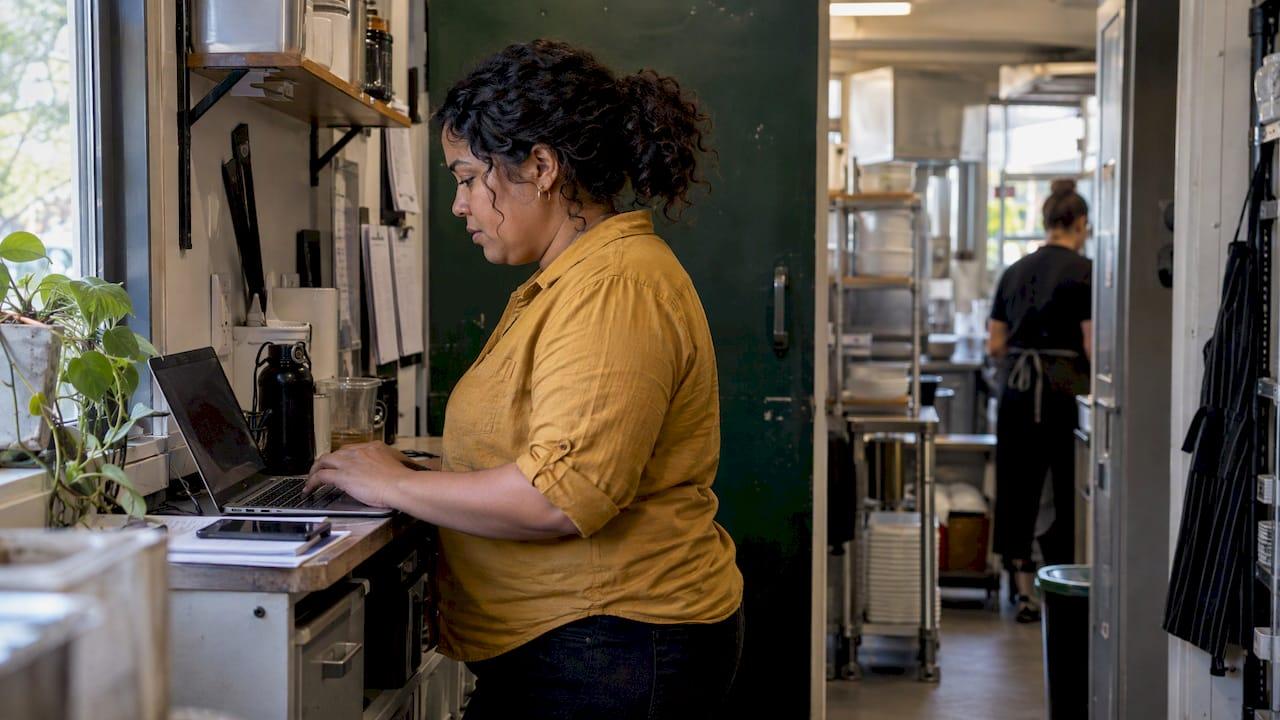
A PFD integration links your inventory and ordering system to your PFD Food Services account. Counts, par levels and low-stock alerts then turn into a PFD order without re-typing it. For a café, pub, club or restaurant, the aim is simple: the system that knows what you are running out of should be the one that builds the order. We built PantryHub for this job, a hospitality inventory and ordering platform with supplier ordering and integration with Australian suppliers. Plans start at $39 per month.
This guide explains what an integration actually does, what it can and cannot automate, how to prepare your venue, and how to set it up without creating new headaches.
TL;DR
- A PFD integration connects your stock counts and par levels to your PFD ordering, so low stock becomes a ready order instead of a phone call or a re-typed cart.
- PFD already offers its own online ordering and a free shopping app. An inventory platform adds the part PFD cannot see: what is actually on your shelves.
- Clean product lists, matched supplier codes and sensible par levels decide whether an integration saves time or creates errors.
- Pantryhub covers real-time stock tracking, AI-powered low-stock alerts, supplier ordering and multi-location control, in AUD, from $39 per month.
- Start with one category (say, meat and seafood), prove it for two weeks, then roll out the rest.
Table of Contents
- What a PFD integration means in plain terms
- What PFD already gives you
- What an integration can automate, and what stays manual
- How the data moves between systems
- Set up a PFD integration step by step
- What this looks like in different venues
- Costs to plan for
- A note on PFD and Woolworths
- Our view on PFD integration
- Run your PFD ordering from one place
- FAQ
- Sources
What a PFD integration means in plain terms
PFD Food Services is a national food service distributor. It delivers fresh and frozen meat and seafood, dry goods, paper products and cleaning supplies to restaurants, cafés, pubs and commercial kitchens. Its own supplier profile describes it as Australia's largest privately owned food services company, with around 70 warehouses and annual turnover of roughly AUD $2.0 billion.
An "integration" is simply a connection between two systems so they share data instead of you carrying it between them. With PFD, three kinds of data matter:
- Products and prices. The items PFD sells to you, their codes, pack sizes and your account price.
- Stock levels. Yours (what is in the coolroom) and PFD's (what is available to ship).
- Orders. The list of what you want delivered, and later the invoice that confirms what arrived.
Without a connection, someone counts the stock, writes a list, then logs into PFD or rings it through. Every hand-off is a chance to miss an item, mistype a quantity or order from last week's list. An integration removes the hand-offs you control.
What PFD already gives you
Before you add any software, it helps to know what PFD itself offers. Its online ordering lets customers view products and prices, save pantry lists, check purchasing history and pay accounts, according to its product reference guide. That guide also notes that next-day delivery depends on branch cut-off times and minimum order values.
PFD also runs a shopping app. The PFD Shop iOS app lets you scan barcodes to add products, build shopping lists, see real-time stock availability, re-order past purchases and manage invoices. An Android version offers search with barcode scanning, order history and checkout.
This is a good ordering tool. What it cannot do is tell you how much stock you hold, how fast you use it, or what you should order to hit your par levels. That is the gap an inventory platform fills.
What an integration can automate, and what stays manual
The table sets realistic expectations for a typical venue.
| Task | With an inventory and ordering platform | Still your call |
|---|---|---|
| Knowing what is low | Low-stock alerts based on par levels | Setting the par levels |
| Building the order | Suggested order built from counts and pars | Checking it against upcoming bookings and events |
| Sending to the supplier | Order goes through supplier ordering from one screen | Meeting PFD cut-off times and minimums |
| Pricing | Prices held against each product | Reviewing price changes before approving |
| Receiving | Delivery checked against the order | Physically checking quality, temperature and quantities |
| Costing | Waste and cost reporting from real stock movements | Acting on what the reports show |
The pattern is the same everywhere. The system handles the repetitive data work. You keep the judgement: a function booked for Saturday, a fish delivery that looks off, a price jump worth a second look.
How the data moves between systems
Large distributors typically hold products, pricing and customer accounts in a central system and expose them through an application programming interface (API), which is the standard way one piece of software asks another for data. A case study from the agency that built part of PFD's B2B platform describes it this way: inventory, pricing and orders sit in one source of truth, with the web platform and mobile app calling the same back end.
For you, the practical meaning is that product details, your account pricing and stock availability can be requested from the supplier side rather than copied by hand. Your inventory platform then adds its own layer: your counts, your par levels, your recipes and your cost reporting.
If you want the general mechanics across suppliers, our guide on how inventory platforms integrate with suppliers walks through them, and our Australian restaurant software integrations guide covers how the wider tech stack fits together.
The same principle, real-time inventory visibility, is what keeps a purchase decision tied to what is physically on hand rather than to a guess.

Set up a PFD integration step by step
The work that decides success happens before you connect anything. Here is the routine we recommend, with where it usually goes wrong and what Pantryhub takes off your hands.
1. Confirm your PFD account details
You need an active PFD trade account, your account number and your online ordering login. Know which branch services you, because delivery days, cut-off times and minimum order values are set at branch level. Multi-venue groups should list every account number, since each site may have its own.
Where it goes wrong: the login belongs to a former manager or the owner's personal email. Fix this first. Use a shared business address so access does not disappear when staff change.
2. Clean up your product list
Export or list what you buy from PFD: item names, pack sizes and units. Merge duplicates ("Chicken thigh fillet 5kg" and "Chicken thigh 5 kg" are one product). Decide the unit you count in, such as cartons, kilos or each, and keep it consistent.
Where it goes wrong: you order by the carton but count by the kilo. The system cannot reconcile the two unless the conversion is set. Pantryhub keeps recipe and pricing standardisation in one place, so one product has one name, one unit and one price across the venue.
3. Match items to supplier products
Each item in your system needs to point to the matching supplier product. Do the highest-spend lines first: proteins, seafood, dairy, fryer oil, packaging. For fish and chip shops, that means cooking oil, potatoes, batter mix and seafood. For pubs and clubs, think about bulk frozen lines and paper goods that run constantly.
Where it goes wrong: a substituted brand or pack size is silently mapped to the wrong line. Review the first matched list line by line.
4. Set par levels you believe in
A par level is the quantity you want on hand after a delivery arrives. Set it from real usage: how much do you use between deliveries, plus a small buffer for a busy weekend? Start from last month's orders rather than a gut feeling.
Where it goes wrong: pars set too high tie up cash and create waste. Pars set too low trigger emergency orders. Our AI-powered low-stock alerts work from your stock levels, but they are only as good as the pars behind them, so review pars after the first two or three order cycles.
5. Run one category first
Pick one category, such as meat and seafood, and run it for two weeks. Count, generate the suggested order, review it, send it. Compare what arrived with what you expected.
Where it goes wrong: switching everything on at once makes errors impossible to trace. One category makes them obvious.
6. Give your team the right access
Decide who counts, who approves and who can send an order. Pantryhub includes team access controls, so a kitchen hand can count stock while only the chef or manager sends the order to the supplier.
Where it goes wrong: everyone has full access and orders are placed twice. Define roles before go-live.
7. Receive against the order
When the delivery arrives, check it against what you ordered and what you were invoiced. Report shorts and substitutions to PFD in your usual way, then update your stock.
Where it goes wrong: deliveries are put away unchecked, so counts drift and the next suggested order is wrong. The physical check is yours. Your platform makes it quick by showing exactly what was ordered.
8. Review the numbers weekly
Look at waste, stock variance and food cost. If a product shows a price move, decide whether to change the menu price or the recipe. Pantryhub's waste and cost reporting is built to show where margin is leaking, and its GST-ready reporting suits Australian bookkeeping.
What this looks like in different venues
A café. Milk, bread, bacon and eggs run out on a predictable cycle. Par levels and alerts handle most of the order. The owner checks the suggested list in a minute rather than walking the fridge with a notepad.
A fish and chip shop. Oil, seafood and potatoes are the three lines that cannot run out on a Friday. Setting par levels per day of the week avoids both dead stock and a sold-out menu.
A pub or club. Larger ranges and several departments (kitchen, bistro, functions) mean more people ordering. Team access controls and one consolidated supplier view reduce duplicate orders.
A multi-site group in Melbourne, Sydney, Perth, Adelaide or Queensland. Different branches, delivery days and cut-offs apply by region. Multi-location inventory management gives you one view of every site, so you can see where stock is sitting and where it is short. We also keep location pages for Melbourne, Sydney and Adelaide venues.

Costs to plan for
The cost is mostly a monthly subscription plus the time you invest in setup. Our published plans are:
| Plan | Price |
|---|---|
| Starter | $39 per month (AUD) |
| Regular | $69 per month (AUD) |
| Pro | $99 per month (AUD) |
Pricing depends on venue count and the features you use, and the full detail is on our pricing page. Compare that to the real cost of one missed order, one over-ordered carton of seafood, or an hour a day of someone re-typing lists. Time is usually the biggest saving.
A note on PFD and Woolworths
Many owners ask whether PFD is part of Woolworths. It is. Woolworths Group acquired a 65% stake in 2021 and the remaining 35% in 2024, and PFD continues to trade under its own name. It is also expanding in Western Australia, with a new flagship facility at Jandakot Airport, which is useful context for Perth operators thinking about supply capacity. PFD operates around 50 branches and employs 3,000 people across the country.
Our view on PFD integration
We built Pantryhub by the chef, for the chef, because we saw the same pattern in kitchens of every size: the order is only as good as the count behind it. Ordering tools tell you what a supplier sells. They do not tell you what is sitting in your coolroom.
That is why we start with stock. Real-time tracking, par levels and low-stock alerts come first, and supplier ordering follows from them. When the count is right, the order is right, and the supplier link becomes the easy part instead of the risky part.
We designed Pantryhub for Australian venues: AUD pricing, GST-ready reporting, local support, and a mobile-first design so you can count stock on a phone in the kitchen rather than at a desk. Our plans are built to be more affordable than US-based platforms, whether you run one café or a group of venues.
Our advice is to treat integration as a routine, not a switch. Clean the product list, set honest pars, start with one category, and let the numbers build your confidence.
the author
Run your PFD ordering from one place
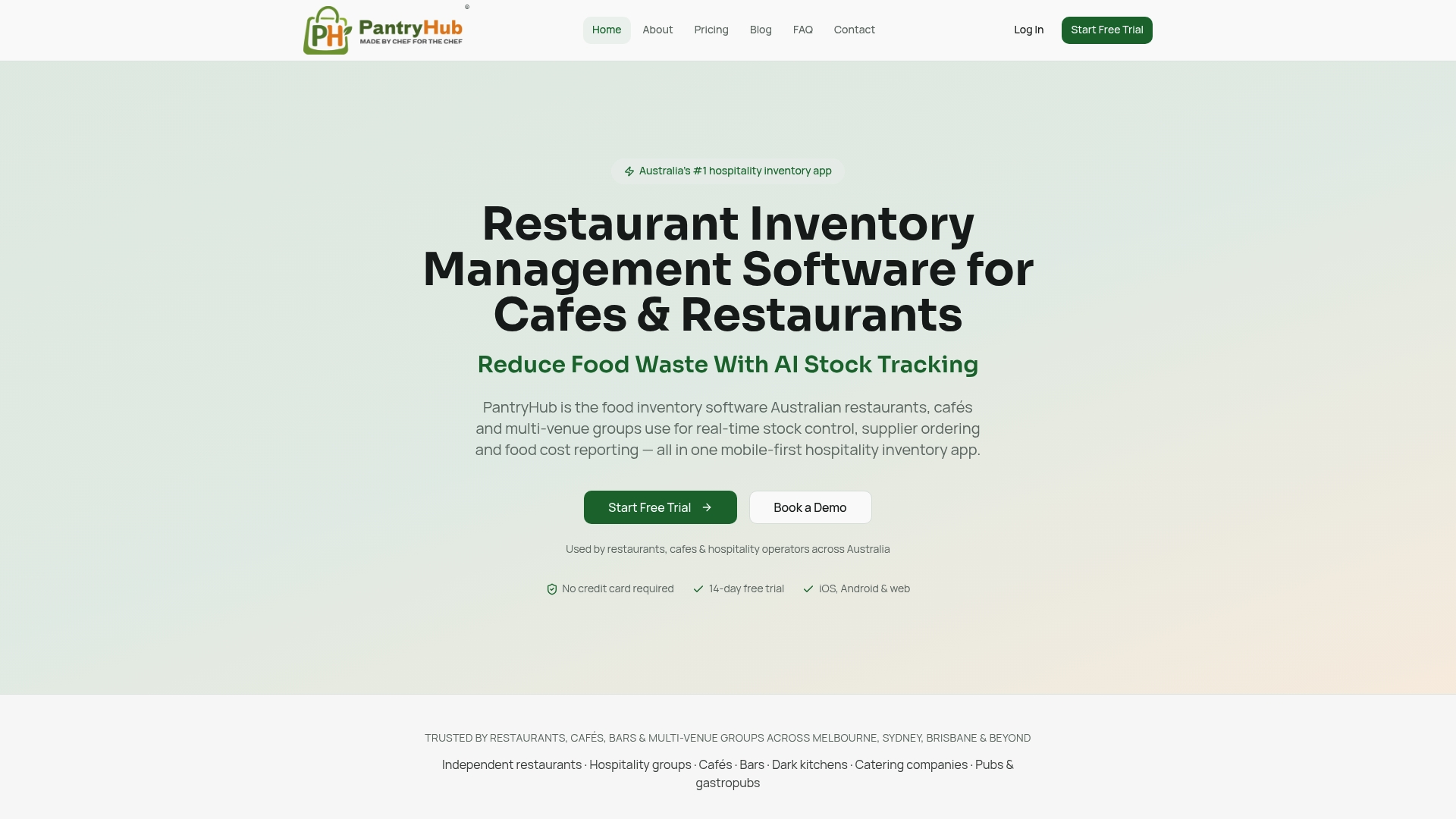
If you order from PFD every week, the quickest win is to make your stock count and your order the same job. Pantryhub gives you real-time stock tracking, AI-powered low-stock alerts, supplier ordering and team access controls, with plans from $39 per month. You can begin with the free trial on our home page and see how it fits your venue, or compare Starter, Regular and Pro on the pricing page.
For a wider look at the category, see our guide to the best inventory systems for Australian restaurants and our page on hospitality inventory software in Australia.
FAQ
Who owns PFD Food Services?
PFD is owned by Woolworths Group. Woolworths bought 65% in 2021 and the remaining 35% in 2024, according to Food & Drink Business. PFD still operates under its own name and branch network.
Is PFD's own app enough for my venue?
It is a solid way to place orders. You can scan barcodes, build lists, see stock availability and re-order past purchases in the PFD Shop app. An inventory platform adds your own stock counts, par levels and cost reporting, so the order is built from what you actually need.
Can I use one system across several venues and suppliers?
Yes, that is the point of multi-location inventory management. Pantryhub shows stock across your sites in one view and supports supplier ordering and integration with Australian suppliers, so PFD is one of several suppliers handled in the same place.
How long does setup take?
The time goes into preparation, not clicking. Cleaning your product list, matching items and setting par levels usually takes longer than connecting anything. Starting with one category for two weeks keeps it manageable and lets you fix problems early.
What does it cost?
Our plans are $39 (Starter), $69 (Regular) and $99 (Pro) per month in AUD, and there is a free trial. Full details are on the pricing page.
Sources
- PFD Food Services goes live with Complexica Decision Cloud
- PFD Product Reference Guide (NSW, 2017)
- PFD Shop app, App Store
- PFD shop, Google Play
- PFD Food Services B2B e-commerce platform, Doghouse
- PFD Food Services breaks ground on new WA facility, Food & Drink Business
- Real-time inventory visibility playbook