
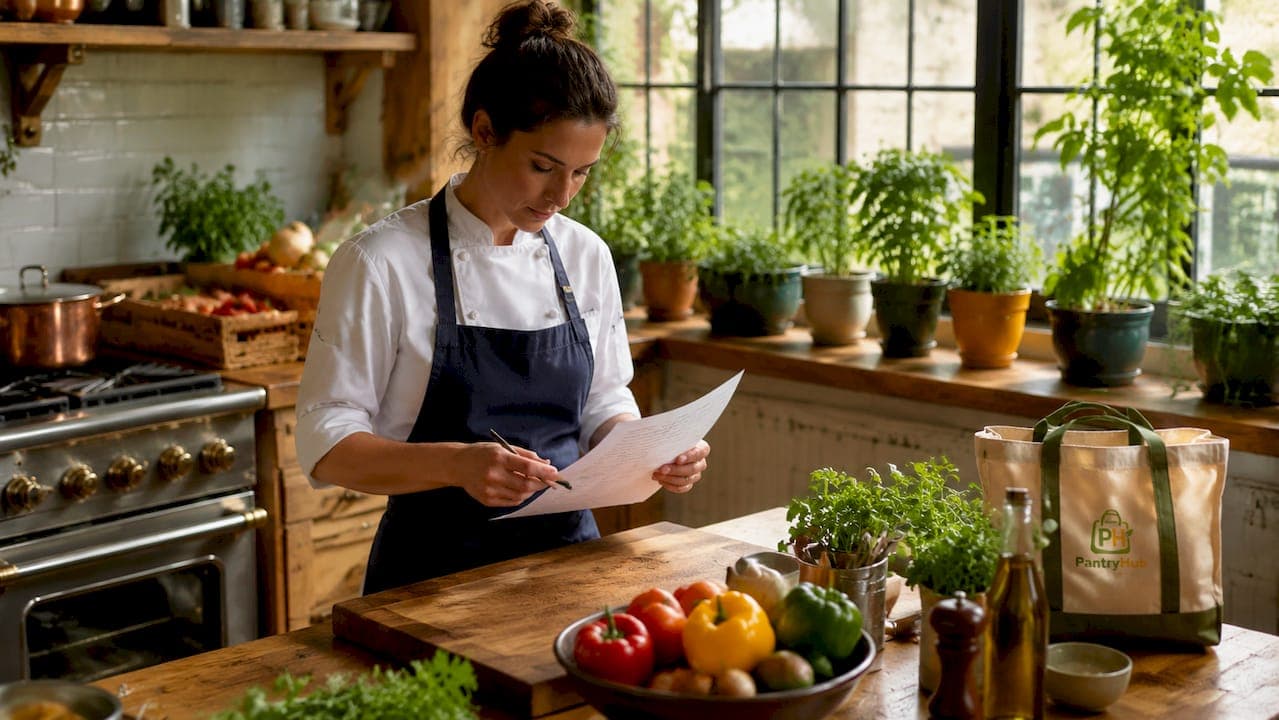
A kitchen ordering system is a digital platform that captures customer orders and delivers them instantly to kitchen display screens, replacing paper tickets and manual handoffs entirely. These systems sit at the center of modern restaurant order systems, connecting front-of-house staff, online channels, and kitchen stations into one coordinated workflow. Understanding how kitchen ordering systems work gives restaurant owners a direct path to fewer errors, faster service, and better control over every ticket that moves through the kitchen.
How does the kitchen ordering system workflow operate?
The order flow in a digital kitchen system follows a clear sequence from the moment a customer places an order to the moment a cook sees it on screen.
- Order placement. A server enters the order into a POS terminal like Square or Toast, a customer scans a QR code, or an order arrives from a third-party delivery app like DoorDash or Uber Eats.
- Instant transmission. The POS sends the order data to the kitchen display system (KDS) using real-time WebSocket connections, delivering the ticket to the screen in under one second. That speed eliminates the lag that paper tickets or verbal calls create.
- Parsing and routing. The system reads each item on the ticket and routes it to the correct station. Burgers go to the grill screen, salads go to the cold prep screen, and desserts stay queued until the right moment.
- Visual display. The KDS shows the full ticket with table number, modifiers, special instructions, and a running timer. Staff can see exactly what is needed and how long the ticket has been open.
- Status updates. Cooks mark items as complete on the screen. The system updates the ticket status in real time, giving front-of-house staff visibility into order progress without walking to the kitchen.
Pro Tip: Map your station routing before you go live. Spend one hour with your head chef drawing the physical path an order takes from grill to pass. That map becomes your routing logic, and it prevents the most common setup mistakes.
This kitchen ordering workflow setup removes every manual step between the customer and the cook. The result is a faster, more accurate kitchen with a clear audit trail for every order.
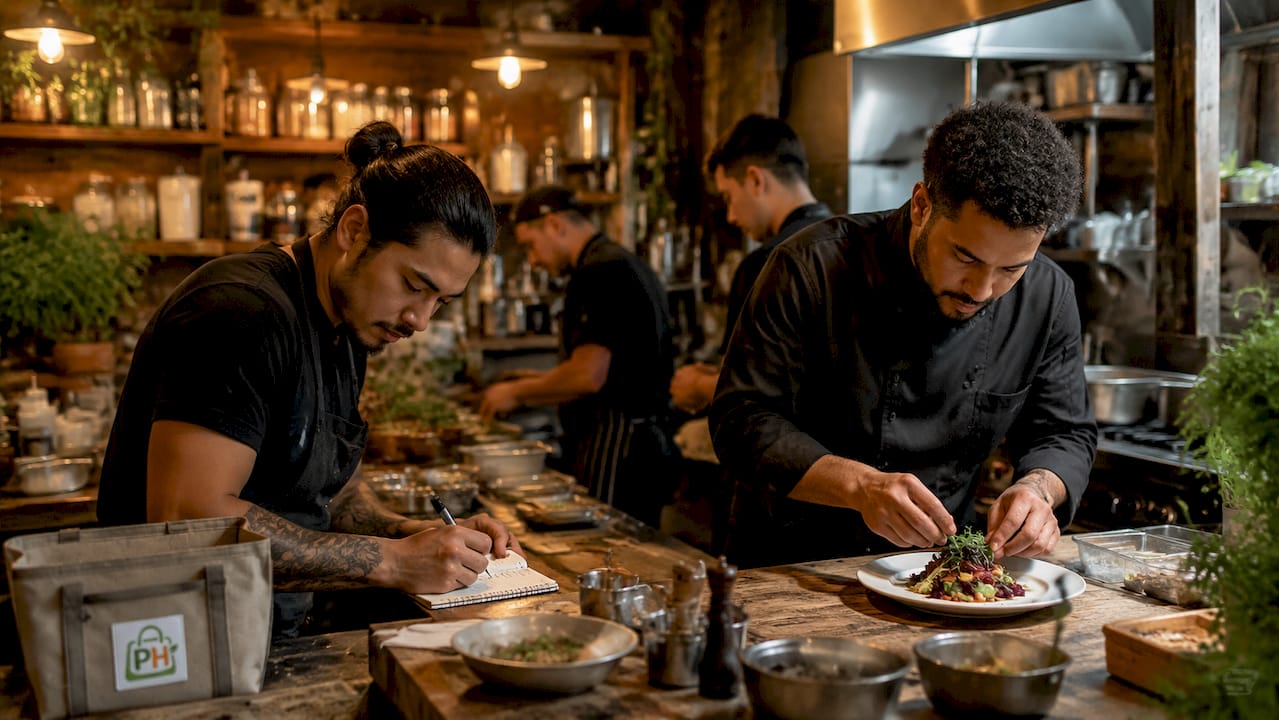
Kitchen ordering systems vs. traditional printers: what changes?
The shift from kitchen printers to a KDS is not just a technology swap. It changes how your kitchen operates at every level.
Restaurants using digital KDS report a 20–30% reduction in order errors and ticket completion times that are 4–6 minutes faster compared to paper workflows. Those numbers translate directly to more table turns per service and fewer comped meals from mistakes.
| Feature | Paper Printer | Kitchen Display System |
|---|---|---|
| Order transmission speed | 5–15 seconds | Under 1 second |
| Error rate | 12–18% | 3–5% |
| Lost or damaged tickets | Common | Eliminated |
| Order status visibility | None | Real-time |
| Modifier display | Text only | Highlighted, color-coded |
| Paper and ink cost | Ongoing | None |
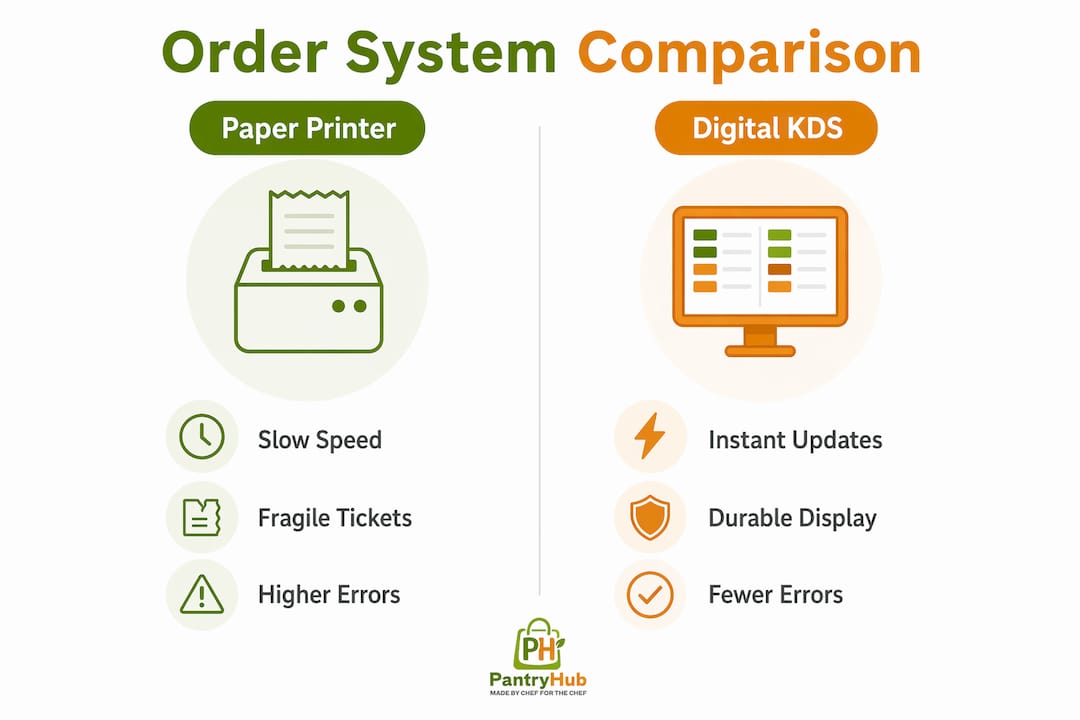
Beyond the numbers, digital kitchen order systems remove the physical fragility of paper. A ticket cannot get wet, torn, or buried under another ticket on a KDS screen. Modifiers appear in a consistent format every time, so a cook never has to decode a server's handwriting on a substitution note.
The communication improvement between front-of-house and kitchen teams is equally significant. When a manager or server can see on a tablet that table 12's mains are 80% complete, they can time the wine pour and clear the appetizer plates without asking anyone. That coordination happens silently, without interrupting the kitchen.
How do modifiers, course firing, and aging indicators optimize order management?
These three features separate a basic KDS from a genuine kitchen order management tool. Each one addresses a specific failure point in kitchen execution.
Modifier handling places special instructions in a prominent position on the ticket, often in a different color or larger font. A gluten-free substitution or a no-onion request cannot be missed when it sits at the top of the item line. The system also routes modified items to the correct station automatically, so a dairy-free sauce swap goes to the right prep area without a verbal relay.
Course firing is the feature most restaurants underuse. A KDS centralizes and sequences orders from multiple stations, prioritizing them based on preparation time to deliver all items from a single ticket simultaneously. In practice, this means the system holds the dessert order in a queue and fires it to the pastry station only when the mains are nearly complete. The result is synchronized plating without a chef calling across the kitchen.
Aging indicators are color-coded visual alerts that warn expeditors when a ticket has exceeded its target time. A ticket might turn yellow at eight minutes and red at twelve. These visual cues prevent the silent failure where a ticket sits forgotten during a rush. Staff do not need to memorize ticket ages. The screen tells them.
Pro Tip: Set your aging thresholds based on your actual average ticket times, not industry benchmarks. Pull your ticket time data from the first two weeks of KDS operation and calibrate from there.
Custom routing aligned with your kitchen's physical layout is the final piece. Routing rules must reflect the actual kitchen layout to avoid bottlenecks. A default template that sends all hot items to one screen will create a queue at the grill station while the cold prep screen sits idle. Tailored routing distributes the load correctly.
How do kitchen systems manage multiple order channels?
Multi-channel order management is where digital kitchen systems deliver their most measurable operational value. Most restaurants now receive orders from a POS terminal, a website, and one or more delivery apps simultaneously. Without a unified system, each channel produces a separate tablet or printout, and staff must manually reconcile them.
The POS system acts as a central hub, routing all orders from various platforms to the kitchen display system and maintaining consistent, accurate order flow. Every order, regardless of its source, arrives on the same KDS screen in the same format.
| Order Source | Without Unified System | With Unified KDS |
|---|---|---|
| Dine-in POS | Printed ticket | Single KDS queue |
| Online ordering | Separate tablet | Single KDS queue |
| DoorDash / Uber Eats | Separate tablet | Single KDS queue |
| Phone orders | Handwritten note | Single KDS queue |
Unified order management systems integrating multiple third-party delivery platforms reduce order errors from 12–18% down to 3–5%. That reduction comes from eliminating the manual transcription step where a staff member reads an order off one screen and types it into another.
Priority and routing rules add another layer of control. You can configure the system to flag delivery orders with a longer prep buffer, or to prioritize dine-in tickets during peak hours. For operators running multiple locations, Australian restaurant software integrations in 2026 increasingly support cross-location visibility, so a manager can monitor kitchen queues at two sites from one dashboard.
Consolidating orders into a single digital queue minimizes manual errors, reduces labor waste, and gives the kitchen clear visibility into its total workload at any moment.
Key takeaways
A kitchen ordering system delivers its full value only when the routing logic, course firing rules, and channel integrations are configured to match your specific kitchen and service style.
| Point | Details |
|---|---|
| Real-time order transmission | Orders reach kitchen screens in under one second via WebSocket connections, eliminating lag. |
| Error reduction is measurable | Digital systems cut order errors by 20–30% and reduce ticket times by 4–6 minutes. |
| Course firing improves timing | Automated sequencing holds and fires items by station so all dishes from one ticket arrive together. |
| Unified queue is non-negotiable | Consolidating POS, online, and delivery orders into one screen drops error rates from 12–18% to 3–5%. |
| Configuration drives ROI | Routing rules and aging thresholds must match your physical kitchen layout, not generic defaults. |
The configuration step nobody takes seriously enough
Most restaurant operators I have worked with treat KDS setup as a one-afternoon job. They plug in the screens, accept the default routing template, and go live. Then they wonder why the system does not perform the way the sales demo suggested.
The primary ROI of a KDS comes from configuring modifiers and course firing rules to match your restaurant's service style. That configuration is not a technical task. It is an operational decision that requires input from your head chef and your floor manager together. They know where the bottlenecks actually occur. The technology just executes the logic you give it.
The second mistake is treating the KDS as a display rather than an order management layer. A screen that shows tickets is useful. A system with tailored kitchen order routing that reflects your physical workflow, fires courses at the right moment, and flags aging tickets is a different tool entirely. The hardware is the same. The configuration is what separates them.
Staff training is where the gap closes or widens. A cook who does not know how to bump a ticket correctly, or a server who does not understand what the aging color means, will undermine the system's accuracy. Budget two full service sessions for training before you consider the setup complete. The role of a mobile inventory app in your kitchen follows the same principle: the tool only works when the team understands how to use it.
— Admin
Take your kitchen operations further with Pantryhub
A kitchen display system manages the order flow from ticket to plate. Pantryhub handles what happens before and after that window, giving you complete visibility over the inventory that feeds every order your kitchen produces.

Pantryhub is built specifically for restaurants, cafés, bars, and commercial kitchens. It connects stock levels, supplier orders, and low-stock alerts into one platform so your kitchen never runs short mid-service. When your KDS tells you a dish is selling fast, Pantryhub tells you whether you have the stock to keep it on the menu. Explore hospitality inventory software from Pantryhub and see how inventory control and kitchen order management work better together.
FAQ
What is a kitchen display system (KDS)?
A kitchen display system is a digital screen installed at kitchen stations that receives and displays orders in real time, replacing printed paper tickets. It connects directly to the POS and shows ticket details including modifiers, table numbers, and elapsed time.
How fast does a KDS transmit orders to the kitchen?
Modern KDS platforms transmit orders in under one second using real-time WebSocket connections. That speed eliminates the delay between order entry and kitchen awareness that paper or verbal systems create.
Can a KDS handle orders from multiple delivery apps?
Yes. When integrated through a central POS, a KDS consolidates orders from platforms like DoorDash and Uber Eats into a single queue. Unified systems reduce order errors from 12–18% down to 3–5% by removing manual transcription between devices.
What is course firing in a kitchen ordering system?
Course firing is an automated feature that holds certain items in a queue and releases them to the relevant station only when earlier courses are nearly complete. It ensures all dishes from one ticket are ready at the same time without verbal coordination between stations.
How do i set up routing rules for my kitchen?
Routing rules should map directly to your kitchen's physical layout and station responsibilities. Start by documenting which items each station prepares, then configure the KDS to send each menu category to the correct screen. Avoid default templates that do not reflect your actual workflow.