

Managing inventory and ordering across multiple venues in hospitality creates errors, waste, and lost hours. Many platforms restrict integrations, hide pricing, or require manual counts and ordering, which slow down busy staff. This comparison covers pricing, supplier connections, and real-time features across five alternatives, so hospitality operators can select a system that fits their needs.
Table of Contents
PantryHub
At a Glance
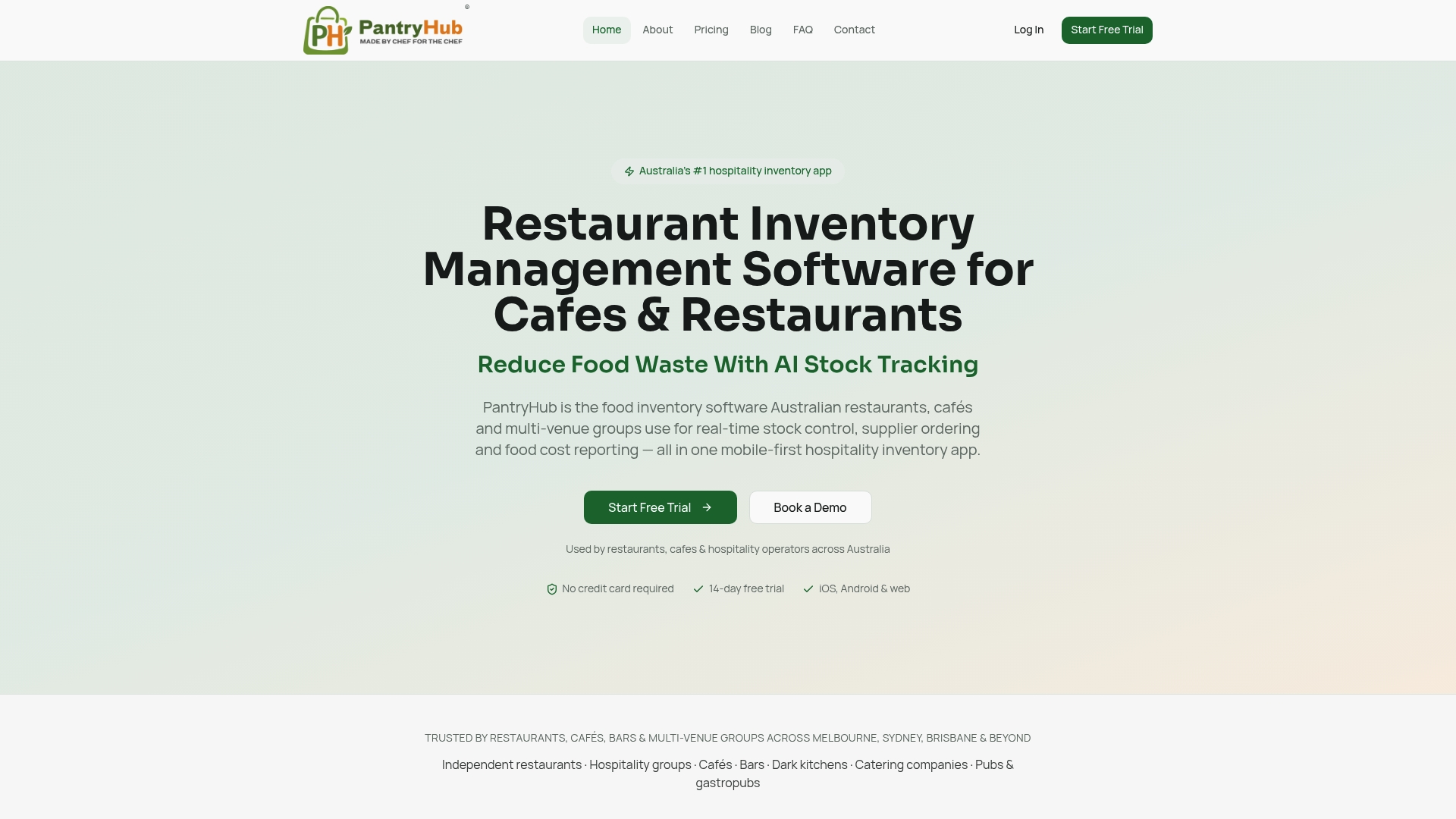
PantryHub reports a Melbourne cafe chain reduced waste by 30% while saving hours each week on inventory tasks. The platform targets Australian hospitality with AUD pricing and GST ready reports. Its mobile first interface lets floor staff complete stock takes on phones during service.
Core Features
PantryHub offers real-time inventory tracking across all venues and storage locations, so counts and usage update continuously. Automated stock updates sync counts, usage, and deliveries while one click supplier ordering uses built in par levels. It also supports multi location management with standardised items and recipes, plus live food cost, variance, and waste reports for profit analysis.
Key Differentiator
PantryHub focuses on Australian hospitality workflows and local supplier connections. The product bundles AUD pricing and GST ready reporting with a mobile first design. That local focus shapes supplier ordering, tax reporting, and day to day use for venues across Australia.
Pros
Because it targets Australian venues, PantryHub matches local supplier needs, presents prices in AUD, and produces GST ready reports. The mobile first design means floor staff can run stock takes on phones during service, reducing interruption to kitchen work. Multi location dashboards centralise items and recipes, and affordable plans starting at A$39/month remove large up front setup costs for smaller operators.
Cons
- Tailored to the Australian market; it may lack integrations for non Australian suppliers or global POS systems.
Who It's For
PantryHub fits Australian hospitality venues from single cafes to multi venue restaurant groups that need real time stock control and supplier automation. Choose it if your business requires GST ready reporting and wants staff to use phones for stock takes. It suits teams that prefer local supplier connections and AUD billing.
Unique Value Proposition
One click supplier ordering with built in par levels puts reorder control on the phone of the person closest to the stock. That single tap ordering reduces manual rekeying and helps managers focus on costs and recipes. Local supplier links and GST ready outputs shorten the accounting handoff when you reconcile supplier invoices.
Real World Use Case
The vendor reports a Melbourne cafe chain used PantryHub to monitor stock across venues, automate reorders, and view live food cost reports. That result helped the group cut measured waste and reclaim hours previously spent on manual counts. Managers used variance reporting to adjust recipes and ordering cadence across sites.
Pricing
Plans start at A$39/month for Starter, move to A$69/month for Regular, and A$99/month for Pro. PantryHub offers a 14 day free trial and lists no setup fees or annual contracts.
Website: https://pantryhub.com.au
Ordermentum
At a Glance
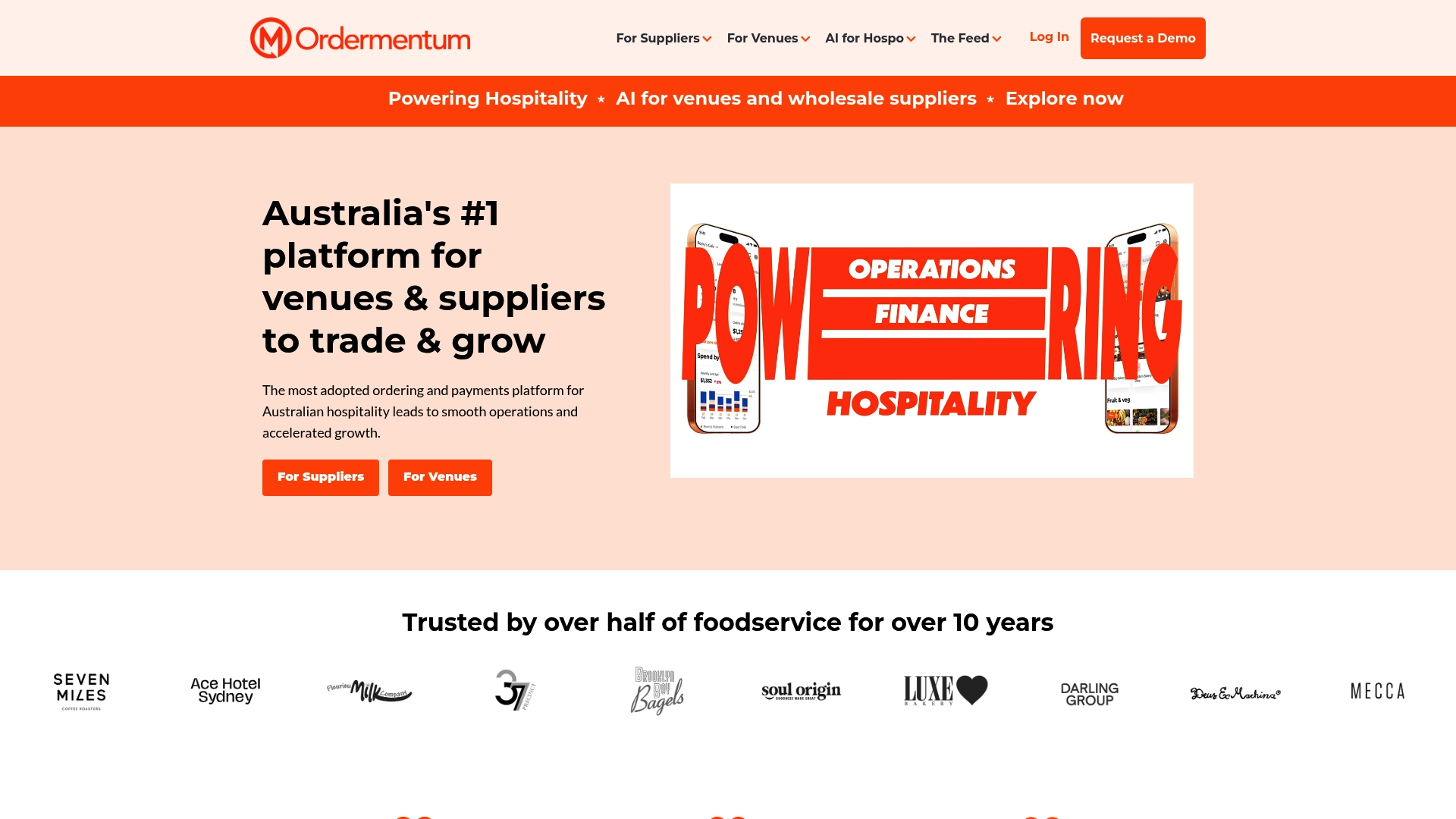
Ordermentum reports more than 15,650 venues and claims over $7 billion in processed transactions. That scale shows up in tools for order management, payments, and customer acquisition aimed at hospitality suppliers and venues. For hospitality owners comparing opsimize.com alternatives, Ordermentum narrows its focus to Australian supplier and venue workflows.
Core Features
The platform combines automated order management with acquisition and retention tools that help suppliers win and keep venue clients. Integrated payments automate collections and speed settlements while insights provide forecasting and reporting guiding purchasing and inventory decisions. Ordermentum also connects to accounting and supply chain systems to reduce manual reconciliation.
Key Differentiator
Ordermentum's single distinguishing angle is its end to end mix of orders, payments, and customer acquisition tailored for hospitality in Australia. That focus stitches order processing, payment automation, and basic marketing tools into a supplier to venue commerce flow. The product targets supplier to venue commerce rather than general B2B procurement platforms.
Pros
The vendor claims it has been trusted by over half of Australia's foodservice industry for a decade. Users gain a consolidated digital ordering and payments path that removes phone and fax orders and speeds cash collection. Integration with popular accounting packages and major retailers helps reconcile accounts and tie orders to fulfilment and routing tools.
Cons
- Specific limitations are not detailed in the available content.
- Complexity may be high for very small operations or teams unfamiliar with digital ordering.
- Pricing is not explicitly detailed, which complicates simple budget comparisons.
When It May Not Fit
If you sell outside Australia or your customers sit outside hospitality, Ordermentum will likely lack the market connections you need. Organisations that require published tiered pricing may prefer vendors that list plans online. Solo operators who prefer manual ordering could find the platform more complex than necessary.
Notable Integrations
Ordermentum connects to a range of accounting, retail, and fulfillment partners:
- Xero
- MYOB
- QuickBooks
- Netsuite
- Coles
- Woolworths
- Optimo Routes
- Unleashed
Who It's For
Suppliers and venues in Australia that want a digital channel for orders and payments will find Ordermentum relevant. Wholesale bakers, produce distributors, beverage suppliers, and multi‑venue operators benefit most. Teams already using Xero, MYOB, QuickBooks, or Unleashed gain the most bookkeeping lift from integrations.
Real World Use Case
A bakery uses Ordermentum to accept orders from local cafes, process payments faster, and shorten settlement times. They push sales into Xero for accounting and sync stock levels to Unleashed for inventory control. That configuration reduced reconciliation time and improved ordering accuracy for daily deliveries.
Pricing
Public pricing is not specified by the vendor. Prospective customers need to contact sales for quotes and contract terms. That model suits suppliers seeking negotiated terms but makes head to head price comparisons harder.
Website: https://ordermentum.com
Supy
At a Glance
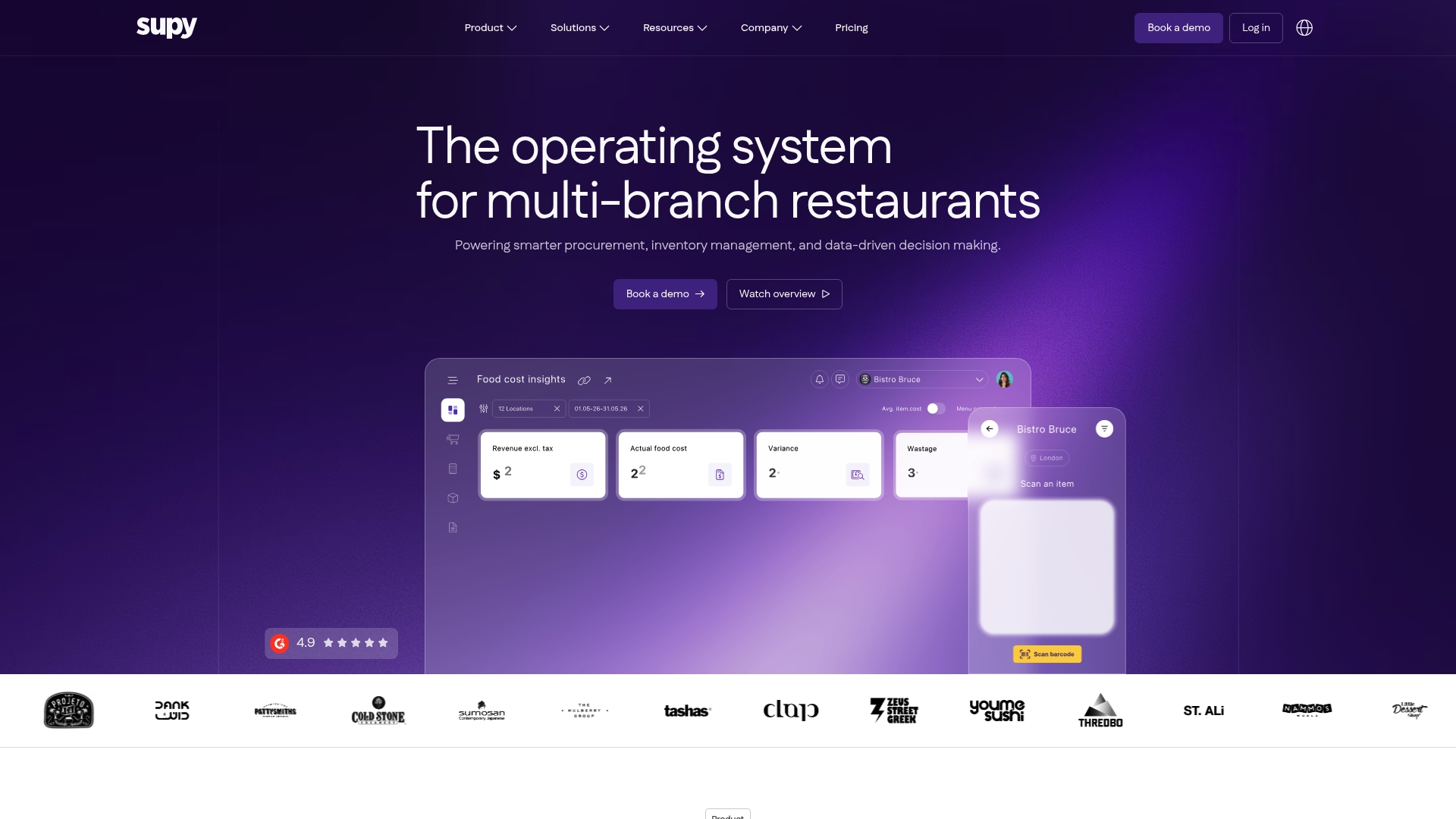
Supy reports being trusted by over 3,500 restaurants in more than 40 countries. The platform targets multi location restaurant groups and central kitchens. It emphasizes automation and live inventory visibility to reduce manual ordering and stock errors. That emphasis makes it a candidate for operators managing dozens of outlets.
Core Features
Supy combines AI predictive ordering with end to end procurement workflows that include requisitions and purchase orders. Inventory tools offer stock counting, wastage recording, live stock visibility, and transfers across locations. Business intelligence features deliver dashboards, sales forecasting, and reporting to align purchasing with demand.
Key Differentiator
Supy focuses squarely on multi location restaurant groups and central purchasing. It ties procurement, supplier management, and inventory across outlets so purchasing teams can act from a single control point. That central approach is paired with automation aimed at reducing manual invoice and order tasks.
Pros
Supy supports granular access controls with over 200 user permissions and configurable workflows. The product emphasizes reducing manual work by automating invoice receiving, credit note handling, and inventory transfers. Integrations cover Point of Sale systems and accounting platforms so finance and operations share the same data. The platform lists strong adoption among large operators and a claimed high support rating, which suggests mature customer services for enterprise deployments.
Cons
- Integration setup and ongoing management can be complex for teams without a technical admin.
- Several features are listed as coming soon, which may affect immediate feature availability.
- Pricing is not publicly listed, so procurement teams must request a demo to see cost models.
When It May Not Fit
Supy is primarily for restaurant groups and franchise networks. Single location venues or small operators will likely find the feature set and onboarding heavier than required. Teams without dedicated onboarding resources may struggle with the breadth of integrations and permissions.
Notable Integrations
Supy connects to common Point of Sale systems and to accounting software such as Xero and MYOB. It also integrates with ERP platforms and order aggregators like Talabat and Deliveroo. Those links make it possible to align sales, purchasing, and finance data across many outlets.
Who It's For
Multi branch operators, group purchasing managers, and back of house managers running 30 or more locations. Franchise owners who need centralized purchasing and consistent supplier terms. Hospitality groups that require synchronized stock visibility across kitchens and outlets.
Real World Use Case
A chain with more than 50 locations used Supy to sync store and central kitchen inventories. According to the vendor, that deployment led to a 25% reduction in food costs and faster invoice processing. That reported result highlights how forecasting and automated invoice handling work together for large groups.
Pricing
Not publicly listed. Supy asks interested operators to book a demo to receive custom pricing based on location count and integration scope. Expect enterprise style quotes tied to deployment size and modules selected.
Website: https://supy.io
CTB AND CO.

At a Glance
Part of Quantaco, CTB AND CO. connects operational data with food safety and cost controls for hospitality businesses. The platform highlights HACCP planning and digital temperature monitoring alongside recipe costing and inventory control. Website navigation reports frequent 404 errors which make finding detailed specs difficult for prospective buyers.
Core Features
CTB AND CO. combines integrations with business apps and multiple data sources and a set of tools focused on kitchen and bar operations. The product includes recipe management and costing, inventory control with waste reduction features, and HACCP planning coupled with digital temperature monitoring. It also covers purchase order tracking, invoice management, and custom label creation for food safety and branding.
Key Differentiator
CTB AND CO. centers on using operational data to link safety compliance and cost control in one workflow. That focus aims to let operators trace a menu item from recipe cost through inventory usage to HACCP logs. The vendor positions this as a single platform for kitchens and bars that also scales with business growth.
Pros
The platform groups costing, inventory, and food safety tools so managers can reduce manual reconciliations across systems. CTB AND CO. emphases data driven decision making, which helps operators spot cost leaks in recipes and beverage pours. Being part of Quantaco provides access to wider industry insights and benchmarks that may inform setup and reporting.
Cons
- Website indicates technical issues with multiple 404 errors, which makes it hard to access full feature details.
- Setup may be complex for smaller venues or operators with limited technical support.
- Public documentation appears limited, so training and onboarding timelines are unclear.
When It May Not Fit
Smaller cafes with a single site and minimal staff may find the platform more elaborate than necessary. Operators who need clear online documentation before purchase will struggle because of the website errors. If you require a vendor with extensive self service guides and immediate online support, this may not be the right fit.
Who It's For
Mid sized to large hospitality groups that need combined recipe costing, inventory control, and HACCP tracking across multiple sites. Buyers who plan to centralize procurement and reporting and who can commit to a structured implementation process will get the most value. Teams that want industry benchmarking via Quantaco will benefit from the connection.
Real World Use Case
A restaurant group standardizes menu costing across five locations using the recipe management tools. Managers track waste and temperature logs from each site to the central dashboard and reconcile purchase orders against invoices. The setup helps them cut unexpected food cost swings and maintain HACCP records for inspections.
Pricing
Pricing is not listed on the public site. The vendor presents the offering as informational only, so contact with CTB AND CO. is required for quoted fees and deployment options.
Website: https://ctbandco.com.au
Piecemeal
At a Glance
Piecemeal's marketing materials state a case where a food service business recorded a 10% reduction in food and labor costs and a 75% drop in administrative time. The platform targets back of house teams with desktop and mobile access for managers and chefs. Reviews highlight a responsive support team and a focus on usability for busy restaurant staff.
Core Features
Piecemeal combines inventory management with menu costing, so teams can see ingredient costs and adjust prices quickly. The product includes purchasing and accounts payable automation and scheduling tools that tie labor to forecasted sales. Interactive reports bring purchasing, inventory, and labor data together for simple daily decisions.
Key Differentiator
Piecemeal centers on restaurant workflows by keeping purchasing, costing, inventory, and scheduling in a single data flow. That design reduces duplicate data entry across front and back of house systems. The product emphasizes community feedback and ongoing support to refine restaurant-specific workflows.
Pros
Managers report the interface is straightforward and quick to train kitchen staff on daily tasks. The support team gets repeated praise for responsiveness and problem solving during onboarding. Inventory counts and menu updates are built as time-saving tasks, which reduces paperwork and manual spreadsheets. Integrations with Point of Sale and accounting packages let you close the loop between sales and costs without extra reconciliation.
Cons
- Employee mobile app access appears limited to iOS and Android, which may affect teams using other device types.
- Ongoing integration support depends on third-party compatibility, which can delay full feature rollout.
- Results depend on consistent setup and daily use, so benefits lag where teams skip regular counts.
When It May Not Fit
If your restaurant needs a highly niche tool for a single operation, Piecemeal may feel broad rather than deep. Venues that cannot commit to regular inventory routines will not capture the platform's value. Groups with uncommon or heavily customized third-party systems should verify compatibility before committing.
Notable Integrations
Piecemeal connects to common Point of Sale systems to import sales and menu data. It also integrates with Accounting software to sync purchase and invoice records for faster reconciliation.
Who It's For
Piecemeal fits restaurant operators who want one system for inventory, purchasing, costing, and scheduling. It suits single-site venues and small groups that prioritize reducing admin time and controlling food and labor costs. Chefs and managers who prefer mobile access for counts and ordering will find the workflow aligned to kitchen rhythms.
Real World Use Case
A café used Piecemeal to automate inventory tracking and update menu prices when ingredient costs changed. The vendor reports the percentage savings cited above for that example. Those savings came alongside far less time spent on manual ordering and invoicing, freeing managers for floor and menu work.
Pricing
Pricing is not publicly listed on the website. The vendor describes the product as subscription software, so expect a per-location or per-seat subscription model. Ask the vendor for tier details and any onboarding fees during a demo.
Website: https://piecemeal.io
Comparison of alternatives
Each alternative hospitality management software presents unique advantages, catering to diverse operational needs from local efficiency workflows to global scalability and extensive system integration.
Regional applicability and pricing flexibility
PantryHub emphasizes Australian hospitality businesses, incorporating GST-ready reports and AUD pricing for streamlined financial management. Its mobile-first design lets staff conduct stock takes conveniently during service. Ordermentum, while also catering to Australian venues, focuses heavily on supplier-to-venue interactions alongside integrated payment solutions, although its pricing model remains undisclosed, potentially deterring smaller operators. Meanwhile, Supy extends its service offerings internationally, excelling in centralized procurement management across multiple locations. Although this global versatility adds complexity, especially for smaller establishments, it remains for large-scale operations.
Advanced integrations and scaling
Supy achieves distinction with its extensive compatibility with leading Point of Sale and accounting software, alongside permission systems that cater specifically to restaurant groups. Conversely, CTB AND CO. merges its focus on food safety with financial oversight, ensuring compliance and cost efficiency, despite facing challenges regarding online accessibility and technical setup. These features make it a suitable choice for medium to large-scale operations.
Best fit
- For Australian hospitality venues necessitating GST-ready reporting, local supplier integration, and user-friendly mobile stock takes, PantryHub aligns perfectly with these operational requirements.
- Organizations operating across multiple venues and requiring an international procurement system with extensive integrations should consider Supy for its centralized inventory control.
- Suppliers who focus on digital order management within Australia and emphasize payment solutions may find Ordermentum ideal for their strategies.
- Establishments prioritizing food safety compliance alongside recipe and inventory management can benefit from CTB AND CO., provided they invest in thorough onboarding.
Our pick
In conclusion, for hospitality establishments situated within Australia prioritizing simplified supplier management and compliance with local GST regulations, PantryHub offers a uniquely tailored solution. However, for businesses where extensive multi-venue procurement processes or specialized system integrations are, other competitors may present a better match.
To determine the best hospitality inventory and ordering software for your needs, consider the real-time capabilities and local customization provided by the first option compared below.
| Product | Key Differentiator | Best For | Pricing | Notable Limitation |
|---|---|---|---|---|
| Pantryhub | GST-ready reporting for Australian venues | Australian hospitality businesses | A$39-$99/month | Tailored for the Australian market, not suitable for global suppliers. |
| Ordermentum | Supplier–venue commerce with integrated payments and tools | Hospitality suppliers and venues in Australia | Price not published | Complexity for small operations and no publicly available pricing. |
| Supy | Centralized procurement for multi-location restaurants | Multi-location restaurant groups and central kitchens | Price not published | Setup complexities for small teams or limited onboarding resources. |
| CTB AND CO. | Integrated recipe costing and HACCP tracking | Mid-to-large hospitality groups | Price not published | Technical issues on the vendor's website affecting accessibility. |
| Piecemeal | Unified back-of-house management workflows | Single-site restaurants and small groups | Price not published | Limited mobile app support for non-iOS/Android devices. |
Facing Challenges With Hospitality Inventory and Ordering?
Managing multiple locations and real-time stock control can strain Australian hospitality venues. Pantryhub addresses key pain points highlighted among opsimize.com alternatives: tracking inventory live, reducing waste, and simplifying supplier ordering with GST ready reports and AUD pricing. Its mobile-first design lets floor staff do stock takes on phones without interrupting service.

If you operate a restaurant, café, bar, or commercial kitchen seeking clear visibility over your pantry and easier ordering, visit Pantryhub. Get access to smart inventory tracking, team management, and detailed reporting. Take control and reduce waste by managing all your locations from one place on your phone or desktop.
FAQ
How does PantryHub support Australian hospitality venues with inventory management?
PantryHub offers real-time inventory tracking across all venues and storage locations. Its mobile-first design allows floor staff to complete stock takes on phones during service, making it less disruptive to kitchen operations.
What is the difference between PantryHub and Ordermentum?
Ordermentum provides a strong focus on integrating order management and payments for hospitality suppliers and venues in Australia. PantryHub, on the other hand, excels in real-time stock control and supplier automation tailored for on-site inventory management.
Which platform provides the best pricing for small hospitality venues?
PantryHub has plans starting at A$39/month, which makes it affordable for smaller operators without large upfront setup costs. This low barrier to entry allows smaller venues to implement effective inventory management easily.
Can I use PantryHub for multi-location management?
Yes, PantryHub supports multi-location management, allowing for standardized items and recipes across different venues. This feature enables consolidated inventory tracking and decision-making to optimize operations across all locations.
Does PantryHub provide GST-ready reports for Australian businesses?
Yes, PantryHub offers GST-ready reports, making it easier for Australian hospitality venues to manage tax compliance. This feature ensures that financial and operational reporting meets local regulatory standards.