
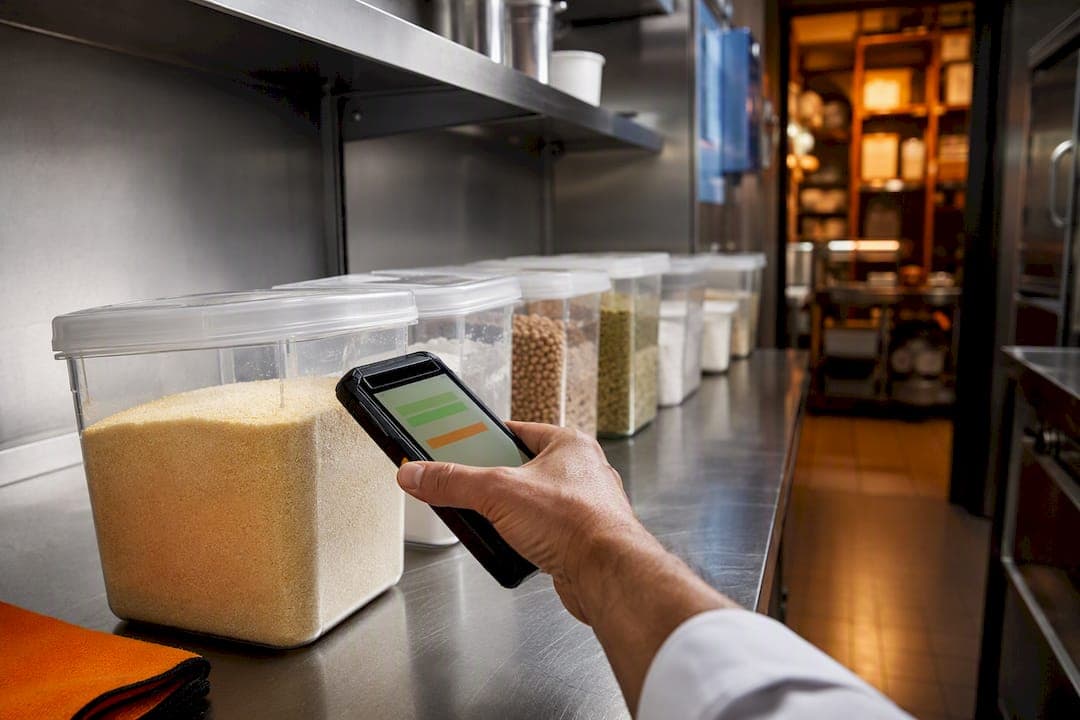
Real-time inventory tracking means your stock counts update the instant something changes: a sale, a delivery, a spoiled batch, a transfer between locations. It replaces the guesswork of end-of-day counts with a single source of truth that stops you overselling or over-ordering. Barcode scanning, RFID, and cloud software make it possible, and any business juggling fast-moving stock or multiple sales channels needs it.
TL;DR:
- Real-time inventory tracking is essential for high-turnover businesses selling across multiple channels to prevent overselling and optimize stock management.
- Implementation challenges include inaccurate initial data, system integration complexity, hardware connectivity issues, staff resistance, and underestimated costs.
- Technologies like barcode scanning, RFID, cloud platforms, and streaming databases support continuous, immediate inventory updates depending on business needs.
- A phased rollout starting with a small pilot reduces risks and ensures accurate data reconciliation before full deployment.
- Monitoring key metrics such as inventory accuracy, stockouts, and fulfillment rates determines the system’s effectiveness and return on investment.
Table of Contents
- What Is Real-Time Inventory Tracking and How Is It Different?
- What Are the Real Benefits of Tracking Inventory in Real Time?
- What Are the Common Challenges When Adopting Real-Time Tracking?
- Which Technologies Actually Enable Real-Time Updates?
- How Do You Roll Out Real-Time Inventory Tracking Step by Step?
- What KPIs and ROI Should You Expect?
- How Do You Evaluate and Shortlist Inventory Software?
- How Does PantryHub Apply Real-Time Tracking in Hospitality Kitchens?
- What Should You Actually Do This Week?
- Try PantryHub Without Betting Your Whole Kitchen on It
- Where to Go for Deeper Technical Reading
- Sources
What Is Real-Time Inventory Tracking and How Is It Different?
Real-time inventory tracking monitors stock across every channel and location as events happen, so a sale, receipt, or transfer updates your numbers immediately. That's a sharp break from the old model of periodic stocktakes, where a manager counts the storeroom every Sunday night and hopes nothing shifts before the next count. Under a periodic system, you're always operating on stale data. You might discover a stockout three days after it started costing you sales.
Perpetual inventory works differently. Stock levels update as transactions occur, which means a rolling reconciliation replaces the full shutdown count. You're not closing the kitchen or the warehouse floor to count boxes. You're watching numbers move in something close to real time and correcting small discrepancies as they surface.
A real-time system pulls data from several places at once. The strength of the setup depends on how many of these feed into one ledger:
- Point-of-sale systems, recording every sale as it happens
- Warehouse management systems, tracking receiving, picking, and packing
- ERP platforms, syncing purchase orders and financials
- Receiving scans at the loading dock or kitchen door
- Supplier integrations that flag incoming deliveries before they arrive
Not every business needs this level of granularity. A shop that turns over the same 40 SKUs at a predictable pace can often survive on weekly counts. But once you're running high-turn products, selling across multiple channels, or facing sharp demand spikes (think a bar during finals week or a café during a tourism surge), the lag in periodic counting starts to cost real money. That's the threshold where real-time tracking stops being a nice upgrade and starts being the only way to avoid selling something you don't have.
What Are the Real Benefits of Tracking Inventory in Real Time?
The payoff isn't abstract. It shows up in four measurable places.
- Fewer oversells, better customer experience. When your available-to-promise number matches reality, customers stop getting the "sorry, that's actually out of stock" email after they've already paid. Real-time inventory prevents stockouts and overstock by giving you up-to-the-minute counts across your entire distribution network, not a snapshot from three days ago.
- Lower carrying costs. Knowing exactly what you have and how fast it moves lets you time reorders precisely instead of padding every order "just in case." That cash stays in your account instead of sitting on a shelf as unsold stock.
- Sharper forecasting. Demand planning built on live data beats demand planning built on last month's spreadsheet. You catch trend shifts while they're still small, not after they've already cost you a stockout.
None of this requires a massive operation to matter. A single café juggling in-house sales, a delivery platform, and a wholesale coffee account faces the exact same available-to-promise problem as a national retailer. The math is just smaller.
What Are the Common Challenges When Adopting Real-Time Tracking?
The upside is real, but so are the ways implementations go sideways. Most failures trace back to one of five root causes.
- Bad starting data. If your legacy counts are wrong going in, your real-time system just makes those errors update faster. Reconcile every SKU before go-live, not after.
- Integration complexity. POS, ERP, and warehouse systems weren't always built to talk to each other. Map every dependency and confirm API readiness before you sign a contract.
- Hardware and connectivity gaps. A dead Wi-Fi zone in the back of a warehouse turns your live system into a guessing game. Build an offline capture and reconciliation process for exactly this scenario.
- Change resistance. Staff who've counted stock the same way for a decade won't switch habits because you asked nicely. Budget real time for training and write down the new standard operating procedures.
- Underestimated costs. Real-time tracking requires investment in hardware, mobile devices, and software integrations, plus staff retraining. Decide upfront what's a one-time capital cost and what's an ongoing operating expense, so the budget conversation doesn't stall your rollout six months in.
Pro Tip: Run your reconciliation on paper or in a spreadsheet for your top 20 SKUs before you touch new hardware. If those numbers don't match your physical count, no amount of software will fix the underlying problem.
Which Technologies Actually Enable Real-Time Updates?
The technology stack varies by business size and stock complexity, but most real-time systems combine a few core pieces.
- Barcode scanning and mobile apps. Every receipt, pick, and adjustment triggers an event-driven update the moment a scanner reads a code. It's the most affordable entry point and works for the vast majority of small and mid-size operations.
- RFID. Radio tags shine in high-volume environments where contactless, bulk reading beats scanning one item at a time. RFID also handles lot and expiry tracking well, which matters for anyone managing perishable stock or regulated goods.
- Cloud platforms and APIs. The difference between a system that feels "real time" and one that just feels fast is whether it syncs continuously or runs nightly batch jobs. Continuous sync is what actually closes the data gap.
- Streaming and event-driven databases. At the high end, streaming architectures maintain inventory state with sub-second freshness by continuously aggregating order, shipment, and return events instead of waiting for a scheduled batch job. This matters most for high-volume e-commerce operations facing sharp demand peaks.
- Network and device requirements. None of the above works without reliable Wi-Fi and a device management plan. A handheld scanner that drops connection every ten minutes will erode trust in the whole system faster than any software bug.
A warehouse management system tied to barcode scanning can record receiving, putaway, picking, packing, and shipping to one live ledger, which is often the fastest path to accuracy for operations that don't need RFID's added cost.
How Do You Roll Out Real-Time Inventory Tracking Step by Step?
Jumping straight to a full-scale rollout is the single most common way these projects stall. A phased approach gets you real data faster and with far less risk.
- Phase 0: Readiness audit. Before evaluating any tool, audit your existing data quality, define what "inventory" actually means for your business (is a half-used bag of flour counted differently than a sealed one?), and identify every stakeholder who touches stock, from the loading dock to the finance team.
- Phase 1: Shortlist by integration needs, not features. Decide which technology category fits your volume and complexity, then shortlist platforms based on how well they connect to your existing POS, ERP, or WMS. A flashy feature list means nothing if the platform can't talk to your point-of-sale system.
- Phase 2: Scope a narrow pilot. Pick a small set of high-value SKUs or a single location rather than switching everything at once. A pilot limited to a small SKU set or one site surfaces integration issues early, while the mistakes are still cheap to fix. Map the workflows involved and define specific test cases: what happens when a delivery arrives short, when a scan fails, when the network drops.
- Phase 3: Evaluate, expand, govern. Set clear evaluation criteria before the pilot starts, not after. Once it passes, expand rollout in stages and put ongoing governance in place, meaning someone owns cycle counts, someone owns hardware upkeep, and someone owns the exception reports.
Before you call the pilot done, run through this checklist:
- Reconciliation rules are documented and agreed on by finance and operations
- A batch of sample transactions has been tested end to end, including edge cases
- A cycle-count cadence is scheduled (weekly for high-turn items, monthly for the rest)
- Every user who'll touch the system has completed training and can demonstrate it
Perpetual systems paired with rolling cycle counts can largely replace the disruptive full shutdown stocktake, which means your pilot doesn't have to cost you a day of lost trading to prove itself.
What KPIs and ROI Should You Expect?
Four numbers tell you whether the system is working: inventory accuracy, stockouts per period, fill rate, and days of inventory on hand. Turns (how many times you sell through your average stock in a year) rounds out the picture and tells you whether your capital is working hard enough.
A simple ROI model needs three inputs: your baseline stockout frequency before the switch, your carrying cost per unit, and the labor hours your team currently spends on manual counts. Multiply the reduction in each against your actual costs, and you get a defensible number to bring to whoever signs off on the budget.
Budget across four categories:
- Hardware (scanners, tags, mobile devices)
- Software subscription fees
- Integration work with existing POS, ERP, or WMS systems
- Ongoing training and maintenance
Statistic to watch: businesses that move from periodic counts to real-time tracking commonly cite reduced carrying costs and faster fulfillment as the first improvements they notice, according to operational data from inventory control platforms. The specific payback window depends heavily on your SKU count and order volume, so treat any generic timeline with some skepticism until you've run your own numbers through the pilot.
How Do You Evaluate and Shortlist Inventory Software?
Skip the feature checklist marketing pages love to publish. Focus on five questions that actually predict whether a platform will work for your operation.
- Does it have prebuilt connectors to your POS, ERP, or third-party logistics provider, or will every integration be custom-built?
- Does it support the tracking modes you actually need? Batch, lot, and serial tracking matter for regulated or perishable goods; these are standard features on mature platforms, so don't accept a platform that lacks them if your stock demands it.
- What happens when the connection drops? Offline capture, a clear reconciliation process, and a visible audit trail separate a system built for real operations from one built for a demo.
- Are the reporting, forecasting, and alerting tools genuinely useful, or do they require a separate spreadsheet to make sense of?
- Who owns your data, what's the service-level agreement, and can you actually get a person on the phone when something breaks?
How Does PantryHub Apply Real-Time Tracking in Hospitality Kitchens?
Kitchens live and die on ingredient-level accuracy. PantryHub tracks stock down to the individual ingredient, sends low-stock alerts before a shortage hits the line, and connects directly to supplier ordering so a chef isn't manually re-keying a purchase order at midnight. For a group running multiple venues, that same visibility extends across every kitchen from one screen.
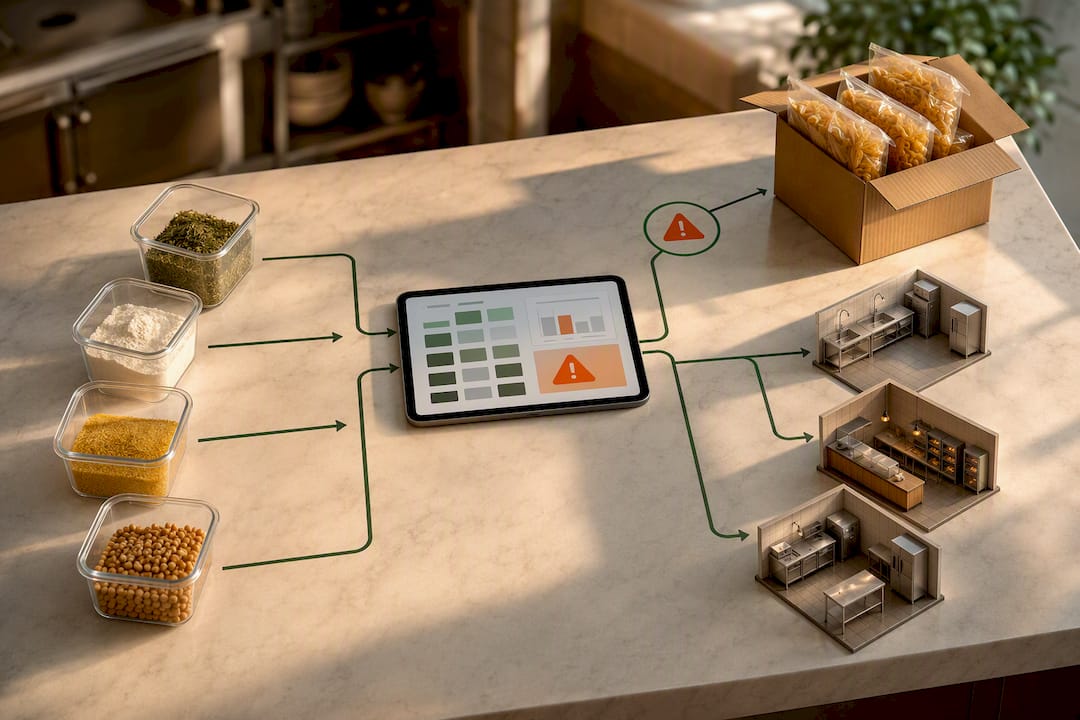
A daily stock check that used to take an hour on paper becomes a five-minute scan. Supplier orders that used to wait for a manager's Friday afternoon become automated the moment a par level is hit. That's the gap between theory and a working kitchen: less waste, fewer 6 AM phone calls to a supplier for an emergency delivery.
What Should You Actually Do This Week?
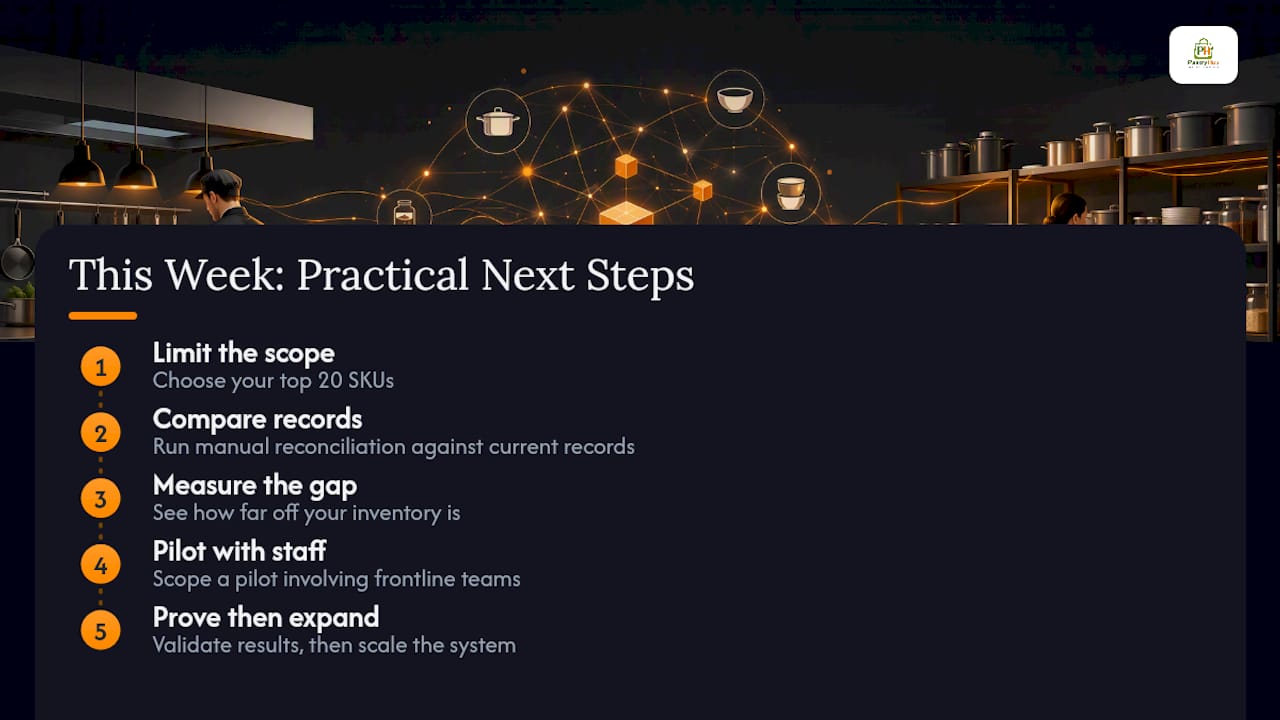
Many operators begin by attempting to digitize everything at once, which can lead to challenges. Start smaller. Pick your top 20 SKUs, run a manual reconciliation against your current records, and see how far off you actually are. That gap tells you more about your real readiness than any vendor demo will.
Adoption fails when staff feel a new system was dropped on them, not built with them. Scope a pilot. Prove it. Then expand.
— Admin
Try PantryHub Without Betting Your Whole Kitchen on It
PantryHub provides ingredient-level real-time tracking, automatic low-stock alerts, supplier ordering capabilities, and visibility across multiple locations. You don't need a six-month IT project to get there.

Unlike many real-time systems that require stitching together separate tools, PantryHub is designed for easy use by chefs or managers without a technical background. Start with your busiest section of the kitchen. Watch how fast a low-stock alert turns into a placed supplier order instead of a scramble. If you're ready to see it against your own stock list, explore PantryHub's hospitality inventory software and start a trial with your actual SKUs, not a demo dataset.
Where to Go for Deeper Technical Reading
For the formal definition and mechanics of real-time tracking, see Goramp's glossary entry. For omnichannel and ecommerce-specific benefits, ShipBob's breakdown is a solid next stop. For streaming architecture details behind sub-second updates, RisingWave's technical explainer covers the engineering side well.
Sources
- What is Real-time Inventory Tracking? | Goramp
- Real-time Inventory Management Benefits for Ecommerce
- Real-Time Inventory Tracking System with Streaming SQL | RisingWave