
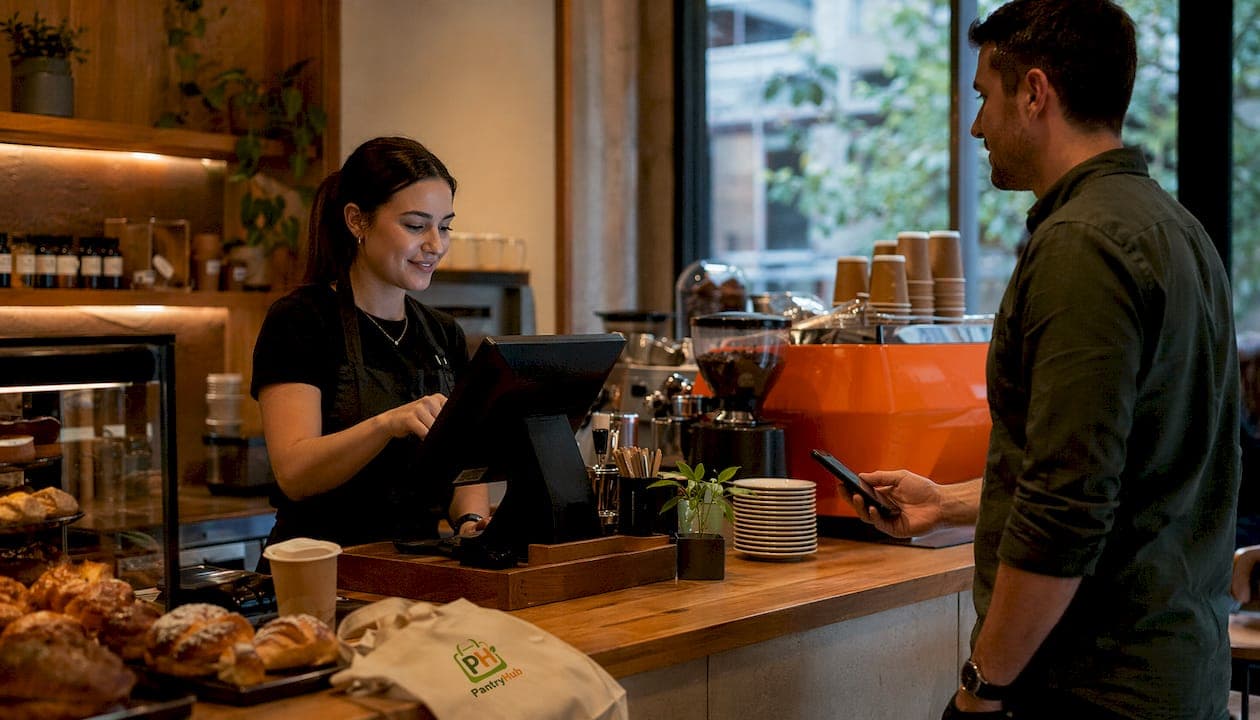
A café ordering system in Adelaide is a digital platform that connects customer order placement, payment processing, and kitchen fulfillment in real time. Understanding how Adelaide café ordering systems work gives you a direct path to faster service, fewer errors, and higher revenue per table. These systems replace manual order taking with automated workflows that route orders directly to a kitchen display system (KDS) or printer, eliminating the gap between customer and kitchen. The result is measurable: less staff time on data entry, more time on hospitality.
How do Adelaide café ordering systems process orders?
Modern café ordering systems integrate ordering and payment via QR codes, apps, or websites, then automatically push confirmed orders to kitchen displays or printers without any manual entry. That single step removes the most common source of order errors in a busy café: the handoff between front-of-house staff and the kitchen.
The full order lifecycle follows a clear sequence:
- Customer places an order. The customer scans a QR code at the table, uses the café's app, or orders through the website. The digital menu shows real-time availability and allows item customization.
- Menu updates in real time. Real-time menu updates push instant price or availability changes across every ordering channel simultaneously. A sold-out item disappears from the menu the moment staff mark it unavailable.
- Payment is processed first. The system collects payment before sending the order to the kitchen. This eliminates unpaid orders and speeds up the final pickup step.
- Order routes to the KDS or printer. The confirmed order appears on the kitchen display or prints automatically. No staff member needs to re-enter the order.
- Customer receives a pickup notification. Automatic SMS or app notifications alert the customer when their order is ready. This reduces counter crowding and keeps the pickup area clear.
Pro Tip: Set your KDS to display orders by preparation time, not arrival time. A cold brew takes 90 seconds; a hot breakfast takes 12 minutes. Sequencing by prep time keeps the pass clear and reduces customer wait times.
What hardware and software integrations support Adelaide café systems?
The technology stack behind a functioning café ordering system has three layers: the customer-facing interface, the point-of-sale (POS) platform, and the kitchen output hardware.
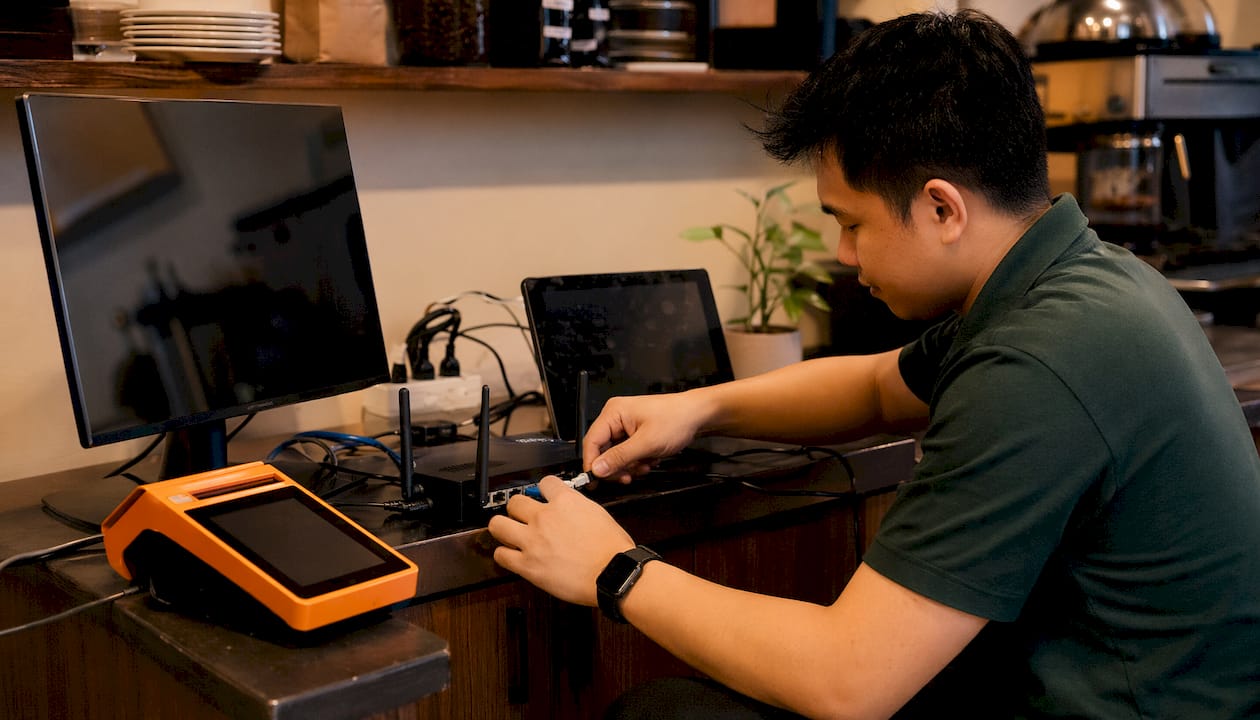
On the POS side, Adelaide venues commonly deploy platforms like Square or Lightspeed. These systems handle payment processing, sales reporting, and menu management from a single dashboard. The POS sits at the center of the entire operation. Every order channel, whether QR code, app, or in-person terminal, feeds into the same POS database.
The kitchen output layer is where cafés face the most meaningful choice:
- Kitchen Display Systems (KDS): Digital screens mounted in the kitchen that display orders in real time. Staff can mark items complete, and the system updates the customer notification automatically. KDS units reduce paper waste and give managers a live view of kitchen throughput.
- Kitchen printers: Thermal receipt printers that produce a physical dupe for each order. Printers are reliable in high-heat environments and require no staff training to read. The tradeoff is that completed orders cannot be marked off digitally.
- Touchscreen terminals: Staff-facing tablets or fixed terminals used for table-side ordering or counter service. These feed directly into the POS and KDS simultaneously.
Network infrastructure ties all three layers together. A stable, dedicated Wi-Fi network is non-negotiable. Consumer-grade routers fail under the simultaneous load of multiple tablets, a KDS, a printer, and a payment terminal during a Saturday morning rush.
Typical setup for integrated POS and KDS solutions in Australian venues takes 2–3 days, including on-site training. That timeline assumes hardware is pre-configured before arrival, which most local Adelaide IT providers handle as standard practice.
Pro Tip: Ask your hardware supplier for a network load test before go-live. Simulate peak-hour device counts on your actual router before the first service. A $200 commercial-grade access point prevents far more expensive downtime.
How does local IT infrastructure affect system performance?
Network reliability and local support determine whether a café ordering system performs during the moments that matter most: the Friday morning rush, the weekend brunch queue, and the school holiday surge. Poor IT infrastructure sabotages ordering efficiency during peak periods, and no amount of software quality compensates for a dropped connection.
The practical risks break down clearly:
- Wi-Fi dead zones at the table where the customer scans the QR code cause order failures and frustration before the transaction even starts.
- Hardware compatibility gaps between older POS terminals and newer KDS units create sync delays that show up as duplicate or missing orders in the kitchen.
- Overseas support time zones mean a system failure at 7:30 AM Adelaide time lands in a support queue that opens at 9:00 AM in another country. The breakfast service is already over.
Local Adelaide-based support providers work during Australian business hours, handle GST correctly, and resolve issues without the time zone delays common with overseas call centers. For a café running two seatings before noon, that difference in response time is the difference between a recoverable incident and a lost service.
Choosing local support over overseas SaaS providers reduces the risk of costly downtime and keeps your system compliant with Australian GST requirements. A professional IT review before scaling to a second location or adding a new ordering channel is the single most cost-effective investment a café manager can make.
What operational benefits do integrated ordering systems deliver?
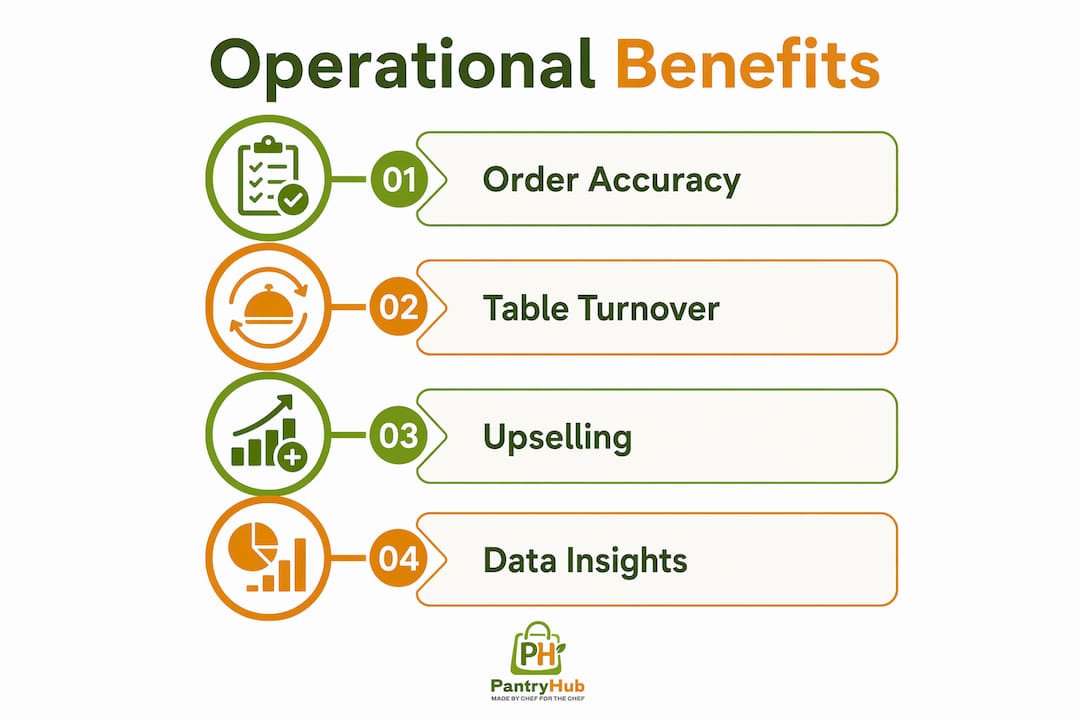
The efficiency gains from a fully integrated café ordering system show up in four measurable areas: order accuracy, table turnover, average transaction value, and staff productivity.
| Operational area | How the system improves it |
|---|---|
| Order accuracy | Direct digital routing eliminates transcription errors between customer and kitchen |
| Table turnover | Self-paced ordering removes the wait for a staff member to take the order |
| Average transaction value | Automated upselling prompts during self-ordering increase spend per visit |
| Staff productivity | Staff shift from order taking to food running, table clearing, and guest interaction |
| Menu management | Real-time data shows which items sell and which slow down the kitchen |
The upselling point deserves specific attention. When a customer orders a flat white through a digital menu, the system can prompt them to add a pastry or upgrade to oat milk. A trained staff member can do the same, but only when they have time. The digital system does it on every single order, without exception.
Data insights represent the underrated benefit. Every order generates a record: what sold, when it sold, and how long it took to fulfill. Café managers use this data to adjust staffing levels, retire slow menu items, and schedule menu specials during high-traffic windows. You can review café ordering workflow best practices to see how leading venues structure this data review process.
What is the best approach to adopting café ordering technology?
Phased technology adoption starting with core POS and KDS modules produces smoother transitions and less operational disruption than deploying every feature at once. The logic is straightforward: staff need to trust the system before customers interact with it.
A practical phased approach looks like this:
- Deploy POS and KDS first. Get the kitchen display working with in-person orders before introducing any customer-facing technology. Staff learn the system without the pressure of simultaneous customer interaction.
- Train staff within the deployment window. The standard 2–3 day setup period includes on-site training. Use it fully. A staff member who understands the KDS workflow will troubleshoot minor issues without calling support.
- Add customer-facing ordering channels. Once the kitchen workflow is stable, activate QR code ordering or the app channel. Start with one section of the café before rolling out to all tables.
- Activate real-time menu management. Schedule menu changes, set item availability windows, and test price updates across all channels before a peak service.
- Monitor and adjust using operational data. Track order completion times, error rates, and average transaction values weekly for the first month. Adjust staffing and menu layout based on what the data shows.
One critical warning: some digital menu solutions lack true POS integration, requiring staff to manually re-enter orders from a digital display into the POS. This shifts the labor bottleneck rather than removing it. Always verify that the system routes orders directly to the kitchen without any manual step.
Pro Tip: Run a full simulation service with staff before opening to customers. Order every item on the menu, trigger a sold-out scenario, and test the pickup notification. Discovering a gap in a drill costs nothing. Discovering it during a Saturday brunch costs you customers.
Key Takeaways
Adelaide café ordering systems deliver the greatest efficiency gains when ordering, payment, and kitchen fulfillment connect through a single integrated platform with local IT support and a phased rollout.
| Point | Details |
|---|---|
| Integration is non-negotiable | Systems without true POS integration shift labor bottlenecks rather than removing them. |
| Local support reduces downtime | Adelaide-based IT providers resolve issues during Australian business hours, protecting peak service periods. |
| Phased rollout protects service quality | Start with POS and KDS before adding customer-facing ordering channels to avoid disruption. |
| Upselling is built into the workflow | Automated prompts during self-ordering increase average transaction values on every order. |
| Data drives ongoing improvement | Order records reveal staffing needs, menu performance, and fulfillment times for continuous refinement. |
What I've learned watching Adelaide cafés adopt ordering technology
The cafés that struggle most with ordering technology are not the ones that chose the wrong software. They are the ones that chose the right software and deployed it wrong. I have seen venues invest in well-regarded POS platforms, skip the phased rollout, and activate every channel on opening day. The kitchen falls behind, staff panic, and the system gets blamed for a problem that was actually a training gap.
The other pattern I keep seeing is the "digital menu" trap. A café installs a QR code menu, customers browse and select, and then a staff member reads the screen and types the order into the POS manually. The café paid for technology that added a step instead of removing one. True POS integration is the only version worth buying.
My honest recommendation: prioritize local support over feature count. A system with 80% of the features you want, backed by a team that answers the phone at 7:00 AM Adelaide time, outperforms a feature-rich platform supported from a different time zone. Technology fails at the worst possible moments. Who picks up the phone matters more than what the brochure promises.
— Admin
Pantryhub: inventory control that works alongside your ordering system
Running a café ordering system well means knowing what you have in stock before a customer orders it. Pantryhub is built for exactly that. It gives Adelaide café managers real-time inventory visibility, low-stock alerts, and supplier ordering tools that connect directly to kitchen operations.

When your ordering system tells you a menu item is unavailable, Pantryhub tells you why and what to reorder. The platform handles stock tracking, waste reduction, and supplier management from a single dashboard, whether you run one café or several locations. Explore hospitality inventory software designed specifically for Australian venues, or visit Pantryhub to see how it fits alongside your existing ordering setup.
FAQ
How do Adelaide café ordering systems work?
A café ordering system connects customer order placement via QR code, app, or website to a POS platform, which automatically routes confirmed orders to a kitchen display or printer without manual entry.
What is the difference between a KDS and a kitchen printer?
A kitchen display system (KDS) shows orders on a digital screen and allows staff to mark items complete in real time, while a kitchen printer produces a physical dupe for each order without digital tracking.
Why does true POS integration matter for café ordering?
Systems without native POS integration require staff to manually re-enter digital orders into the POS, which shifts the labor bottleneck rather than removing it and increases error risk.
How long does it take to set up an integrated café ordering system?
Setup for integrated POS and KDS solutions in Australian venues typically takes 2–3 days, including on-site hardware configuration and staff training.
Why should Adelaide cafés choose local IT support?
Local Adelaide-based providers work during Australian business hours, handle GST compliance correctly, and respond faster than overseas support teams during critical service periods.