
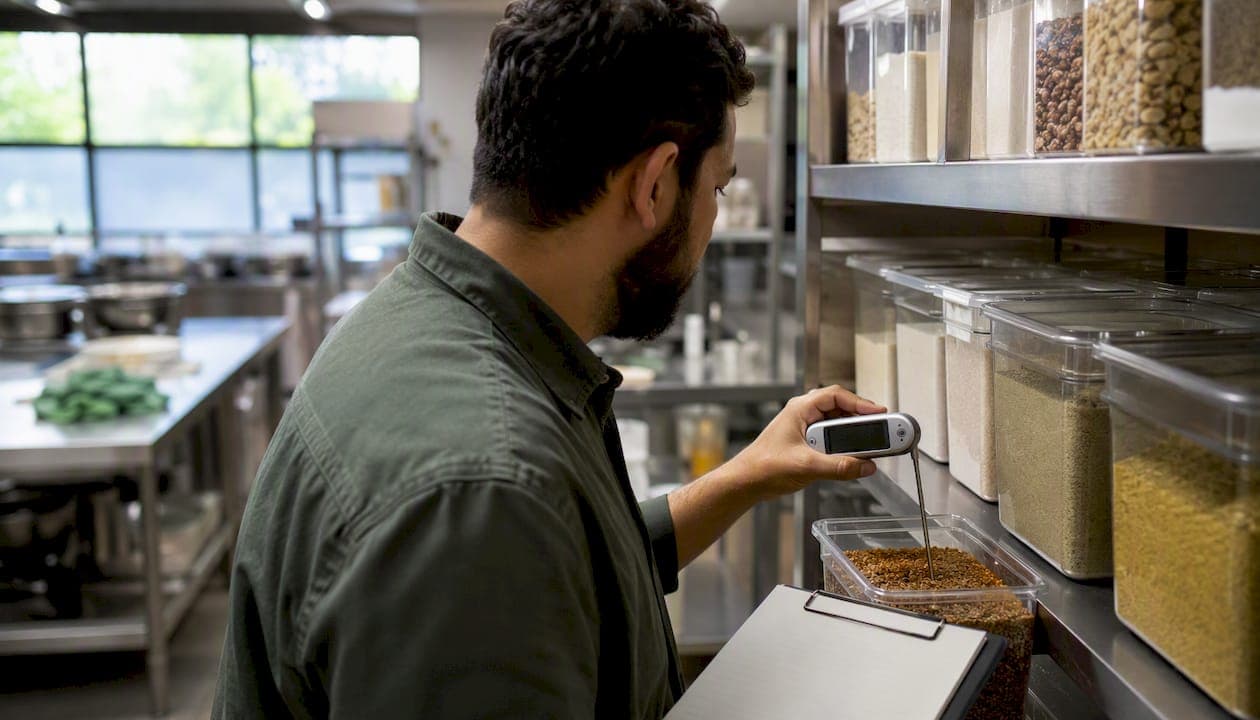
Run a risk-based internal audit using a concise food safety audit checklist that prioritizes time/temperature control, cross-contamination prevention, personal hygiene, cleaning logs, and documentation — and you will catch the failures that cause CDC's five major risk factors before a health inspector does. The FDA Food Code sets the regulatory floor for temperature, handling, and documentation standards; HACCP gives you the systematic framework to stay above it.
Scan this before your next shift:
- ✅ Receiving: Product temps at delivery (41°F or below for cold; 135°F or above for hot)
- ✅ Cold holding: Walk-in and reach-in units at 41°F or below; check with a calibrated thermometer
- ✅ Hot holding: All hot foods at 135°F or above; document time and temp
- ✅ Handwashing: Stations stocked with soap, paper towels, and warm running water; staff observed washing correctly
- ✅ Allergens: Labeled, separated, and prep surfaces cleaned between allergen and non-allergen items
- ✅ Cleaning verification: Sanitizer concentration tested and logged; equipment surfaces visibly clean
- ✅ Pest signs: No droppings, gnaw marks, or live insects in dry storage, prep areas, or near drains
- ✅ Documentation: Temperature logs, corrective-action records, and training records current and accessible
Print this checklist and carry it on your next walk-through. The full operational checklist, sample audit report, and corrective-action form are covered in the sections below. Pantryhub users can pull supplier specs and stock movement records directly from the platform to support audit evidence without hunting through paper files.
Table of Contents
- What does a food safety audit checklist cover?
- Operational checklist items for your audit walk-through
- What extra checks do HACCP, SQF, and BRCGS require?
- How to score findings, write the audit report, and manage corrective actions
- How often should you run food safety audits?
- Where to find downloadable templates and U.S. authoritative resources
- How do audits support Active Managerial Control?
- Key Takeaways
- What seasoned auditors see most often on the floor
- Pantryhub makes audit evidence easier to collect
- Authoritative U.S. sources and downloadable templates
What does a food safety audit checklist cover?
A food safety audit checklist is the structured tool auditors use to verify that a foodservice operation controls the risks that make people sick. The industry term is an "internal audit" or "self-inspection," and it maps directly to the Active Managerial Control (AMC) concept that the FDA and the National Restaurant Association both prioritize. A checklist walk is not a one-time event; it is a repeatable process that generates documented evidence of control.
Step 1: Define your audit goals and scope
Before you pick up a clipboard, decide what you are auditing. A daily walk-through focuses on critical control points: temperatures, handwashing, and cross-contamination. A monthly mock inspection covers every area of the operation, mirroring what a health department inspector would check. A pre-third-party mock audit adds scheme-specific documentation review (HACCP records, supplier specs, training logs) on top of the operational walk.
Write the scope in one sentence: "This audit covers receiving, cold and hot storage, prep lines, cooking, and cleaning for the lunch service on [date]." That sentence becomes the first line of your audit report.
Step 2: Assemble the audit team
| Role | Responsibility |
|---|---|
| Lead auditor | Conducts the walk, records findings, assigns scores |
| Shift manager | Provides access, answers process questions, owns corrective actions |
| Subject-matter expert (kitchen) | Confirms CCP procedures and demonstrates processes |
| Note-taker / second observer | Documents evidence (photos, log entries, witness statements) |
For a small café, the lead auditor and shift manager may be the same person. For a multi-unit group, rotate auditors across sites to prevent blind spots.
Step 3: Select the audit type and sampling rules
Four audit types cover most situations:
- Process audit: — Follows a food item from receiving through service to verify the full process
For sampling, check at least two temperature readings per unit (front and back of a reach-in, for example) and verify at least one corrective-action record per finding category.
Step 4: Schedule using a risk-based cadence
- Monthly: Full self-inspection using a complete food safety inspection checklist
Operational checklist items for your audit walk-through
The table below is a working audit form. Print it, adapt the scoring column to your operation's rubric (pass/fail or 1–5), and add your facility name and date at the top.
| Area | Check | Evidence Required | Score | Notes | Corrective Action |
|---|---|---|---|---|---|
| Receiving | Delivery temps verified (≤41°F cold; ≥135°F hot) | Thermometer log, delivery receipt | |||
| Receiving | Product condition: no damage, correct labeling, no pest evidence | Photo, receiving log | |||
| Dry storage | FIFO rotation; products off floor (≥6 inches); no expired items | Visual, date labels | |||
| Dry storage | No chemicals stored near food; containers labeled | Visual | |||
| Refrigerated storage | Unit temp ≤41°F; thermometer calibrated within 30 days | Thermometer log, calibration record | |||
| Refrigerated storage | Raw proteins stored below ready-to-eat foods; covered and labeled | Visual, date labels | |||
| Walk-in cooler | Door seals intact; no ice buildup; airflow unobstructed | Visual | |||
| Prep lines | Cutting boards color-coded and sanitized between uses | Visual, cleaning log | |||
| Prep lines | Allergen items prepped separately; surfaces cleaned between allergen and non-allergen | Allergen log, visual | |||
| Cooking | Internal temps verified per food type (poultry 165°F) | Cook log, thermometer reading | |||
| Hot holding | All hot foods at ≥135°F; time-temp logs current | Hot-hold log | |||
| Cooling | Cooling from 135°F to 70°F within 2 hours; 70°F to 41°F within 4 hours | Cooling log, thermometer | |||
| Thawing | Thawing under refrigeration, cold running water, or microwave (cook immediately) | Visual, log | |||
| Service | No bare-hand contact with ready-to-eat foods; gloves or utensils used | Visual | |||
| Dishwashing | Sanitizer concentration tested and within range (chlorine 50–100 ppm; quat per label) | Test strip log | |||
| Personal hygiene | Handwashing stations stocked; staff observed washing | Visual, training record | |||
| Personal hygiene | Uniforms clean; hair restraints worn; no jewelry on hands/wrists | Visual | |||
| Personal hygiene | Illness policy posted; no symptomatic staff on food-contact duties | Policy document, visual | |||
| Pest control | No droppings, gnaw marks, or live insects; pest control log current | Visual, pest log | |||
| Waste management | Waste bins covered and emptied regularly; no overflow near food areas | Visual | |||
| Facility | Drains clean and free-flowing; lighting adequate (≥50 foot-candles at prep surfaces) | Visual | |||
| Facility | Ventilation hoods clean; no grease buildup | Visual, cleaning log | |||
| Restrooms | Handwashing supplies stocked; self-closing doors; no direct opening to food areas | Visual | |||
| Documentation | HACCP records, temperature logs, training records current and accessible | Record review | |||
| Allergen control | Allergen matrix posted; staff trained; labels accurate on packaged items | Training record, label review |
The Indiana Department of Health self-inspection checklist specifies the cooling parameters used above (135°F to 70°F in 2 hours, then 70°F to 41°F in the following 4 hours) and lists cooking temperature targets by food type — use it as a secondary reference when training new auditors on temperature criteria.
Pro Tip: Take timestamped photos at every finding. A photo of a temperature reading on a calibrated thermometer next to the unit's display is far stronger evidence than a handwritten number alone. Health inspectors notice the difference, and so do GFSI auditors.
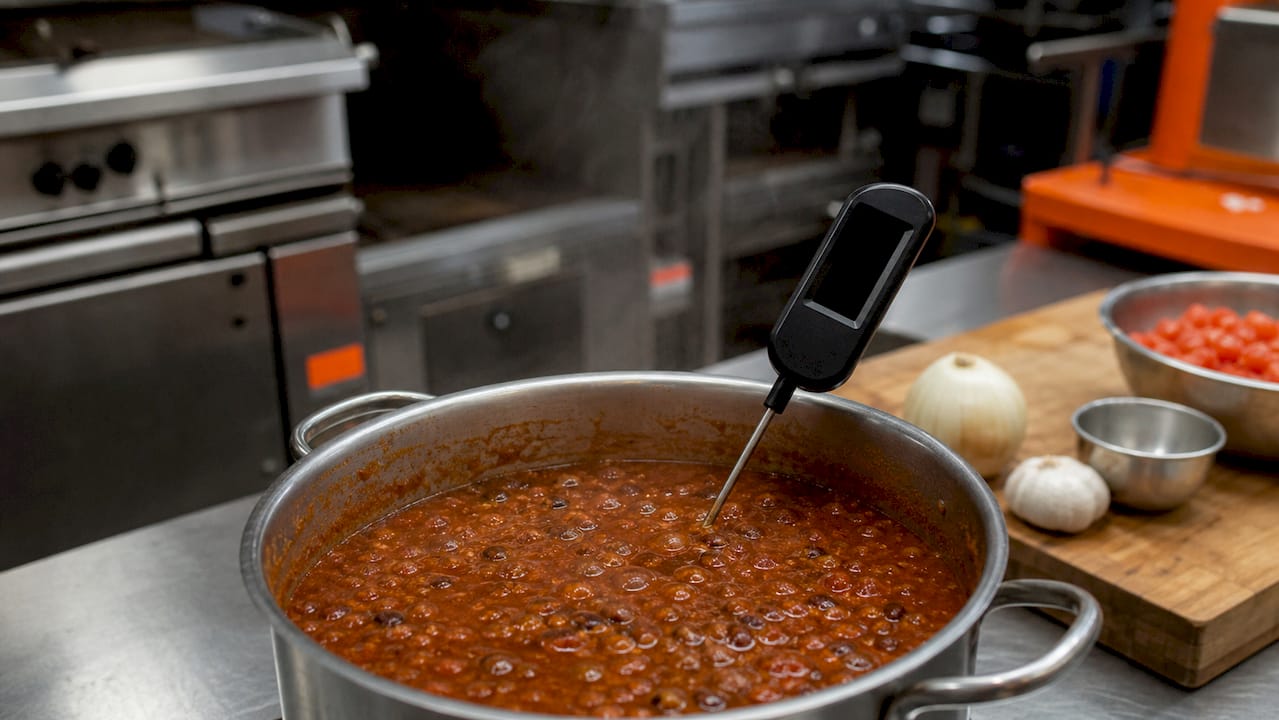
For receiving and dry-goods rotation checks, the restaurant dry goods management checklist from Pantryhub covers FIFO controls and storage labeling in detail.
What extra checks do HACCP, SQF, and BRCGS require?
A standard operational checklist covers physical conditions and practices. When your operation is certified or working toward certification under a GFSI scheme (SQF, BRCGS) or operates under a formal HACCP plan, the internal audit must go further. The Safe Food Alliance's internal audit guidance for HACCP, BRCGS, and SQF lays out the scheme-specific requirements clearly.
SQF and BRCGS additional requirements
Both schemes require internal audits to be conducted by a qualified auditor who is independent of the area being audited. "Independent" means the auditor did not design or operate the process being checked. Key additional items:
- Preventive controls: — Confirm that food safety plans include preventive controls for biological, chemical, physical, and allergen hazards
Mapping your checklist to scheme clauses
Cross-referencing is straightforward once you have a numbered checklist. Assign each checklist item a clause reference from your HACCP plan or scheme standard (e.g., "SQF 11.2.3 — Calibration"). When a finding occurs, the clause reference goes directly into the corrective-action record, making management review and third-party audit preparation much faster.
Mock recall and traceability drill
Run a traceability drill at least once per year (quarterly for high-risk operations):
- Pull the lot number of one incoming ingredient from the past 30 days
- Trace it forward to every finished product that used it
- Confirm you can identify all affected product within 4 hours
- Document the drill: start time, finish time, records pulled, gaps identified, corrective actions assigned
GFSI schemes expect you to complete a mock recall within a defined timeframe and to document the outcome. If your records are paper-based, a drill will quickly reveal where the gaps are.
How to score findings, write the audit report, and manage corrective actions
Finding classification and scoring
Classify every finding before you leave the floor. Three levels cover most operations:
| Classification | Definition | Example | Immediate Action | Verification Timeframe |
|---|---|---|---|---|
| Critical | Imminent health hazard; direct risk of foodborne illness | Hot food below 135°F; no handwashing at station | Stop the process; contain affected product; correct before resuming | 24–72 hours |
| Major | Significant non-conformance; likely to lead to a critical finding if not corrected | Cooling log missing for 3 days; sanitizer not tested | Assign owner; correct within 24 hours where possible | 7 days |
| Minor | Low-risk gap; does not immediately threaten food safety | Label missing on dry-storage container; cleaning log incomplete for one shift | Document and schedule correction | 7–30 days |
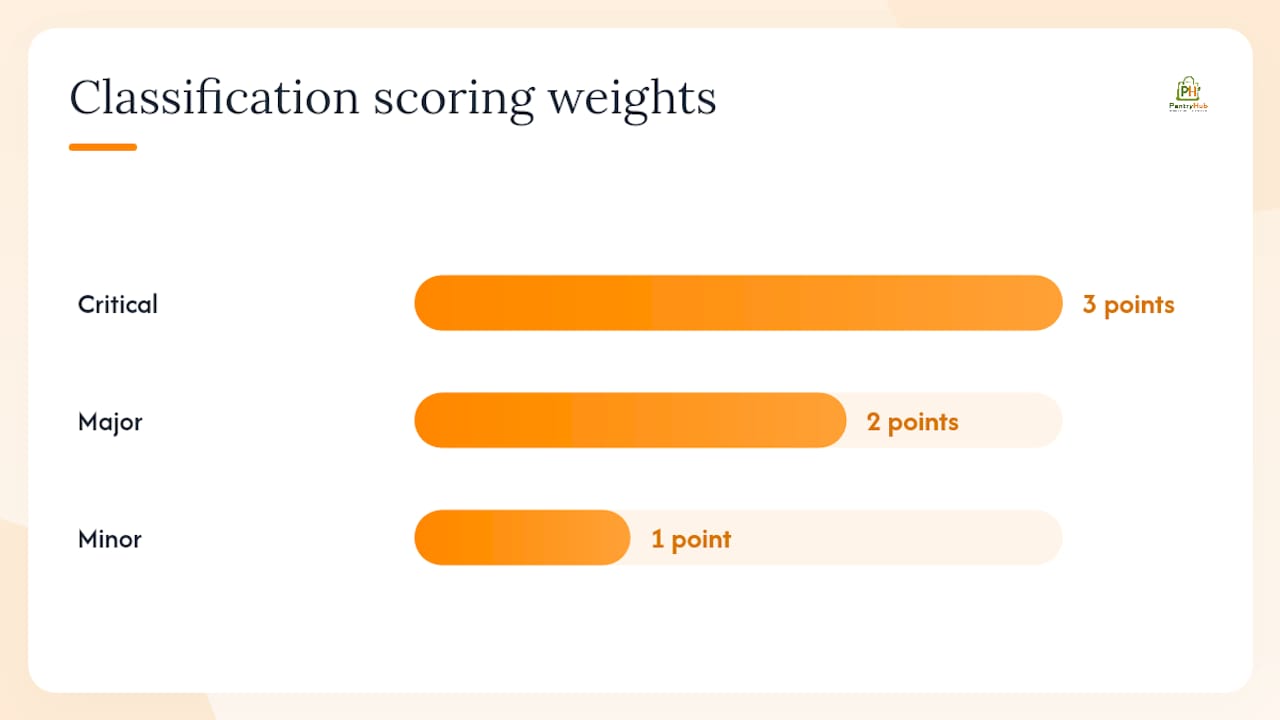
For a numeric scoring rubric, assign each checklist item a weight (critical items = 3 points, major = 2, minor = 1) and calculate a facility risk rating as a percentage of total possible points. A score below 85% on critical items warrants an immediate re-audit within 7 days.
How often should you run food safety audits?
Frequency is a function of risk, not convenience. A high-volume kitchen running raw proteins through multiple temperature transitions needs daily critical checks and weekly process audits. A low-volume café with a limited menu can run a full self-inspection monthly and spot checks weekly.
Sample audit calendar for a single-unit operation
| Cadence | Audit Type | Owner | Duration |
|---|---|---|---|
| Daily | Critical point checks (temperatures, hygiene, sanitizer) | Shift manager | brief duration |
| Weekly | Process audit focusing on high-risk items | Kitchen lead | moderate duration |
| Monthly | Full self-inspection covering all areas | Manager / lead auditor | substantial duration |
| Quarterly | HACCP or scheme-aligned audit plus document review | Manager + SME | multi-hour session |
| Pre-inspection | Mock regulatory inspection | External or cross-site auditor | extended session |
For a multi-unit group, rotate the monthly full inspection across sites so that each location is audited by someone from a different unit at least once per quarter. This prevents the familiarity bias that makes internal auditors miss what they see every day. The club kitchen compliance best practices guide covers multi-site scheduling and role assignment in more detail.
Where to find downloadable templates and U.S. authoritative resources
Ready-to-use templates save setup time and give your checklist instant credibility with health inspectors because they mirror the forms inspectors themselves use.
Templates to download and adapt
- One-page printable checklist: The ServSafe Food Safety Evaluation Checklist ties directly to CDC's five risk factors and is designed for self-inspection use
- Full operational checklist (PDF/spreadsheet): The NACCHO Food Safety Self-Inspection Checklist is available in multiple languages and covers all major inspection categories
- Local health department forms: The San Diego County Food Facility Self-Inspection Checklist and the LA County version are structured to match what inspectors actually check in those jurisdictions
- Sample audit report and CAPA form: GoAudits' free food-safety checklist templates include a sample report structure and corrective-action fields
- Temperature and process criteria: The Indiana Department of Health self-inspection checklist lists specific cooking, cooling, reheating, and thawing temperature targets
Adapting templates to your operation
San Diego County's guidance makes a point that applies everywhere: tailor the checklist to your facility's unique risks. A high-volume catering operation running large-batch cooling needs a dedicated cooling log with multiple time-temperature checkpoints. A small café with a limited menu can use a shorter form focused on cold holding, handwashing, and allergen labeling. Keep the core items constant (time, temperature, cross-contamination, documentation) and adjust frequency and emphasis based on your menu complexity and volume.
For a kitchen inventory checklist that integrates with your audit evidence, Pantryhub's free template covers stock-level tracking and supplier records in a format that supports corrective-action verification.
How do audits support Active Managerial Control?
Active Managerial Control (AMC) is the FDA's term for a proactive, ongoing system of controls that prevents foodborne illness rather than reacting to it after the fact. Health inspectors and GFSI auditors both look for evidence of AMC, and a documented internal audit program is the clearest proof you have it.
The ServSafe Evaluation Checklist frames self-inspections as tools for AMC, tying each checklist item to one of CDC's five risk factors: improper holding temperatures, inadequate cooking, contaminated equipment, food from unsafe sources, and poor personal hygiene. When your audit program addresses all five consistently, you are demonstrating AMC in the most direct way possible.
Connecting audits to training records
Every training session tied to an audit finding should be logged with the employee name, training topic, date, and trainer. When a health inspector asks "how do you know your staff know how to cool food correctly?" the answer is a training record dated after the last cooling finding, followed by a competency check record, followed by clean cooling logs. That chain is AMC in practice.
The National Restaurant Association's ServSafe program and the FDA Food Code both emphasize that audits must document processes and training, not just spot conditions. A temperature reading without a calibration record, a cleaning log without a sanitizer concentration test, or a corrective action without a verification signature are all incomplete from an AMC perspective.
Key Takeaways
A food safety audit checklist only protects your operation when it generates documented, verified corrective actions — not just a list of observations.
| Point | Details |
|---|---|
| Prioritize the five CDC risk factors | Build every checklist around improper temps, inadequate cooking, contaminated equipment, unsafe sources, and poor hygiene. |
| Use PDCA for every audit cycle | Plan scope, collect evidence, classify findings, then assign and verify corrective actions within defined timeframes. |
| Classify findings before leaving the floor | Critical findings need containment and verification within 24–72 hours; minor findings within 7–30 days. |
| Schedule by risk, not convenience | Daily critical checks, weekly process audits, monthly full self-inspections, and a mock audit 2–4 weeks before any third-party visit. |
| Pantryhub centralizes audit evidence | Supplier specs, stock movement, and temperature alert records are accessible in one place, reducing audit prep time. |
What seasoned auditors see most often on the floor
The same three failures show up on internal audits more than any others, and none of them are exotic.
The first is temperature documentation that exists on paper but does not reflect reality. Logs are filled in at the start of the shift and not updated. A walk-in reads 44°F at 2:00 PM, but the log shows 38°F from 7:00 AM and nothing since. The corrective action is not a new thermometer; it is a schedule that requires a reading every four hours with a signature, and a manager who checks the log at the end of each shift.
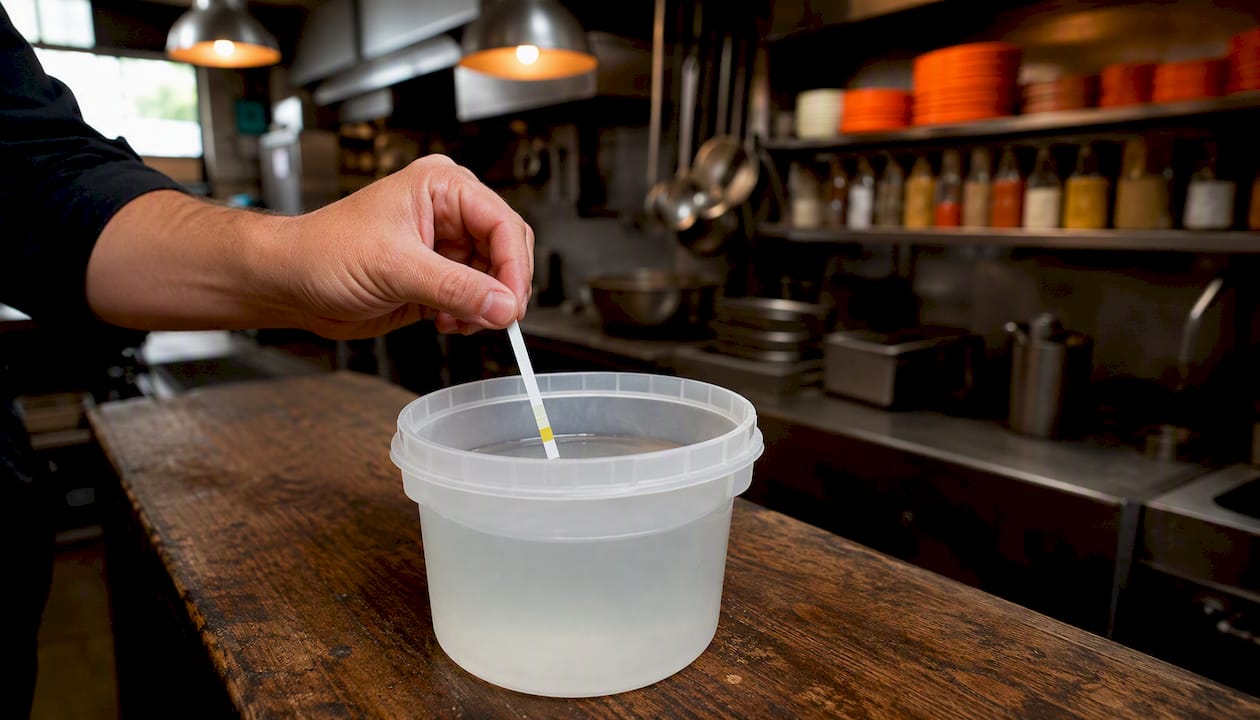
The second is sanitizer concentration that is either untested or tested with expired test strips. Chlorine sanitizer at 25 ppm does almost nothing. At 200 ppm it damages surfaces and leaves residue. The correct range is 50–100 ppm for chlorine, and it needs to be tested at the start of every service and after any bucket change. A test strip log with a date, time, reading, and initials takes 30 seconds and is one of the first things a health inspector checks.
The third is corrective-action records that describe what happened but not what was done about it. "Temp out of range — corrected" is not a corrective action. "Product at 48°F discarded; unit gasket replaced by maintenance at 11:30 AM; re-check at 1:00 PM confirmed 39°F; maintenance work order #2026-047 on file" is a corrective action. The difference is the chain of evidence.
Quick fixes that make an immediate difference:
- Post a laminated temperature log sheet on every unit door with a pen attached
- Replace test strips on a calendar schedule (monthly at minimum) and log the replacement date
- Add a "verified by" signature line to every corrective-action entry
- Take a timestamped photo of every finding and every verified fix; file by date
Timestamped photos, cross-referenced logs, and signed CAPA forms are the three documentation habits that consistently impress health inspectors. They signal that the operation treats compliance as a daily practice, not a pre-inspection scramble. Food safety and quality food service standards are inseparable — operators who audit consistently protect both their guests and their reputation.
Pantryhub makes audit evidence easier to collect
Pulling together audit evidence from paper logs, supplier emails, and separate spreadsheets takes time that most managers do not have. Pantryhub centralizes supplier specs, stock movement records, and real-time inventory data in one platform, so when an auditor asks for a delivery record or a stock adjustment tied to a corrective action, the answer is a few clicks away — not a filing cabinet search.

For foodservice managers preparing for health department inspections or GFSI audits, that kind of record visibility reduces prep time and removes the last-minute scramble. Pantryhub's hospitality inventory software connects stock tracking, supplier ordering, and cost reporting in a single platform built for restaurants, cafés, bars, and commercial kitchens. Start a free trial today and see how much faster your next audit prep can be.
Authoritative U.S. sources and downloadable templates
Use these references to validate checklist items, confirm temperature thresholds, and obtain forms your team can use immediately:
- Food Safety Evaluation Checklist
- FDA - Food
- Food Safety Self-Inspection Checklist (NACCHO)
- Food Facility Self-Inspection Checklist (San Diego County)
- Free Food Safety Audit Checklist Templates & Report Sample
- Food Facility Self-Inspection Checklist (Indiana Department of Health)
- Step-by-Step Internal Audit Checklist for HACCP, BRCGS, and SQF
- Food Facility Self-Inspection Checklist (Los Angeles County)