
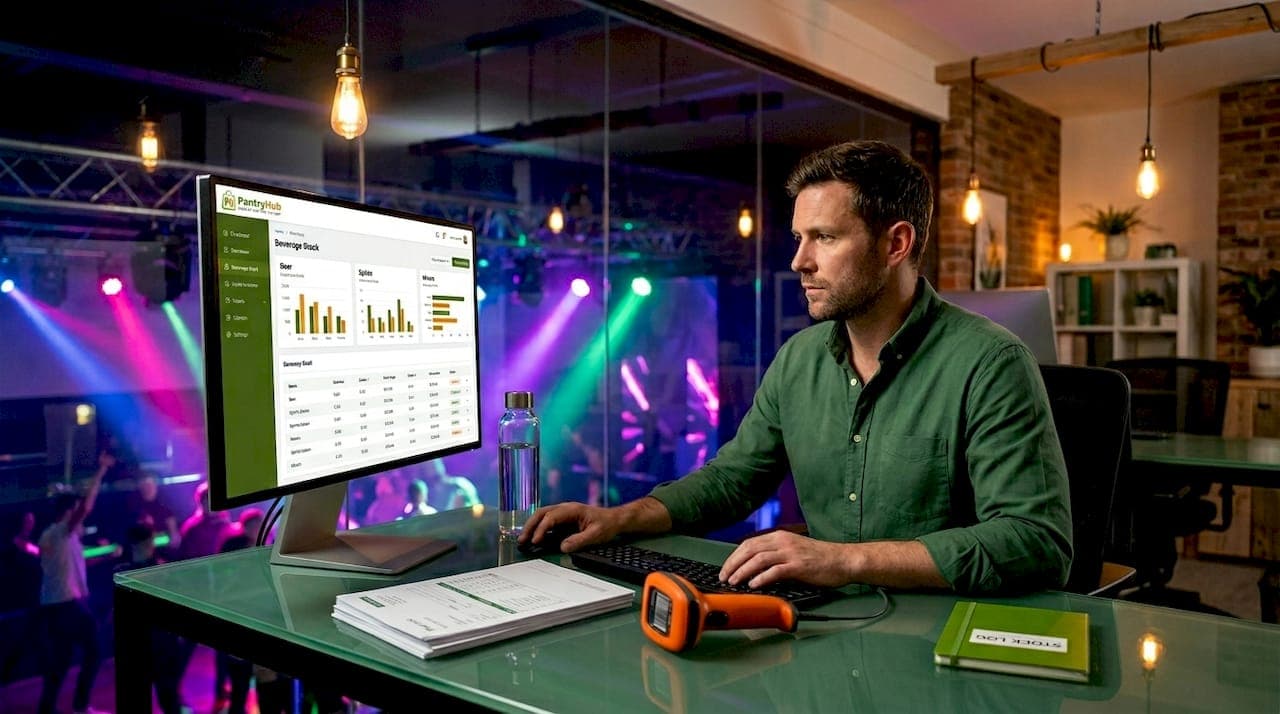
Inventory software for clubs is defined as a digital system that automates stock tracking, triggers reorder alerts, and records every movement of goods across your venue. Manual spreadsheets and clipboard counts cannot keep pace with the volume and speed of a busy nightclub or bar operation. Clubs that rely on paper-based methods routinely face overstocking, unexplained shrinkage, and cash tied up in slow-moving product. Tools like Pantryhub, inFlow, and Zoho Inventory now give club managers real-time visibility into what is on the shelf, what is selling, and what needs to be ordered before the weekend rush hits.
Why clubs need inventory software: the core case
The most direct answer to why clubs need inventory software is financial control. Inventory carrying costs typically run between 20% and 30% of total stock value annually. That figure covers storage, spoilage, insurance, and the opportunity cost of cash locked in product sitting on a shelf. Software that tracks consumption patterns and automates reordering can reduce total inventory value by 15% to 25% within six months. For a club spending $50,000 a year on stock, that is a potential saving of $7,500 to $12,500 without cutting a single menu item.
Beyond cost, the importance of software for club inventory comes down to accuracy. POS-integrated inventory systems update stock levels automatically every time a sale is recorded, eliminating the lag and transcription errors that plague manual counts. This matters most on Friday and Saturday nights when your bar team is moving hundreds of transactions per hour and nobody has time to update a spreadsheet.
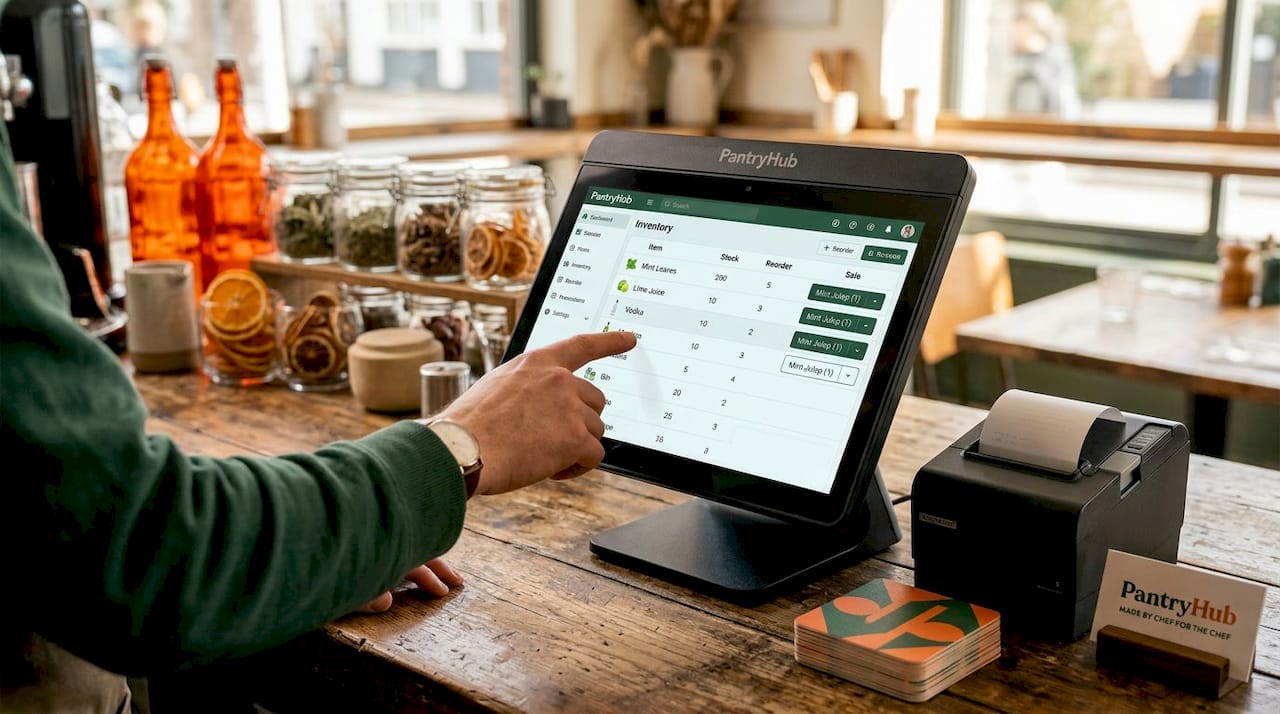
Pro Tip: Set your reorder points based on three weeks of actual sales data, not gut feel. Most inventory platforms let you pull this report in under two minutes.
What are the main benefits of inventory software for clubs?
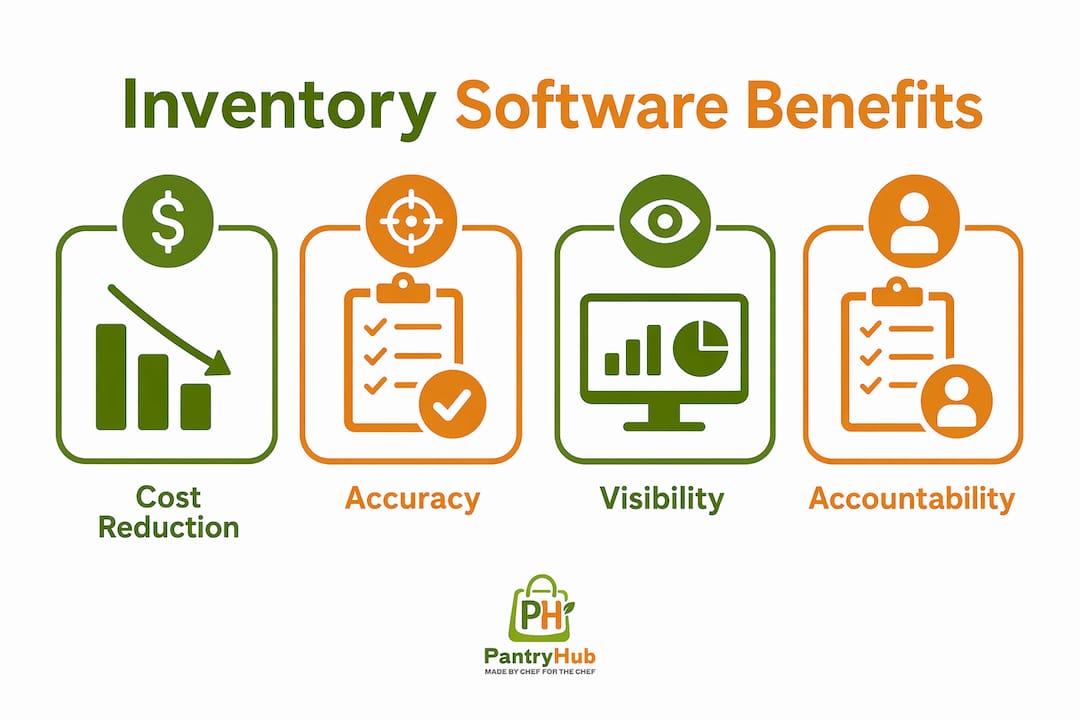
The benefits of inventory software for clubs fall into four categories: cost reduction, accuracy, visibility, and accountability.
Cost reduction is the most measurable. Automated reorder workflows prevent the two most expensive inventory mistakes a club can make: running out of a top-selling spirit on a Saturday night, and over-ordering slow-moving product that ties up cash and shelf space. Automated reorder features allow the system to send a purchase order or alert the moment stock drops below a defined threshold, keeping you in the optimal zone between stockout and overstock.
Accuracy improves because the system removes the human from repetitive counting tasks. Manual inventory counts are prone to transcription errors, missed items, and inconsistent counting methods between staff members. When a POS system like Square for Retail or a hospitality platform like Pantryhub feeds sales data directly into the inventory module, every pour and every plate reduces the stock count in real time.
Visibility across multiple locations is a specific advantage for club groups running more than one venue. Multi-location inventory software synchronizes stock levels and sales data across all outlets, so a head office manager can see which venue is running low on a particular product and redistribute stock before a stockout occurs. This kind of cross-venue intelligence is impossible to replicate with spreadsheets.
Accountability is the benefit that surprises most club managers. When every stock movement is logged against a user, a timestamp, and a reason, staff behavior changes. Shrinkage rates drop. Discrepancies get resolved faster. The system creates a culture of precision that manual methods simply cannot produce.
How does inventory software improve accuracy and auditability?
The difference between a good and a poor inventory system comes down to one design principle: does it track movement history, or does it only store current quantities?
A system that records only current quantities is a black box. If your stock count for a premium vodka drops by six bottles overnight, you have no way to know whether those bottles were sold, wasted, stolen, or miscounted. Without movement history, quantity changes become unexplainable, and that undermines every reconciliation conversation you have with your team or your accountant.
A stock ledger model works differently. Every transaction, whether it is a sale, a delivery, a wastage entry, a transfer between venues, or a manual adjustment, creates a line in the ledger with a user ID, a timestamp, and a reason code. Adjustment movements rather than direct stock edits preserve the full audit trail, so you can reconstruct exactly what happened to any item at any point in time.
This matters for three practical reasons in a club environment:
- Theft prevention: When staff know every adjustment is logged against their login, unauthorized removals become far riskier and less frequent.
- Supplier disputes: If a delivery is short, the movement log shows the received quantity versus the invoice quantity, giving you documented evidence for a credit claim.
- Compliance: Liquor licensing audits in most jurisdictions require clubs to demonstrate accurate records of stock received and sold. A movement history log satisfies this requirement directly.
Pro Tip: When evaluating inventory platforms, ask specifically whether the system uses a stock ledger model or a direct-edit model. If the vendor cannot answer that question clearly, treat it as a red flag.
What features should clubs look for in inventory software?
Not every inventory platform is built for the pace and complexity of nightlife venue operations. The features that matter most for efficient inventory tracking for clubs are distinct from what a retail store or warehouse needs.
| Feature | Why it matters for clubs |
|---|---|
| POS integration | Automatic stock deductions on every sale; no manual entry required |
| Real-time visibility | Instant stock levels across all bar stations and storage areas |
| Automated low-stock alerts | Prevents stockouts during peak trading hours |
| Movement history and audit trail | Supports reconciliation, theft prevention, and compliance |
| Multi-location support | Manages stock across multiple venues or outlets from one dashboard |
| Mobile app access | Allows managers to check and update stock from the floor |
| Demand forecasting and reporting | Identifies fast and slow movers to optimize purchasing decisions |
POS integration is the non-negotiable starting point. Real-time inventory visibility replaces manual tracking with automation and enables early detection of deviations before they become costly problems. Platforms that connect directly to Square, Lightspeed, or similar POS systems give you a live picture of stock consumption without any additional data entry.
Reporting and analytics deserve more attention than most club managers give them. A platform that shows you which products are moving fastest on Friday nights versus Tuesday nights lets you adjust your ordering schedule to match actual demand. This is how you stop over-ordering slow midweek products and start freeing up cash for the items that actually drive revenue.
Scalability also matters. A platform that works for a single venue should also handle a second or third location without requiring a complete system rebuild. Pantryhub, for example, is built specifically for multi-location hospitality operations, making it a practical choice for club groups planning to grow.
How can clubs implement inventory software effectively?
A clean implementation follows six steps, and skipping any of them creates problems that compound over time.
- Map your stock movements first. Before you touch any software, document every way product enters and leaves your venue: deliveries, sales, wastage, staff meals, transfers, and theft. This map becomes the foundation for how you configure the system.
- Establish baseline stock counts. Do a full physical count before go-live. Every number in the system from day one needs to be accurate, because errors in the opening balance propagate through every report you run afterward.
- Test POS and supplier integrations. Run the integration in parallel with your existing process for at least one week before switching over completely. Confirm that every sale recorded at the POS reduces the correct inventory item by the correct quantity.
- Train staff on movement logging. The system is only as accurate as the data your team enters. Every staff member who handles stock needs to understand how to log a delivery, record a wastage event, and submit a transfer request. This training takes less than an hour but pays off every week.
- Set automated reorder points. Use three to four weeks of post-go-live sales data to calculate realistic reorder thresholds for each product. Adjust these thresholds seasonally, particularly before major events or public holidays.
- Run regular cycle counts. A full stocktake once a month is not enough. Weekly spot counts on your highest-value and highest-volume items catch discrepancies early and keep staff accountable between full counts.
Real-time visibility technologies have been shown to improve restocking speed by 20% and increase item availability by 12% in pilot programs. For clubs, that translates directly into fewer "sorry, we're out of that" moments during peak service.
Key takeaways
Clubs that adopt inventory software gain measurable cost savings, operational accuracy, and staff accountability that manual methods cannot deliver.
| Point | Details |
|---|---|
| Carrying costs are the financial target | Software reduces annual carrying costs of 20%–30% by preventing overstock and automating reorders. |
| Movement history is non-negotiable | A stock ledger model creates audit trails that support reconciliation, compliance, and theft prevention. |
| POS integration drives accuracy | Automatic stock deductions on every sale eliminate manual entry errors during high-volume service. |
| Multi-location visibility changes operations | Real-time synchronization across venues prevents stockouts and enables smarter stock redistribution. |
| Implementation quality determines outcomes | Accurate opening counts, staff training, and cycle counts are what make the software investment pay off. |
What I've learned from watching clubs get this wrong
Most club managers I've worked with adopt inventory software for the wrong reason. They buy it after a bad stocktake, when the damage is already done, and they expect the software to fix a process problem. It does not work that way.
The clubs that get the most out of inventory management for nightlife venues are the ones that treat the software as a discipline tool, not a reporting tool. They use it to enforce movement logging on every shift, not just to generate a monthly variance report. The difference in outcomes is significant. Venues that log every movement see shrinkage rates drop within the first 90 days. Venues that only use the software for end-of-month reporting see modest improvements at best.
The other mistake I see repeatedly is choosing a platform based on price alone. A $20-per-month tool that lacks a stock ledger model will cost you far more in unresolved discrepancies and wasted management time than a purpose-built hospitality platform at three times the price. The best inventory systems for restaurants and clubs in 2026 are the ones built specifically for food and beverage operations, not adapted from retail or warehouse software.
My honest recommendation: before you sign up for any platform, ask for a demo of the movement history report. If the system cannot show you a complete transaction log for a single product over the past 30 days, it is not built for the level of accountability a club operation requires.
— Admin
See how Pantryhub handles club inventory

Pantryhub is built specifically for hospitality venues, including bars and clubs that need real-time stock control without the complexity of enterprise software. The platform connects directly to your POS, logs every stock movement against a user and timestamp, and sends automated alerts before you hit a stockout. Whether you manage one venue or several, Pantryhub gives you the bar inventory control and multi-location visibility that club operations demand. Pricing starts at A$39 per month, and setup takes less than a day. Explore hospitality inventory software built for the way clubs actually operate.
FAQ
Why do clubs need inventory software specifically?
Clubs operate at high transaction volumes with perishable and high-value stock, making manual tracking too slow and error-prone. Inventory software automates stock deductions, triggers reorder alerts, and creates audit trails that protect against shrinkage and compliance risk.
How does inventory software reduce costs for clubs?
Carrying costs typically run 20%–30% of total stock value annually, and software reduces that exposure by preventing overstock and automating reorders. Clubs can cut total inventory value by 15% to 25% within six months of proper implementation.
What is the difference between a stock ledger and a direct-edit system?
A stock ledger records every transaction with a user, timestamp, and reason, creating a full audit trail. A direct-edit system only stores the current quantity, so any discrepancy becomes impossible to trace or explain.
How long does it take to implement inventory software in a club?
Most clubs can complete setup, POS integration, and staff training within one week. The critical step is an accurate opening stock count before go-live, since errors in that baseline affect every report the system produces afterward.
Can inventory software work across multiple club locations?
Yes. Multi-location inventory platforms synchronize stock levels and sales data across all venues in real time, allowing managers to redistribute stock, compare venue performance, and prevent localized stockouts from a single dashboard.