

Restaurant owners trying to manage stock levels, supplier orders, and daily sales from a single inventory platform often run into hidden fees or confusing implementation steps that drain time and budget. Many restaurant inventory management tools either demand bespoke pricing for core features or force operators to buy bundled hardware with limited flexibility. This comparison lays out features, pricing schemes, and integration options across six restaurant inventory solutions so you can choose one that matches your venue size and workflow complexity without risking rollout failures.
Table of Contents
- Brightpearl
- Zoho Office Suite and Business Applications
- Epos Now
- Comparative Analysis: Restaurant Inventory Management Software
Brightpearl
At a Glance
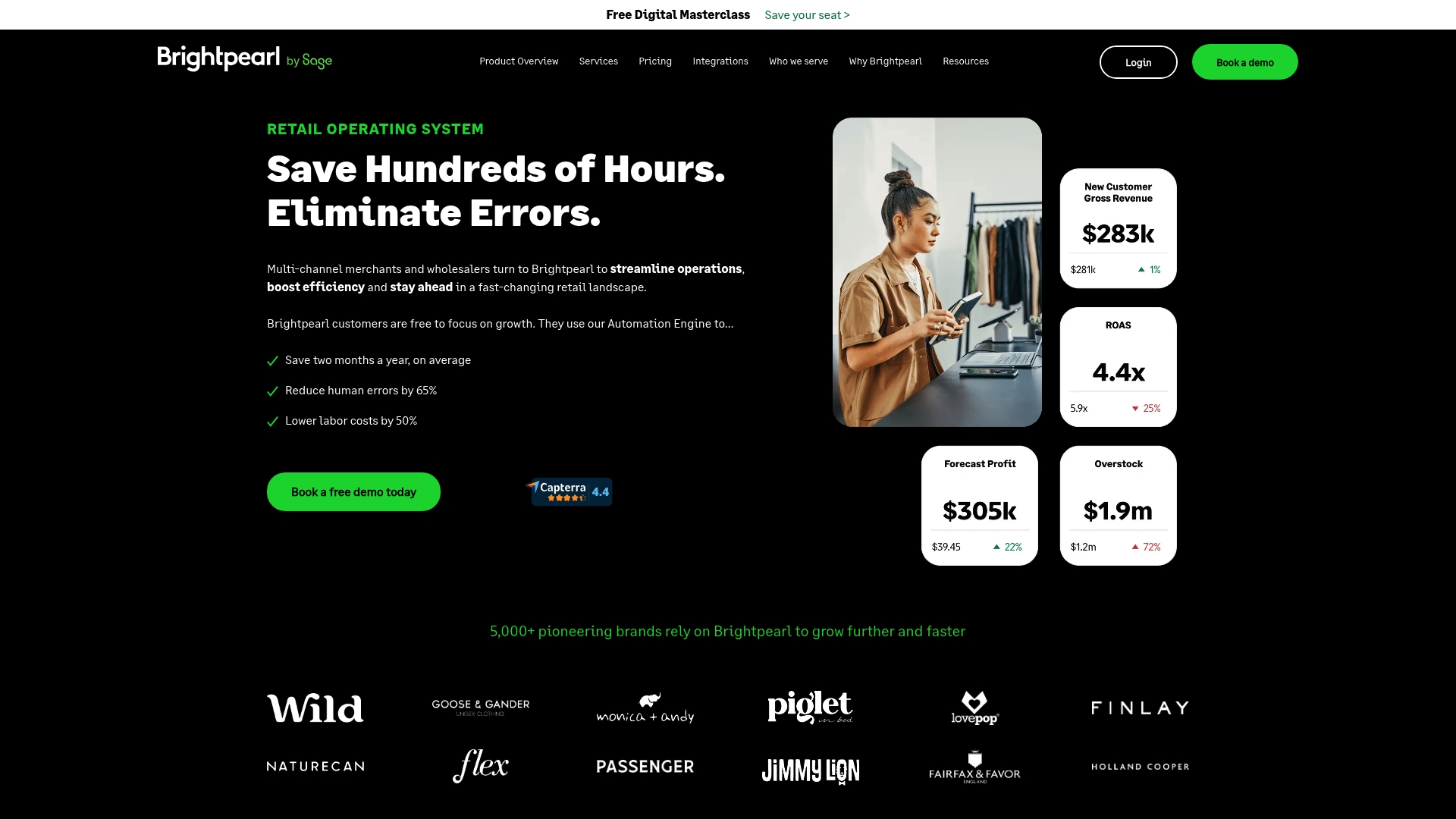
Brightpearl's marketing states pricing is bespoke and that unlimited users are included at no extra cost. The platform bundles inventory, orders, accounting, and an automation engine aimed at multi-channel retail and wholesale operations.
Core Features
- Forecasting & Purchasing for suggested buy quantities and reorder planning.
- Inventory Planning and centralized stock control across online and physical channels.
- Order and Warehouse Management including barcode workflows, shipping orchestration, and fulfillment rules.
- Retail Accounting and Analytics to link sales, margins, and finance in one place.
Key Differentiator
The vendor positions Brightpearl around its automation engine plus a plug and play app store that links commerce, shipping, and accounting workflows. That focus on automating routine tasks is meant to keep growing merchants from expanding headcount just to handle operational complexity.
Pros
- The automation engine reduces repetitive bookkeeping and order routing work, freeing time for managers to focus on exceptions rather than daily fires.
- Centralized inventory and multi-channel order handling make it easier to avoid oversells when you sell on marketplaces and your own site.
- Plug & Play integrations cover major storefronts and finance tools, which speeds up connections during onboarding.
- Onboarding specialists and ongoing expert support are part of the offering, according to the vendor, which helps teams migrate without losing order continuity.
Cons
- Pricing is bespoke and can be expensive for smaller merchants compared with simpler inventory tools.
- Implementation often requires dedicated internal resources and can take several weeks depending on complexity.
- Some users report the user interface feels dated and less intuitive than newer consoles.
- There is no native mobile app, which limits quick actions for managers on the floor.
When It May Not Fit
If you run a single-location cafe or a small startup that only sells on one platform, Brightpearl is likely overpowered and costly. Teams without a person to manage a multi-week rollout will feel the implementation burden quickly.
Notable Integrations
- Shopify
- Magento
- BigCommerce
- Amazon
- eBay
- QuickBooks
- Xero
- Sage Intacct
Who It's For
Mid-sized to large retail brands and wholesalers that sell across multiple channels and need inventory, order, shipping, and accounting tied together. Good for teams planning to automate routine tasks instead of hiring more operations staff.
Real World Use Case
A retailer with both storefronts and a growing Shopify presence uses Brightpearl to route orders, update inventory across channels, and push sales into the ledger. Expert onboarding reduced cutover errors and let the team scale fulfillment without adding headcount.
Pricing
Brightpearl's site states pricing is tailored to each business and includes unlimited users. Expect a quote model rather than a fixed entry tier. Smaller merchants should budget for implementation services on top of the subscription.
Website: https://brightpearl.com
Zoho Office Suite and Business Applications
At a Glance
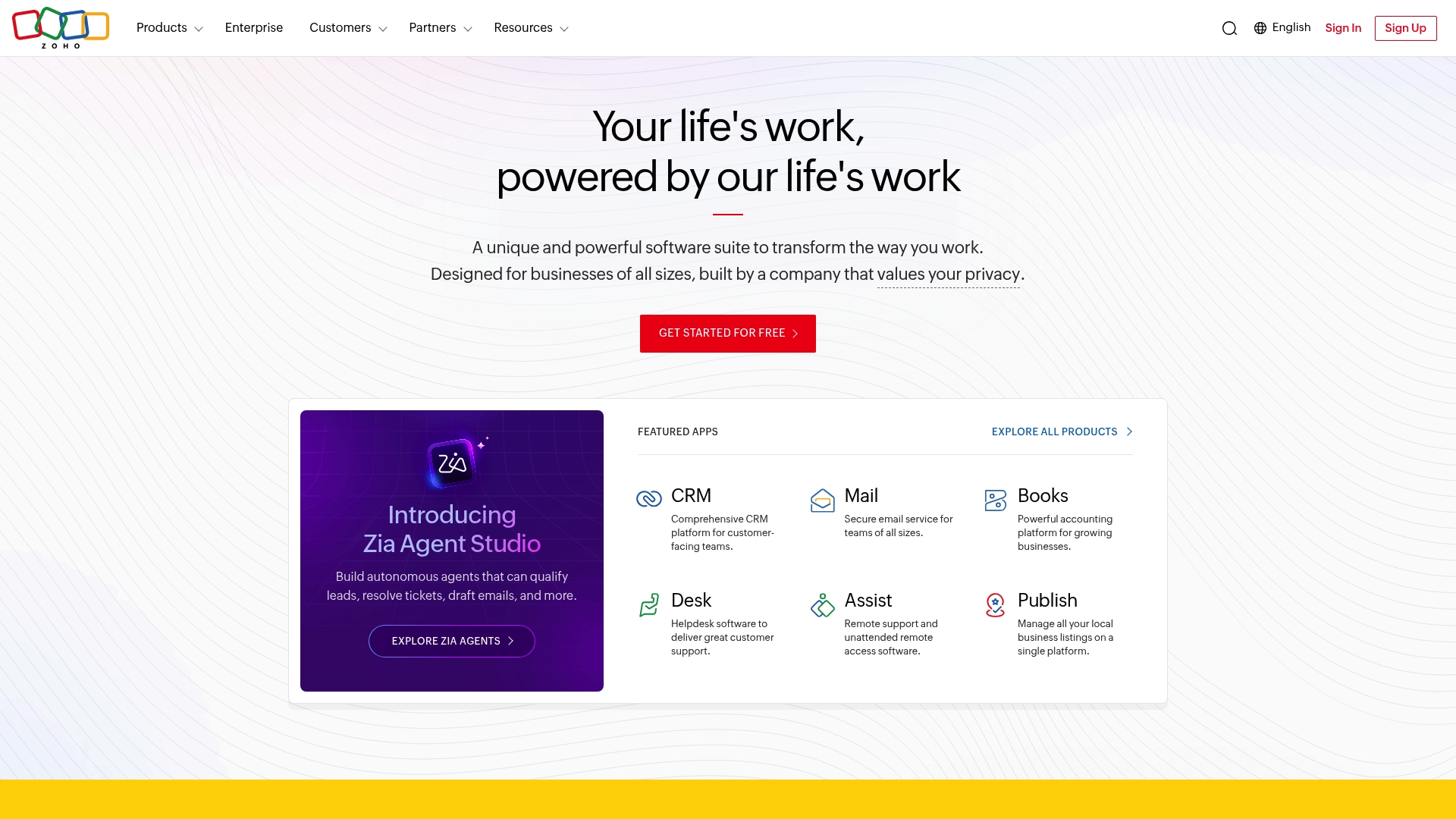
Zoho's marketing materials state it serves over 130 million users worldwide. That scale crops up in its single-sign on ecosystem which bundles CRM, finance, HR, IT, and collaboration into one footprint for organizations.
Zoho pairs that breadth with an all-in-one option called Zoho One that groups the core apps under one administrative roof for centralized control.
Core Features
- Zoho One: a unified operating system that groups more than 50 apps for users and administrators to manage from a single console.
- Customization and workflow builders that let you adapt UI, approvals, and data flows to specific business processes.
- Zia AI assistant for basic forecasting, anomaly detection, and automated tasks inside CRM and analytics.
- Extensive APIs and in-house integration tools so data moves between finance, sales, and operations without manual exports.
Key Differentiator
Zoho's strength is the depth of its integrated ecosystem. The platform was built so a single vendor handles CRM, accounting, HR, and custom app development, reducing cross-vendor friction and centralizing data governance for multi-location operations.
That architecture appeals when you want one vendor contract and one admin console, plus the option to extend with custom apps rather than bolt on many point solutions.
Pros
- Cost effective entry. Many Zoho products offer a free tier which lets smaller teams trial features before committing to paid plans.
- Integration reduces manual work across departments. Data flows from sales to billing to support inside the same ecosystem.
- Strong customization options. Builders and APIs make it possible to model unusual workflows without custom code in many cases.
- Privacy and security commitments. The vendor advertises dedicated data centers and compliance policies that larger buyers will check during procurement.
- Wide product coverage. From CRM to accounting to HR tools, you can run most core business functions in one environment.
Cons
- Steep learning curve for teams new to the platform. The wide feature set requires time and training to use effectively.
- Support quality varies by region and plan. Some buyers report slower response times on lower tiers.
- Advanced pipeline management takes effort to set up. Complex automations require both a technical admin and process mapping.
- Interface consistency can lag across older and newer apps, which creates small usability gaps for staff who jump between modules.
When It May Not Fit
If you need an out-of-the-box, low training solution for frontline staff who resist change, Zoho can demand too much setup. Also, organizations that rely on a single third-party app deeply integrated into their workflow may find migration and connector work nontrivial.
If your procurement team requires enterprise support SLAs and a single regional vendor relationship, verify support terms before committing.
Who It's For
Companies that want a single vendor to cover most business functions and have capacity to configure systems. Best for growing small and mid-sized organizations and enterprises planning to standardize tools across locations.
Teams that need minimal training and only one or two point tools might prefer a lighter alternative.
Real World Use Case
A mid-size retail chain builds a set of custom order and inventory flows in Zoho Creator, uses Zoho CRM to track loyalty and marketing campaigns, and runs accounting on Zoho Books. Integrations between those modules reduce manual reconciliation and centralize reporting for the head office.
Pricing
Free tiers exist across many Zoho apps. Paid plans vary by product and scale up to enterprise offerings. Zoho advertises both standalone product pricing and bundled options under Zoho One for organizations that want most apps under one plan.
Website: https://zoho.com
Epos Now
At a Glance
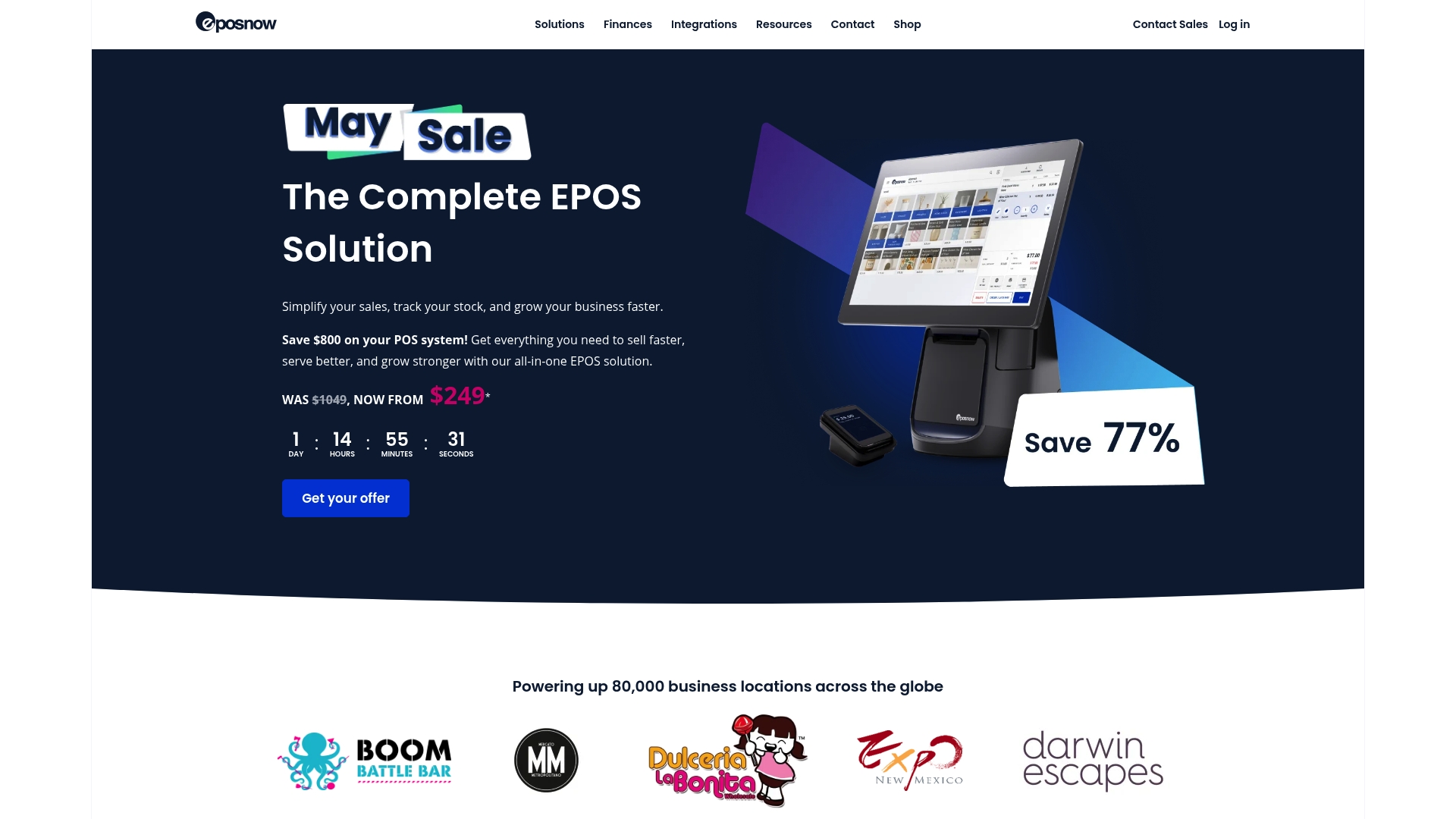
Epos Now often advertises a complete POS starting at $249, frequently shown as a promotional drop from a figure like $1,049. That aggressive entry price is the most talked about piece of its sales pitch.
The platform mixes cloud connectivity, payment processing, and bundled hardware to sell a ready-to-run till system for retail and hospitality venues.
Core Features
Epos Now offers cloud-based POS access for remote reporting and tills that sync in near real time. Inventory tracking and sales reporting sit alongside integrated payment processing and hardware bundles.
The platform also exposes an app ecosystem for loyalty, accounting, online ordering, delivery, and kitchen display support to extend the base tills.
Key Differentiator
Epos Now positions itself as a single vendor that sells both the software and the physical till stack plus third-party apps. That reduces procurement friction for operators who want one supplier for terminals, printers, and card readers.
Compared with Pantryhub, Epos Now serves a broader retail-plus-hospitality market rather than focusing narrowly on chef-built inventory and supplier ordering workflows.
Pros
- Easy multi-location syncing lets managers view sales and stock across tills without manual exports. This saves time during daily reconciliations.
- Implementation consultants are available and many users report helpful onboarding support during rollout phases. That lowers the initial setup burden for smaller groups.
- The product supports a hardware bundle, so you can buy terminals, printers, cash drawers, and card readers from a single vendor instead of sourcing parts separately.
- Affordable entry pricing for a full system attracts small shops and cafes that do not want per-seat software costs.
- Solid app connections with platforms like Shopify and QuickBooks makes omnichannel reporting and accounting exports feasible.
Cons
- Several reviewers call out hidden or unexpected fees and aggressive upselling of paid add-ons during or after purchase.
- Refund and cancellation processes have been described as complex or opaque, which creates friction if you change your mind or need to terminate service.
- Some users report hardware reliability problems with terminals or peripherals, so expect variable durability across sites.
- Complaints exist about pushy sales tactics and inconsistent follow-up when issues escalate to support teams.
When It May Not Fit
If you need guaranteed offline operation with no cloud dependency, this solution is risky. Very lean operators seeking a no-frills, ultra-low-cost POS without app overhead may prefer simpler alternatives.
Also avoid Epos Now when your business requires highly durable, specialized hardware or bespoke kitchen ordering workflows where industrial-grade equipment is mandatory.
Notable Integrations
Epos Now lists integrations with Shopify, QuickBooks, Sage, Loyalzoo, Mailchimp, OpenTable, Deputy, and KDS. These connectors cover online storefronts, accounting exports, loyalty, reservations, scheduling, and kitchen displays.
Who It's For
Small to medium retail shops, cafes, and restaurant groups that want a single-supplier POS with cloud reporting and app extensions. Good for operators who prefer bundled hardware and a defined implementation pathway.
Real World Use Case
A regional restaurant chain centralizes sales and inventory across five sites using Epos Now. The chain syncs daily takings, pushes online orders into the tills, and exports sales to accounting, reducing manual reconciliations across managers.
Pricing
Promoted starting price: $249 for a complete POS package, commonly advertised as a discount from $1,049. Expect additional costs for paid app integrations, hardware accessories beyond the bundle, and transaction fees charged by payment processors.
Website: https://eposnow.com
Comparative Analysis: Restaurant Inventory Management Software
For restaurants seeking improved inventory workflows, selecting the software solution hinges on balancing core needs like feature depth, ease of integration, cost-effectiveness, and scalability. Here's a detailed comparison of pantryhub.com.au, Brightpearl, Zoho Office Suite and Business Applications, and Epos Now to aid in selecting the most suitable tool.
Specialized Functionality vs. Broad Applicability
- Pantryhub.com.au centers on inventory and supplier management tailored for culinary establishments. In contrast, Brightpearl and Zoho target businesses spanning multiple industries, providing features for inventory alongside accounting and CRM tools.
- This difference makes Pantryhub a targeted choice for restaurants looking for tools directly addressing chef-delivered workflows, while overall operational centralization might favor Brightpearl or Zoho.
Onboarding Considerations
- Brightpearl provides onboarding specialists to guide users through its complex implementation steps. While this structured onboarding suits large staff operations, it may overwhelm smaller teams without technical managers.
- Epos Now garners positive feedback for its simplified setup process combining hardware and software assistance, making it a good choice for small restaurant chains needing quick deployment.
Cost and Scalability
- Zoho Office Suite excels in adaptability with its module pricing, allowing companies to scale feature adoption as they grow. However, its layered structure may require extended training periods.
- For operators contemplating regular growth and looking for a pricing strategy aligned with their scale-ups, this makes Zoho advantageous over bundle-based offerings, such as Brightpearl's bespoke pricing model.
Best Fit Recommendations:
- Choose pantryhub.com.au for its culinary-specific tools engineered for restaurant inventory and supplier intricacies.
- Opt for Brightpearl when scaling into multi-channel retail with centralized inventory needs.
- Consider Zoho Office Suite if business centralization without vendor stacking is a priority.
- Select Epos Now if seeking an accessible entry point combining hardware and software for immediate retail implementation needs.
Our Pick: Pantryhub.com.au
While competitors shine in varied contexts, pantryhub.com.au distinguishes itself by uniquely addressing the everyday challenges restaurant operators face, such as perishable ingredient management and supplier alignment. However, operations requiring expansive multi-department integration beyond inventory may benefit from exploring more generalized systems like Zoho.
Restaurant Inventory Management Software Compared
Discover the differences among these restaurant inventory management solutions to find the best match for your business needs.
| Product Name | Core Features | Key Differentiator | Best For | Pricing | Notable Limitation |
|---|---|---|---|---|---|
| Pantryhub | Chef-crafted design, integrations with suppliers and robust reporting. | Extensive supplier integrations for kitchen-specific needs. | Restaurants prioritizing supplier management. | Not disclosed | Primarily targets medium to large enterprises. |
| Brightpearl | Inventory, accounting, and multi-channel management. | Automation engine that minimizes repetitive tasks. | Mid to large retail brands with multi-channels. | Not disclosed | Implementation demands internal resources. |
| Zoho Office Suite | Unified business apps covering CRM, finances, HR, and IT functions. | Extensive app ecosystem under one administrative roof. | Multi-location businesses requiring customization. | Varies by package | Steep learning curve for new adopters. |
| Epos Now | POS systems combined with inventory tracking and payment systems. | Bundled hardware with software for immediate rollout. | Medium retail shops and restaurants needing all-in-one solutions. | Starting at $249 | Reported issues with hardware reliability. |
Discover Pantryhub as a Top LightspeedHQ.com Alternative for Hospitality Operations
Choosing the right platform for managing inventory, supplier orders, and multi-location visibility is critical if you feel weighed down by complex setups or costly, one-size-fits-all solutions. Unlike some alternatives that require extensive rollout time and steep learning curves, Pantryhub is designed just for kitchens by chefs, focusing on reducing waste and simplifying stock management across restaurants, cafés, and bars.
Experience smart tracking, low-stock alerts, and supplier integration in one place.

Explore how Pantryhub makes managing your pantry easier and faster with real-time insights and powerful reporting. Visit Pantryhub now and take control of your kitchen stock with practical tools built for hospitality teams. Request a demo and see how importing your supplier orders and tracking inventory across multiple sites happen without the guesswork.
Frequently Asked Questions
How does Pantryhub manage inventory across multiple locations?
Pantryhub offers centralized inventory management, allowing users to track stock across all their locations efficiently. This is highlighted by its ability to sync inventory in real time, reducing the risk of overselling. Managers can expect seamless oversight of inventory, making it easier to restock as needed.
What is the difference between Pantryhub and Epos Now's hardware offerings?
Epos Now provides a bundled hardware solution with terminals, printers, and integrated payment processing, which can attract small shops looking for an all-in-one system. Pantryhub, on the other hand, focuses more on software capabilities without being tied to specific hardware, allowing flexibility for users to choose their own devices. This means businesses can tailor their operational setup based on their specific needs.
Can I use Pantryhub if I have a small restaurant with basic inventory needs?
Yes, Pantryhub is suitable for small restaurants, as it efficiently handles inventory management without overwhelming users with unnecessary features. Its design ensures smaller teams can manage their inventory efficiently, allowing them to focus on their culinary operations without excessive training.
Does Pantryhub support integrations with other accounting software like QuickBooks?
Yes, Pantryhub offers integrations with various accounting software, including QuickBooks, which facilitates streamlined financial tracking. This is essential for maintaining accurate financial records from sales to accounting within one platform. Users should expect a smooth transition of data between these applications, enhancing their operational efficiency.
What pricing models does Pantryhub offer for its services?
Pantryhub operates on a subscription model with a focus on providing scalability and flexibility to its users. This allows small to medium-sized businesses to manage their costs effectively while accessing crucial inventory management capabilities. Companies looking for straightforward and cost-effective solutions can evaluate Pantryhub's pricing structure to find a suitable option.