
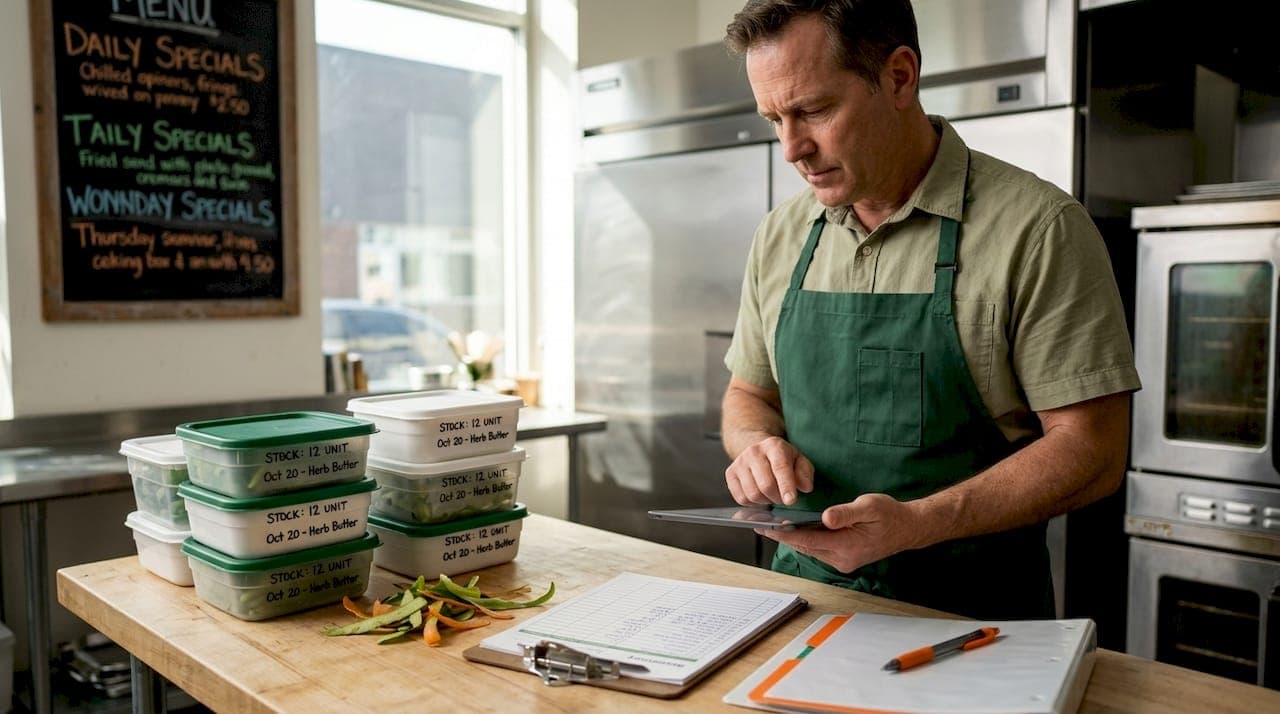
If you've ever finished a service and genuinely couldn't tell whether you'd over-ordered beef tenderloin or simply sold more than expected, you already understand why a food inventory template matters. A food inventory template is a structured document, either on paper, spreadsheet, or digital form, that standardizes how your team records, tracks, and reviews every food item in your operation. The industry term you'll hear from operations managers is food stocktaking form or inventory count sheet, but regardless of what you call it, the purpose is the same: replace memory and guesswork with repeatable, trustworthy data.
Table of Contents
- Key Takeaways
- What a food inventory template actually includes
- How templates support cost control and waste reduction
- Comparing template formats: paper, spreadsheet, and digital
- Best practices for creating and maintaining your template
- My honest take on why most food inventory templates fail
- Take your inventory further with PantryHub
- FAQ
Key Takeaways
| Point | Details |
|---|---|
| Templates replace guesswork | A food inventory template standardizes recording and tracking for consistent, comparable counts. |
| Fields drive accuracy | Including item name, unit cost, par levels, and expiry dates turns a basic list into a cost-control tool. |
| Format choice matters | Paper works for small operations; spreadsheets and digital tools scale better for growing kitchens. |
| Consistent use beats perfect design | A simple template used every week outperforms a detailed one used only occasionally. |
| Templates feed bigger systems | The data in your template connects directly to purchasing decisions, food cost calculations, and waste reduction. |
What a food inventory template actually includes
The structure of a food inventory template is where operators often trip up. Many teams download a generic grocery inventory template and wonder why it doesn't give them useful data three weeks later. The answer is almost always missing fields.
The non-negotiable columns in any functional restaurant inventory form are:
- Item name and SKU so there's no ambiguity between, say, two different grades of chicken thigh
- Unit of measure (kg, liter, case, each) to make comparisons meaningful across count cycles
- Beginning inventory and ending inventory to calculate actual usage rather than assumed usage
- Purchases received during the period, recorded by delivery date
- Unit cost and total cost so you can run a food cost calculation without pulling invoices separately
These core fields are standard across most templates and form the baseline for any accurate stocktake.
Beyond the basics, the fields that separate a useful food inventory spreadsheet from a genuinely powerful one include expiration dates, storage location (walk-in, dry store, freezer), par levels, and a spoilage or waste column. Templates that capture expiration and par level data give you the information needed to act before product becomes a loss, not after.
Pro Tip: Add a "location" column to your template from day one. When you have product split across a walk-in, a reach-in, and a dry store, a single undifferentiated count will regularly produce errors. Knowing where stock lives speeds up counts and reduces double-counting.
Par levels deserve special attention. A par level tells your team the minimum quantity that should be on hand before reordering is triggered. When that figure lives inside your template alongside your actual count, the reorder decision becomes automatic rather than a judgment call made under pressure during a busy prep shift.
How templates support cost control and waste reduction
The operational benefits of a well-maintained food inventory checklist compound over time. Here's how consistent template use translates into measurable gains in a working kitchen.
-
Comparable period data. When every count uses the same fields in the same format, variance detection becomes straightforward. You can look at week 12 versus week 11 and immediately see that cream usage jumped 18% without a corresponding sales increase.
-
Accurate food cost calculation. Food cost percentage is only as reliable as the numbers feeding it. With opening stock, purchases, and closing stock recorded consistently, your cost of goods sold figure reflects reality rather than estimation.
-
FIFO enforcement. A template that includes expiration dates supports first-in, first-out rotation by making it visible which products are oldest. Chefs working quickly during prep don't have to rely on labels alone when the template flags items approaching their use-by date.
-
Smarter purchasing. Usage patterns become apparent after three to four count cycles. If your template shows that you consistently end the week with 4 kg of excess salmon, that's a direct conversation with your ordering quantity, not a hunch.
-
Spoilage documentation. A dedicated waste or spoilage column lets you separate product that was used in dishes from product that was discarded. That distinction matters enormously when you're trying to identify where food waste reduction is possible.
"Regularly using inventory templates helps prevent overstocking and understocking, ensuring customer demands are met through proactive management and detailed documentation."
The cost control benefits extend to restaurant cost control more broadly. When your template data is reliable, you're making purchasing decisions based on real usage rather than instinct. Over a 12-month period, that difference routinely shows up in the bottom line.
Comparing template formats: paper, spreadsheet, and digital

Not every operation needs the same solution. The right format depends on your team size, how many locations you manage, and how much time you can realistically dedicate to data entry and review.
| Format | Best for | Key advantage | Limitation |
|---|---|---|---|
| Paper checklist | Small cafés, pop-ups | Fast to deploy, zero tech | No calculations, hard to compare |
| Spreadsheet (Excel/Sheets) | Single-site restaurants | Formulas, easy to customize | Manual entry, version control issues |
| Digital inventory platform | Multi-location operations | Real-time data, automated alerts | Requires setup and staff training |
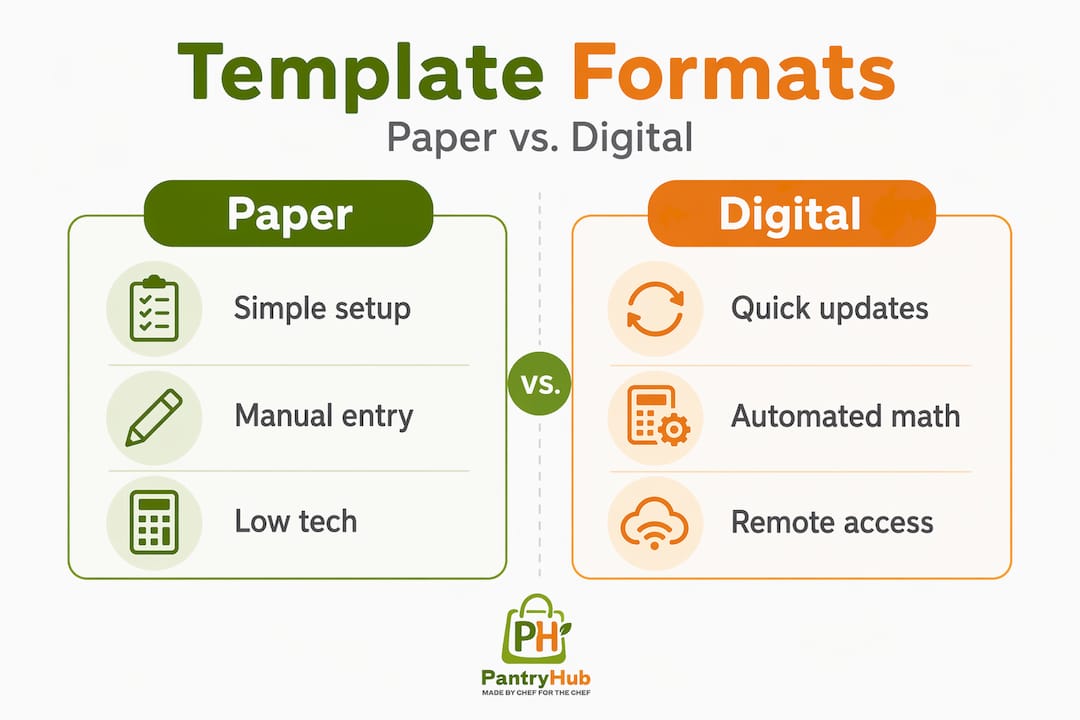
Paper-based restaurant inventory forms still work in low-volume environments where the menu is stable and the team is small. Digital templates offer real-time updates and easier modification compared to paper, which makes them considerably more useful as operations grow.
A food inventory spreadsheet sits in the middle. It requires no subscription, most kitchen managers already know how to use it, and formulas can automate cost calculations. The downside is that spreadsheets break. People overwrite formulas, save the wrong version, or forget to update them after a menu change. For a single café running 80 covers a night, a spreadsheet is probably enough. For a restaurant group with three sites and a central purchasing function, the limitations become a daily frustration.
If you're exploring what a DIY food inventory system looks like before committing to software, a free kitchen inventory checklist is a practical starting point. You can validate your fields and counting cadence before investing in a digital platform.
Pro Tip: Whatever format you choose, lock the structure before you run your first count. Changing columns or categories mid-cycle makes historical comparisons impossible and wastes the data you've already collected.
For a more detailed breakdown of food inventory software options available in Australia, it's worth comparing platforms against your specific operational needs before committing.
Best practices for creating and maintaining your template
Knowing how to create a food inventory system that your team will actually use consistently is a different skill from knowing what fields to include. Here's what works in practice.
- Set your count frequency first. Weekly counts suit most full-service restaurants. Bars often benefit from twice-weekly counts for high-value liquor. Build the template around that cadence, not a theoretical ideal.
- Group items by category and storage location. Organize your template so counters move logically through the kitchen. Walk-in dairy, walk-in proteins, dry goods, freezer. A template that mirrors the physical space reduces count time and errors.
- Embed par levels directly into the template. Par levels are most effective when they're visible alongside actual counts, not stored in a separate document that no one checks.
- Include expiry date columns for perishables. This supports food safety compliance and gives you early warning on items that need to be prioritized in production before they're lost.
- Train every team member who will touch the template. Inconsistent counting methods destroy the value of even a well-designed template. One person counting by weight while another counts by unit creates variance that looks like loss but is actually a recording error.
- Schedule a monthly review of the template itself. Menus change, suppliers change, portion sizes change. A template that hasn't been updated in six months is producing data that no longer reflects your actual operation.
- Connect template data to your ordering workflow. Whether that means attaching the completed count sheet to your supplier order email or feeding it into inventory software, the template only creates full value when it informs the next purchase.
Capturing detailed stock movements including purchases, sales, adjustments, and damaged items is what makes your reported quantities explainable and trustworthy rather than numbers that no one is quite sure how to interpret.
My honest take on why most food inventory templates fail
I've seen a lot of kitchens use templates, and most of them share the same flaw. The template is well designed, the fields are correct, and someone put real effort into building it. But three months in, the data is unreliable, and the chef has stopped trusting it.
The problem almost never lies in the template itself. It lies in the fact that stock movement history is rarely captured with enough discipline to make the resulting quantities explainable. When a line cook adjusts a count mid-week without recording it, or deliveries get put away before they're logged, the template becomes a best guess rather than a record.
What I've found in consistently high-performing kitchens is that they treat the template as a system, not a document. Every movement that affects quantity, whether it's a delivery, a transfer between sites, or discarded product, gets recorded at the time it happens. The count at the end of the week then becomes a confirmation of what the records already show rather than the only moment when someone tries to figure out what actually happened.
The other thing I'd push back on is the popular idea that more fields automatically means better inventory control. A template with 30 columns that gets filled out inconsistently is worth less than a focused 10-column template that your team completes accurately every single count cycle. Start with what your team can actually maintain. Add complexity only when you've proven the habit is solid.
— Admin
Take your inventory further with PantryHub

A well-structured food inventory template is the foundation. But at a certain point in your operation's growth, maintaining that template manually starts costing more in time and errors than it saves. That's where PantryHub becomes relevant.
Built specifically for restaurants, cafés, bars, and commercial kitchens, PantryHub's hospitality inventory software brings everything your template does into a live, connected platform. Real-time stock tracking, low-stock alerts, supplier ordering, and period-over-period reporting are all built in. You get the structure of a template with the responsiveness of a system that updates automatically as your team moves through service.
Whether you're running a single venue or managing inventory across multiple locations, PantryHub gives you the visibility and control that no spreadsheet can match. If you want to see how it fits your operation, explore the platform and start a free trial today.
FAQ
What is a food inventory template?
A food inventory template is a structured document used to record, track, and review food and beverage stock in a hospitality operation. It standardizes counts so that data is consistent, comparable, and useful for cost control and purchasing decisions.
What fields should a food inventory template include?
At minimum, your template should include item name, unit of measure, beginning inventory, purchases, ending inventory, unit cost, and total cost. Adding expiry dates, par levels, and a spoilage column significantly improves its usefulness.
How often should I run a food inventory count?
Most full-service restaurants benefit from weekly counts. High-value categories like proteins or liquor are often counted more frequently, sometimes daily or twice weekly, to catch variances before they compound.
What is the difference between a paper checklist and a digital inventory template?
Paper checklists are fast to deploy but don't support calculations or easy comparison across periods. Digital templates and platforms offer real-time updates, automated cost calculations, and better visibility across locations.
What is food stocktaking?
Food stocktaking is the systematic process of counting and recording all food and beverage items in a commercial kitchen or venue at a set point in time. A food inventory template is the tool used to carry out that process consistently.