
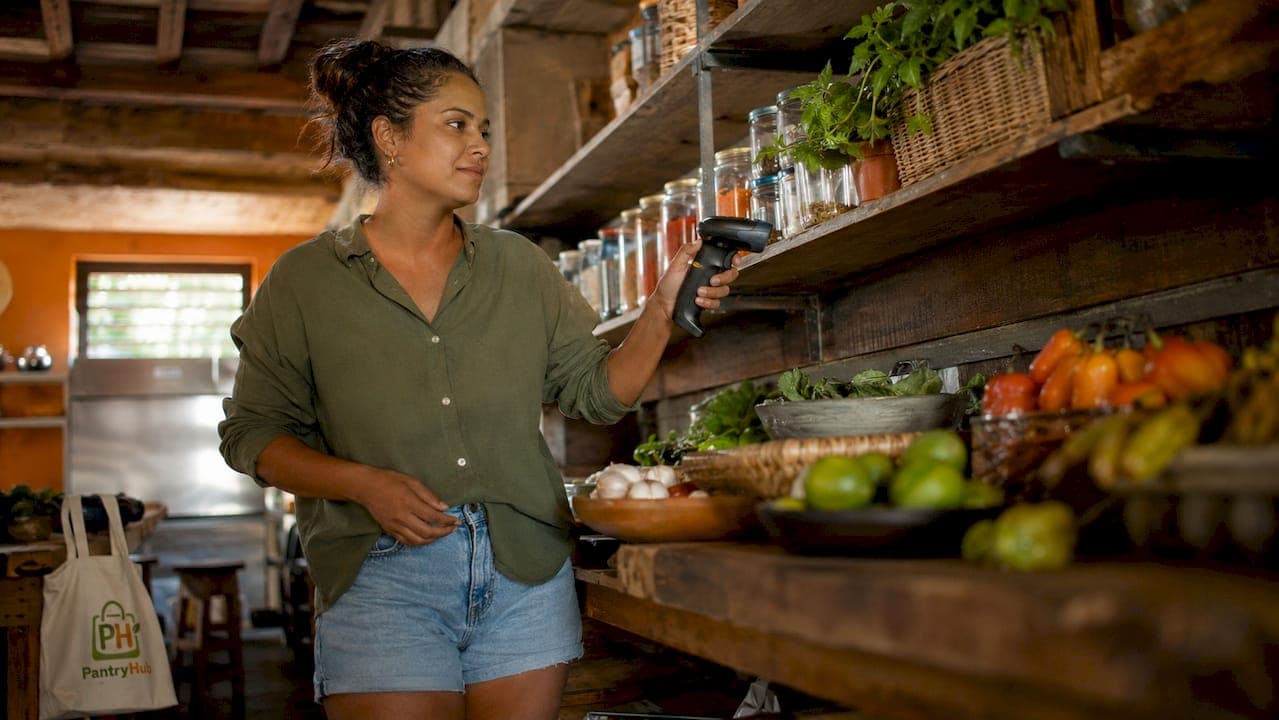
Digital stocktake tools in Australia are purpose-built inventory counting systems that replace pen-and-paper methods with barcode scanning, real-time data capture, and cloud-based reporting. For hospitality managers running restaurants, cafés, and bars, these tools transform what was once a disruptive, error-prone process into a fast, accurate, and continuous workflow. The role of digital stocktake tools in Australia extends beyond simple counting. They connect directly to point-of-sale systems, flag variances instantly, and produce audit-ready reports without a spreadsheet in sight. If you are still closing your venue for a full manual count, you are losing time and money that modern inventory tracking solutions can give back.
What is the role of digital stocktake tools in Australia?
Digital stocktake tools unify three processes that manual methods keep separate: counting, recording, and reporting. In a traditional workflow, a staff member counts stock, writes it on a sheet, and someone else re-enters that data into a spreadsheet. Every handoff creates a new opportunity for error. Digital tools eliminate that chain entirely.
Barcode scanning via smartphone or dedicated hardware captures quantities at the point of count and pushes them directly into your inventory system. No paper. No re-entry. No lag. This single change is where most of the time savings come from in digital stocktaking methods.
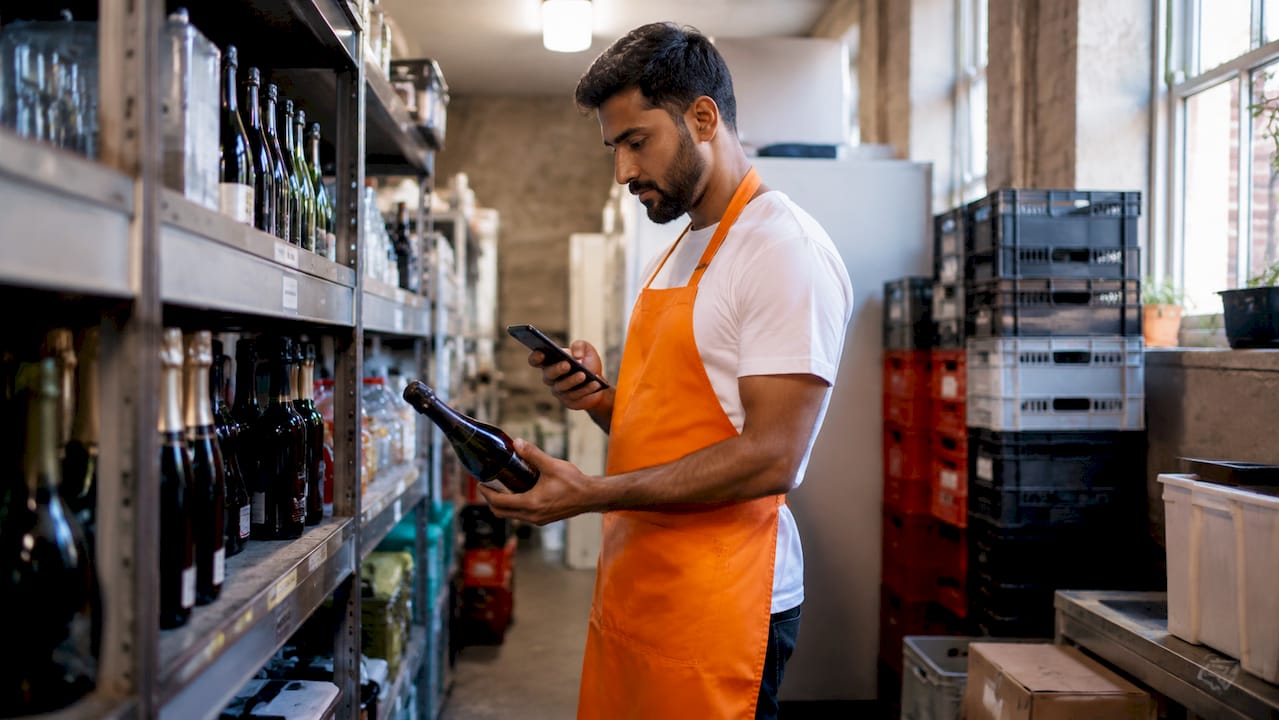
RFID technology takes this further. RFID stocktake solutions reduce inventory counting time by up to 80% and push accuracy rates to 99% by reading multiple tags simultaneously without requiring line-of-sight scanning. For a bar with hundreds of bottles or a kitchen with a large dry goods store, that speed difference is significant.
Modern digital inventory management in Australia also means your POS system and inventory platform share the same data in real time. When a dish goes out, stock levels update. When a count is completed, variances appear immediately. This integration is what separates a digital stocktake tool from a simple counting app.
How do digital stocktake tools accelerate and improve inventory counts?
Speed and accuracy are the two metrics that matter most when evaluating any inventory counting approach. Digital tools improve both at the same time, which manual methods cannot do.
Here is what changes operationally when you switch to a digital stocktaking method:
- Instant capture at point of count. Scanner-based workflows record quantities the moment a barcode is scanned, removing the paper-to-digital re-entry step that causes most transcription errors in manual stocktakes.
- Multi-user simultaneous counting. Multiple staff can count different sections of the venue at the same time, with all data flowing into one session. A team of three can cover a full restaurant stocktake in a fraction of the time one person with a clipboard requires.
- Real-time variance highlighting. As counts are entered, the system flags discrepancies against expected stock levels immediately. You can investigate a variance during the count, not three days later when the spreadsheet is finally finished.
- Offline-first reliability. Offline counting in cold rooms or remote storage areas avoids session failure when Wi-Fi drops. The device keeps counting and syncs all data once the connection is restored. This is critical in hospitality back-of-house environments where connectivity is inconsistent.
Pro Tip: Assign one team member per zone and use your tool's offline mode for cool rooms and cellars. This prevents connectivity issues from stalling the entire count and keeps all counters moving at the same pace.
The combined effect of these features is a stocktake that takes hours instead of days, with results available the moment the session closes rather than after manual reconciliation.
What are the key features of digital stocktake tools for hospitality?
Not all inventory tracking solutions are built for hospitality. The features that matter most for Australian venues are those that fit the pace, layout, and compliance requirements of a working kitchen or bar.
| Feature | What it does for your venue |
|---|---|
| Cloud-based centralized visibility | Monitors stock levels across multiple locations from one dashboard in real time |
| Cycle counting | Allows rolling counts of high-turnover items without closing the venue |
| Instant variance alerts | Flags discrepancies as they are counted so investigation happens immediately |
| Audit trail with timestamps | Logs user actions, session status, and variance reasons for compliance and ATO requirements |
| POS and supplier integration | Syncs sales data and purchase orders automatically to keep stock levels current |
Cloud-based inventory platforms provide centralized, real-time visibility across multiple locations, giving managers live insight into variances the moment a count is submitted. For a multi-site restaurant group, this means a head office manager can see a variance at a suburban location without leaving their desk.
Cycle counting is one of the most underused features in hospitality digital inventory management. Rather than one massive full count at financial year-end, cycle counting lets you rotate through stock categories throughout the year. Australian hospitality businesses commonly pair ongoing cycle counts with a full end-of-financial-year stocktake to satisfy ATO and audit requirements. This approach keeps daily accuracy high and makes the annual count far less painful.
Audit trail functionality is where digital tools genuinely separate themselves from spreadsheets. Stocktake apps log OPEN and CLOSED session status, user actions, and variance explanations, building a transparent record that auditors can review. This matters because auditors assess whether stocktake processes are reliable, not just whether the final numbers balance.
Pro Tip: Use your tool's variance reason field every time a discrepancy appears. A documented explanation, whether it is wastage, spillage, or a receiving error, builds a defensible audit trail and helps you spot patterns in stock loss over time.
How do digital tools compare with manual stocktaking methods?
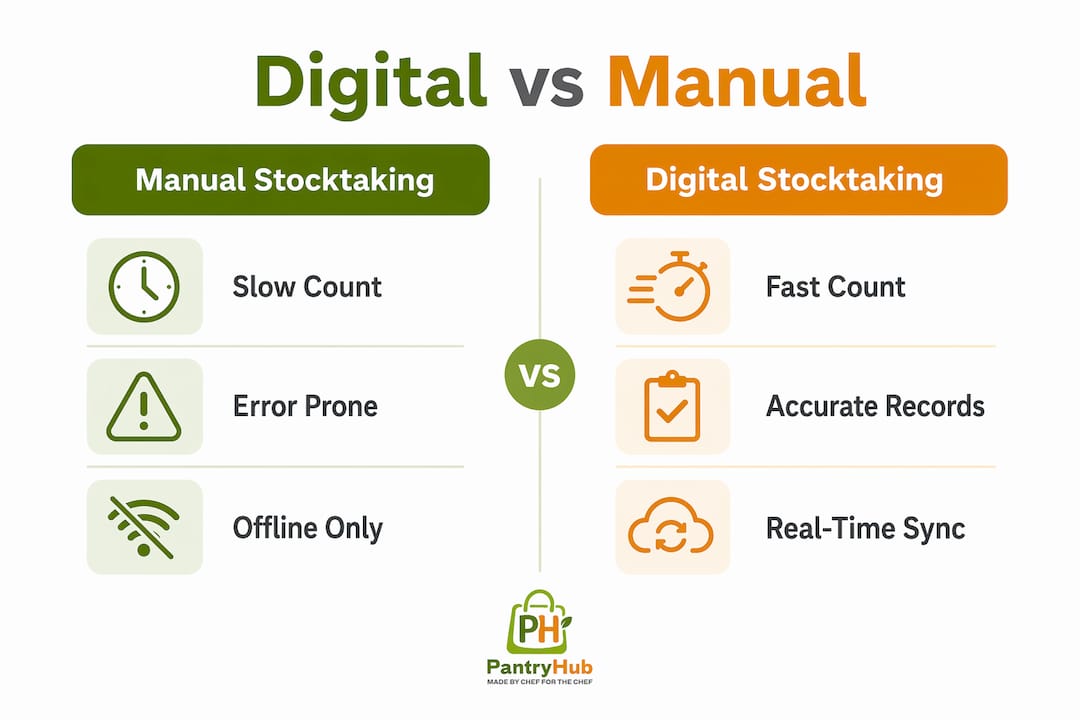
The gap between digital and manual stocktaking is wider than most managers expect until they have used both. The comparison below covers the dimensions that affect your venue most directly.
| Dimension | Manual stocktaking | Digital stocktaking |
|---|---|---|
| Count speed | Slow. One counter per area, paper sheets, re-entry required | Fast. Multiple counters, instant capture, no re-entry |
| Error rate | High. Transcription errors at every handoff | Low. Barcode scanning eliminates most human input errors |
| Operational disruption | High. Often requires closing or pausing trading | Low. After-hours or cycle counting keeps venue trading |
| Variance reporting | Delayed. Spreadsheet reconciliation takes hours or days | Immediate. Variances appear during the count |
| Audit readiness | Weak. Paper records are hard to verify and easy to lose | Strong. Timestamped digital logs with user attribution |
| Multi-location support | Impractical. Requires separate teams and manual consolidation | Native. Cloud sync consolidates all locations automatically |
Australian apps allow stocktakes to run after hours with POS and e-commerce syncing, supporting continued trading during counting. This single capability removes the biggest operational objection to frequent stocktaking: the fear of disrupting service. With digital tools, you can count your bar stock at midnight and have a full variance report ready before the morning shift.
Manual spreadsheet-based stocktaking also creates a false sense of accuracy. A count that takes two days to reconcile reflects stock levels from two days ago, not today. Digital stocktaking methods produce a current picture, which is the only picture that supports good purchasing decisions.
How can hospitality managers implement digital stocktake tools effectively?
Adopting a digital stocktake tool is straightforward. Getting the most out of it requires a structured approach from day one. Follow these steps to set up a workflow that actually sticks.
- Define your stocktake sessions clearly. Set a schedule, assign roles, and specify which areas each counter is responsible for. Structured session workflows that define roles, scan modes, and clear session closure are the foundation of accurate multi-counter stocktakes.
- Choose hardware suited to hospitality. Handheld barcode scanners are faster and more durable than smartphones in a kitchen environment. Invest in hardware that can handle humidity, drops, and constant use.
- Enable offline mode before you start. Configure your tool's offline capability before the count begins, not after you lose connectivity in the cool room. Test it in your lowest-signal areas during setup.
- Integrate with your POS and inventory system. A digital stocktake tool that does not connect to your POS creates a new data silo. Integration is what delivers the real-time visibility that makes the investment worthwhile. Review the best inventory software for restaurants to find options with native POS integration.
- Train staff on variance reporting, not just counting. Most training focuses on how to scan. The bigger skill is understanding what to do when a variance appears. Teach your team to document reasons immediately and escalate unexplained discrepancies.
Pro Tip: Run a pilot count on one section of your venue before going full-scale. This surfaces any hardware, connectivity, or workflow issues before they affect a full stocktake and gives your team confidence with the tool.
The inventory management guide for hospitality venues recommends treating the first digital stocktake as a training exercise rather than a definitive count. Expect some friction. The second count will be significantly faster.
Key takeaways
Digital stocktake tools in Australia reduce counting time, eliminate transcription errors, and produce audit-ready reports that manual methods cannot match at any comparable speed.
| Point | Details |
|---|---|
| Speed and accuracy together | Barcode and RFID scanning capture counts instantly, cutting stocktake time by up to 80%. |
| Offline-first is non-negotiable | Hospitality venues need offline counting for cool rooms and low-signal areas to avoid data loss. |
| Cycle counting beats annual counts | Rolling counts throughout the year maintain daily accuracy and simplify the EOFY full stocktake. |
| Audit trails protect your business | Timestamped logs with user attribution and variance reasons satisfy ATO and auditor requirements. |
| Integration drives real value | Connecting your stocktake tool to your POS and supplier systems turns counts into live inventory data. |
Why the technology alone will not save you
I have seen venues invest in good digital stocktake software and still produce inaccurate counts six months later. The technology is not the problem. The workflow is.
The most common failure point is session discipline. Teams start a count, get interrupted by a delivery or a service rush, and close the session without finishing. The system records a partial count as complete. The variance report looks wrong, management loses confidence in the tool, and the venue drifts back to spreadsheets. This is not a technology failure. It is a process failure that technology cannot fix on its own.
The second issue I see consistently is the gap between counting and investigating. Digital tools flag variances immediately, which is genuinely useful. But that usefulness disappears if no one is assigned to act on the flag. A variance report that sits unreviewed for a week is no better than a paper sheet in a drawer.
The venues that get the most from digital inventory management in Australia treat the stocktake tool as an operational system, not an accounting exercise. They count more frequently, investigate variances the same day, and use the data to drive purchasing decisions. The technology makes all of that possible. The discipline makes it happen.
— Admin
Take control of your stocktake with Pantryhub
Pantryhub is built specifically for Australian restaurants, cafés, bars, and commercial kitchens, and it handles everything covered in this article from one platform.

With Pantryhub, you get barcode scanning, real-time variance reporting, multi-location visibility, and audit-ready session logs. Low-stock alerts and supplier integration mean your stocktake data feeds directly into your ordering workflow, so a count does not just tell you what you have. It tells you what to order next. Whether you run a single café or a group of venues, Pantryhub's hospitality inventory software gives you the tools to count faster, waste less, and make smarter purchasing decisions every week. If you manage a bar, the dedicated bar inventory and stocktake tools track pour costs and stock levels in one place.
FAQ
What is the role of digital stocktake tools in Australian hospitality?
Digital stocktake tools replace manual counting and spreadsheet entry with barcode scanning, real-time data capture, and cloud-based reporting. Their core role is to deliver accurate, current stock data that connects directly to purchasing and operational decisions.
How much faster are digital stocktakes compared to manual counts?
RFID-based digital stocktake solutions reduce counting time by up to 80% compared to manual methods. Even barcode-only tools cut stocktake duration significantly by eliminating paper-to-digital re-entry and enabling multi-user simultaneous counting.
Can digital stocktake tools work without internet in a hospitality venue?
Yes. Offline-first digital stocktake tools allow counting to continue in cold rooms, cellars, and low-signal areas, then sync all data automatically once a connection is restored. This prevents data loss and keeps the count moving without interruption.
How do digital stocktake tools support ATO compliance in Australia?
Digital tools log session status, user actions, timestamps, and variance reasons, creating a transparent audit trail. Australian businesses commonly pair ongoing cycle counts with a full EOFY stocktake to meet ATO and auditor requirements using this documented record.
What should I look for in the best stocktake software for an Australian restaurant?
Prioritize POS integration, offline counting capability, cycle counting support, and audit trail functionality. Cloud-based platforms that provide real-time visibility across multiple locations are particularly valuable for restaurant groups operating more than one venue.